Connection to RJ45 wall socket
Jupisto59
Posted messages
29
Status
Member
-
Jupisto59 Posted messages 29 Status Member -
Jupisto59 Posted messages 29 Status Member -
Hello,
I currently have a Freebox connected directly to the ADSL socket in my electrical panel.
The Freebox is connected using the freeplugs provided (Freebox and Freebox Player).
The question is as follows:
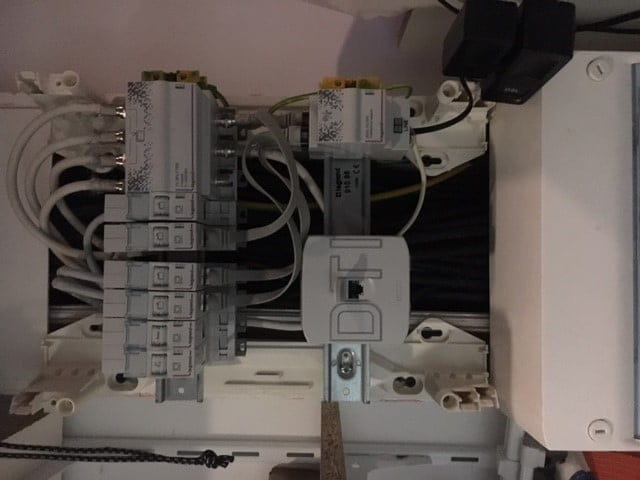
In my panel, I have a more extensive network including a DTI box and several RJ45 sockets. In each room of my home, there are RJ45 wall sockets.
I would like to know how to connect my Freebox to be able to have internet access in these sockets and to connect to the internet with an Ethernet cable.
Thank you in advance for your future responses and please forgive my lack of knowledge in computer science.
I am also attaching a photo of my electrical panel.

Thanks in advance
Julien
I currently have a Freebox connected directly to the ADSL socket in my electrical panel.
The Freebox is connected using the freeplugs provided (Freebox and Freebox Player).
The question is as follows:
In my panel, I have a more extensive network including a DTI box and several RJ45 sockets. In each room of my home, there are RJ45 wall sockets.
I would like to know how to connect my Freebox to be able to have internet access in these sockets and to connect to the internet with an Ethernet cable.
Thank you in advance for your future responses and please forgive my lack of knowledge in computer science.
I am also attaching a photo of my electrical panel.
Thanks in advance
Julien
8 answers
-
Hello,
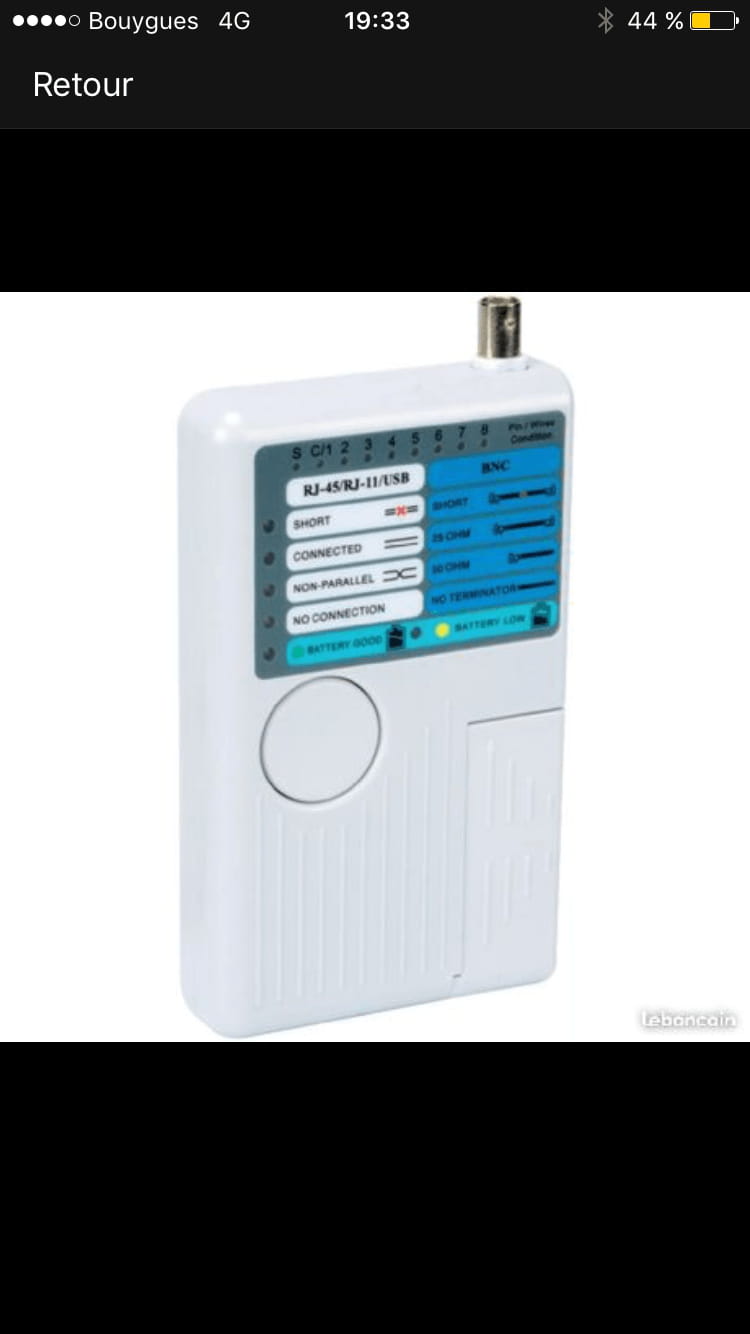
So I just picked up the device and did a first test on the line that works.
I don't know if I'm on the right track, but I'll present the operation I did!
I connected an Ethernet cable from the remote to my electrical meter (to the corresponding socket) and connected a second Ethernet cable to the wall socket that works directly on the detachable mini remote.
I click the test button and it beeps twice and certain LEDs light up... I'm attaching the photo...
Am I on the right track?
I know this connection works, but I'm not sure if the tester confirms that the connection is functioning correctly...
-
there is low battery, first, we need to change the battery ;-)
after, we have the continuity, the 8 lights on top or 7?
but, not parallel?
wires wouldn't be in the same place at both ends (crossed)?
To see with a new battery.
did you test your 2 cords before?- No, no, the battery is brand new and the diode next to "battery good" is lit up :)
As for the connection to run the test, am I good? Did I connect the cables correctly?
The result is strange because the line I've tested (unless I made a mistake with the tester connections) is the line that works very well :-/
-