5.1 Home Cinema Setup
davidglt
Posted messages
4
Status
Member
-
mushu14 Posted messages 11897 Registration date Status Contributor Last intervention -
mushu14 Posted messages 11897 Registration date Status Contributor Last intervention -
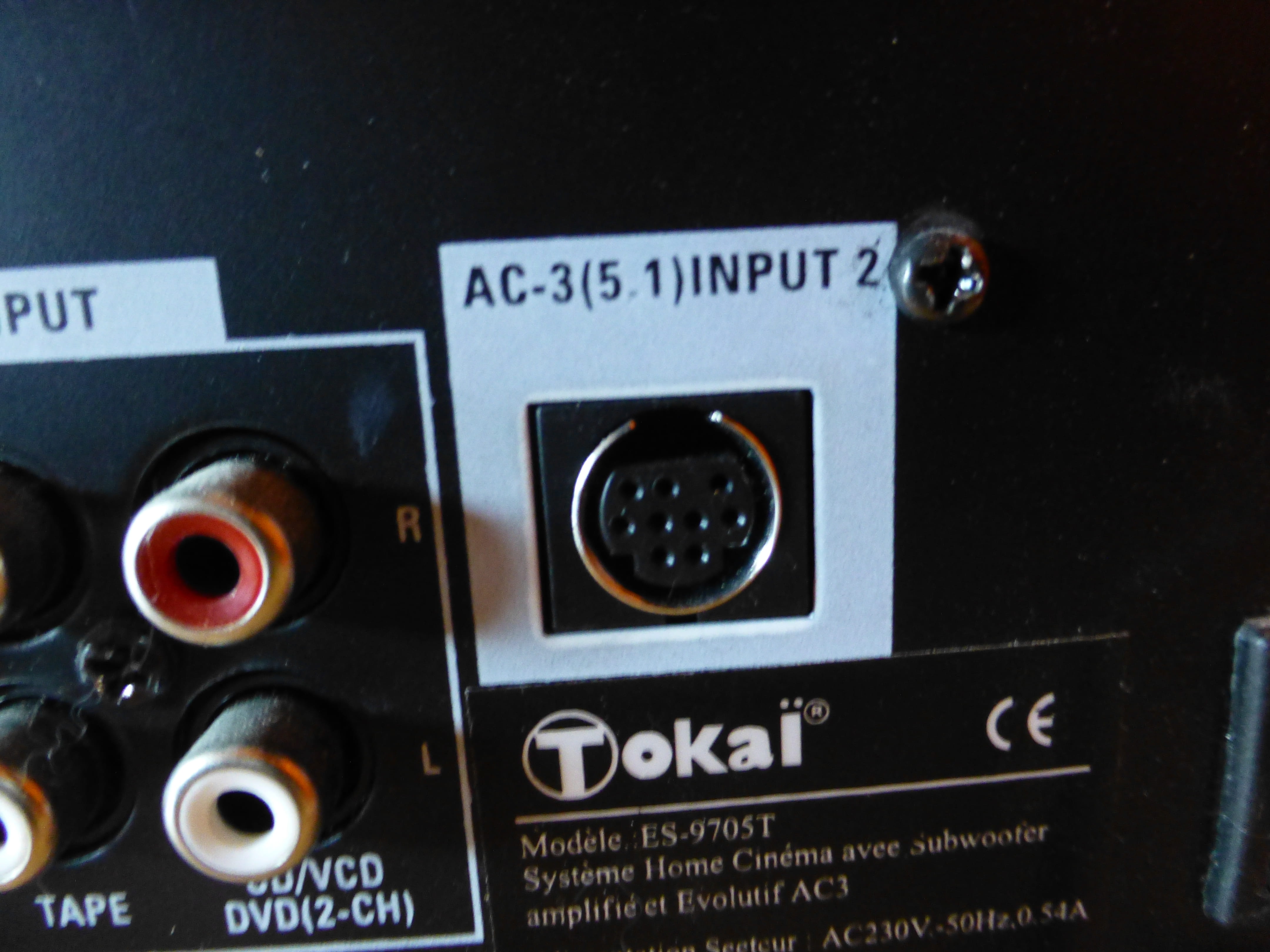
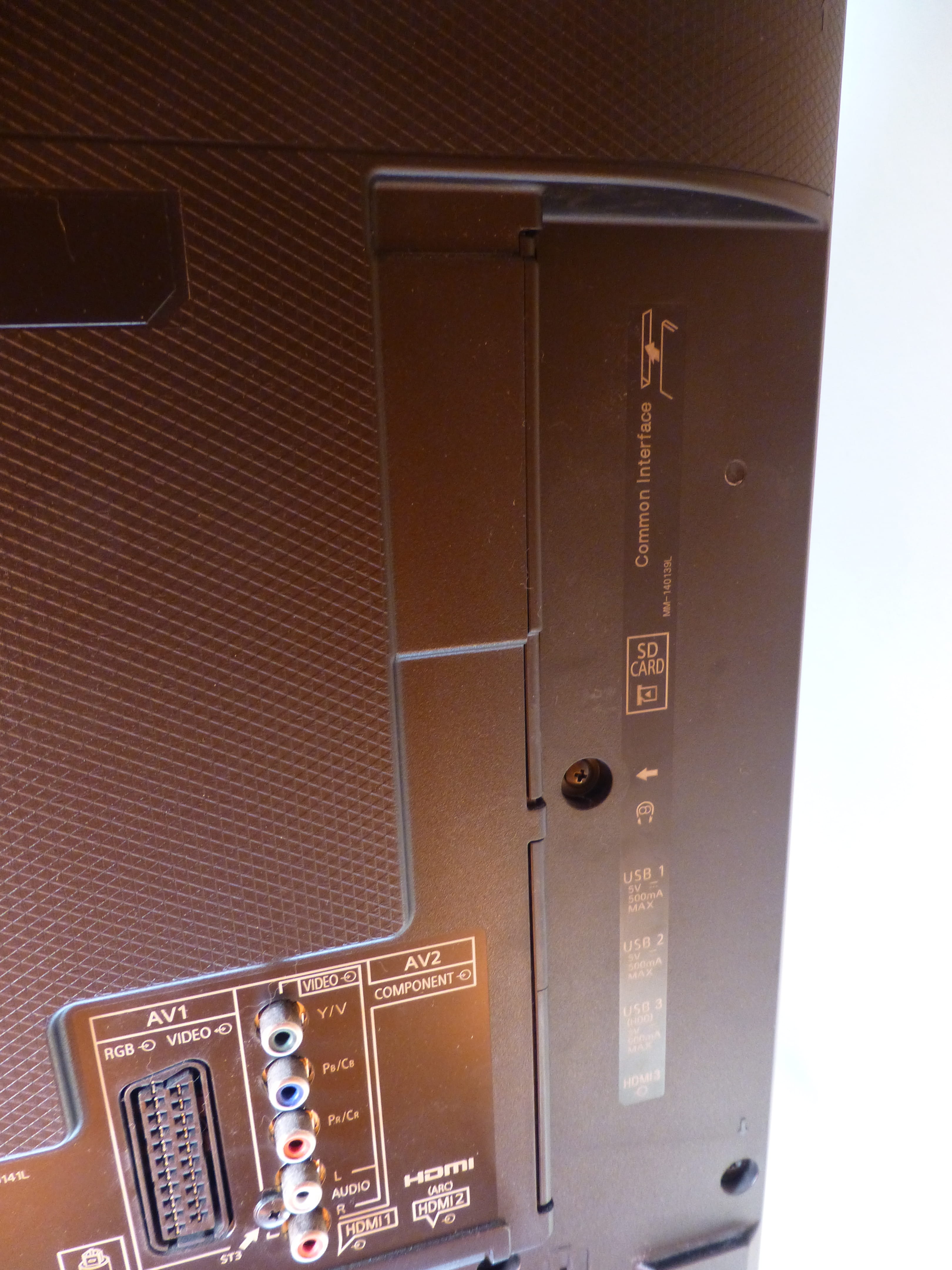
Hello, I am reaching out as I haven't found a solution to my following problem. I have an old 5.1 home theater system that I connected to my new TV, but I can't get the signal out. I tried using red and white RCA cables but it didn't work, even though it works when connected to a CRT or when I connect it to a radio. So I tried connecting the RCA from the home theater to the TV using the headphone jack, but that didn't work either. There is a Digital audio input on the TV, but my home theater does not have one. I also tried going through my Freebox, but the sound was very low and not played through all the speakers. And I especially want to use the home theater for movies from USB drives.
My TV is a Panasonic TX-50CX700E.
TOKAI ES-9705T.
If anyone has an idea, thank you very much in advance.

My TV is a Panasonic TX-50CX700E.
TOKAI ES-9705T.
If anyone has an idea, thank you very much in advance.
5 answers
-
Hello,
Use a SCART cable to output sound from the television.
Then connect the RCA cables from the box to the TV input of the home theater system.
You just need to set it to OUT for the sound to come from the TV and not IN, which is an input.
https://www.amazon.fr/Hama-Phono-SCART-Switchable-cable/dp/B00006JCXU/ref=sr_1_4?s=electronics&ie=UTF8&qid=1489603862&sr=1-4&keywords=adaptateur+peritel++rca
-
Hi dad,
oh yes, I forgot the "scart" in/out for the audio
otherwise, use an optical/analog converter- The downside is that it will only have stereo with a SCART.
I would like to see the photo bigger to know what it is on the arrow.
- So let's go back to the tutorial for posting a proper image here.
To upload one or more screenshots or photos on CCM, here’s how to do it.
You will look for the image that is on your hard drive.

You wait for the process to finish between each image.

You select as many images as you want to have them one below the other.
You just need to write some text because the image links won't be sent and you will receive an error message.
There you go, it’s not more complicated than that to post images on the Comment Ça Marche forum.
-