Small issue with the password reset assistant

LeoVods
Posted messages
6
Status
Member
-
LeoVods Posted messages 6 Status Member -
LeoVods Posted messages 6 Status Member -
Hello,
As mentioned in the title, I have a little problem. Let me explain:
I have a HP Pavilion Notebook 15 laptop that one day encountered a problem. The hard drive is dead. At the time, I called HP support, but the warranty had expired and I didn’t want to spend money on something so small. Following a friend’s advice, I reinstalled a formatted hard drive on this PC. Since the hard drive was formatted, I had no version of Windows on it. Using the Windows tool, I normally reinstalled Windows 10. And that’s when my problem arises. It asks me to log in, but the username displayed on the screen is DefaultUser01. I then try to enter my old passwords, but it leads nowhere. On a USB stick and on my old computer, I create a password reset disk. I plug the USB stick into my HP, click on "Reset Password," enter my new password, but when I click next, a window with a red cross appears with the following message: "An error occurred while the Wizard was trying to set the password for this user account."
I conclude that since the user is a default user, the password cannot be changed.
I would really like your help, as I need this computer for work.


 __Sorry if the photos are out of order.
As mentioned in the title, I have a little problem. Let me explain:
I have a HP Pavilion Notebook 15 laptop that one day encountered a problem. The hard drive is dead. At the time, I called HP support, but the warranty had expired and I didn’t want to spend money on something so small. Following a friend’s advice, I reinstalled a formatted hard drive on this PC. Since the hard drive was formatted, I had no version of Windows on it. Using the Windows tool, I normally reinstalled Windows 10. And that’s when my problem arises. It asks me to log in, but the username displayed on the screen is DefaultUser01. I then try to enter my old passwords, but it leads nowhere. On a USB stick and on my old computer, I create a password reset disk. I plug the USB stick into my HP, click on "Reset Password," enter my new password, but when I click next, a window with a red cross appears with the following message: "An error occurred while the Wizard was trying to set the password for this user account."
I conclude that since the user is a default user, the password cannot be changed.
I would really like your help, as I need this computer for work.
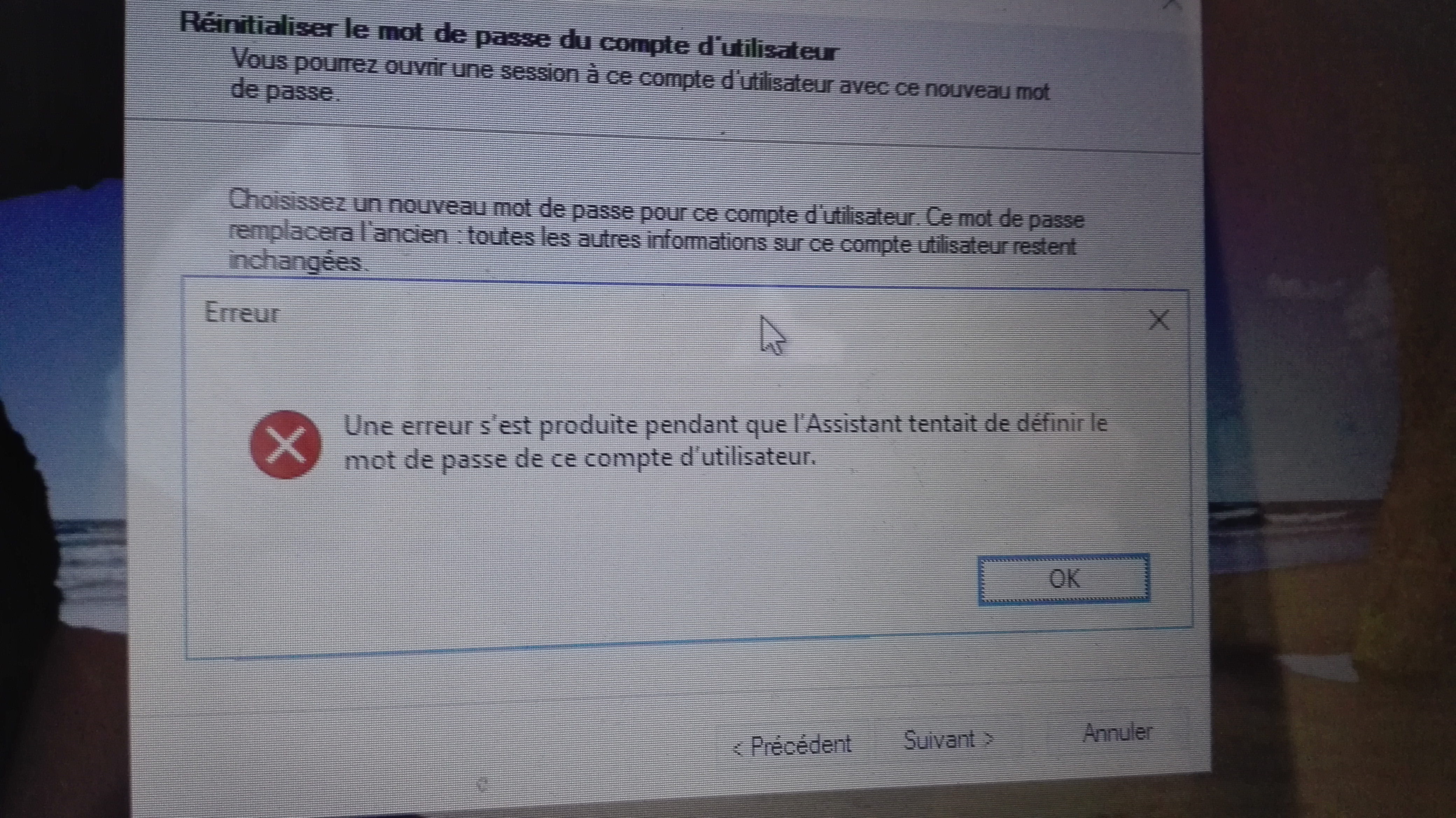
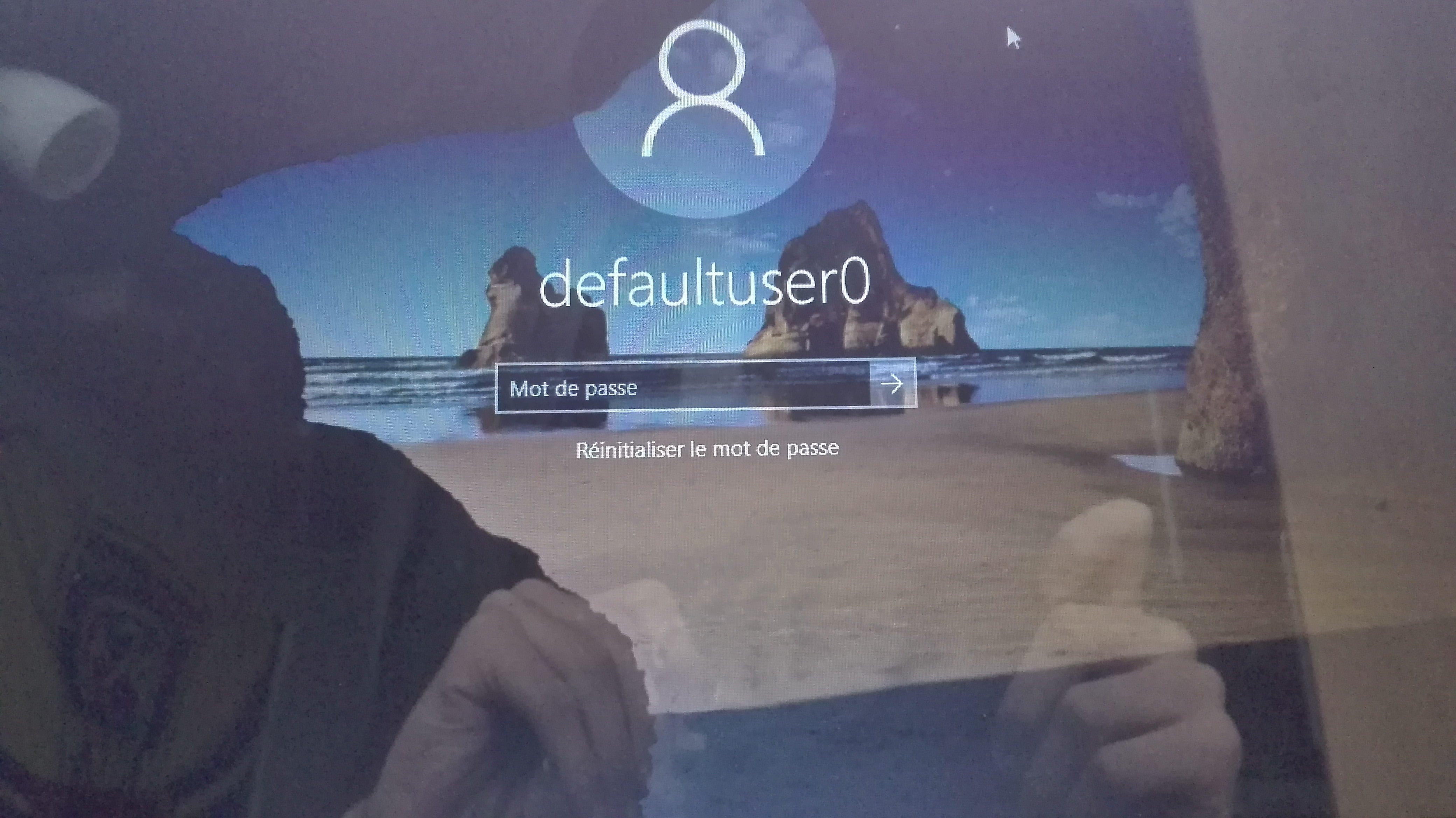
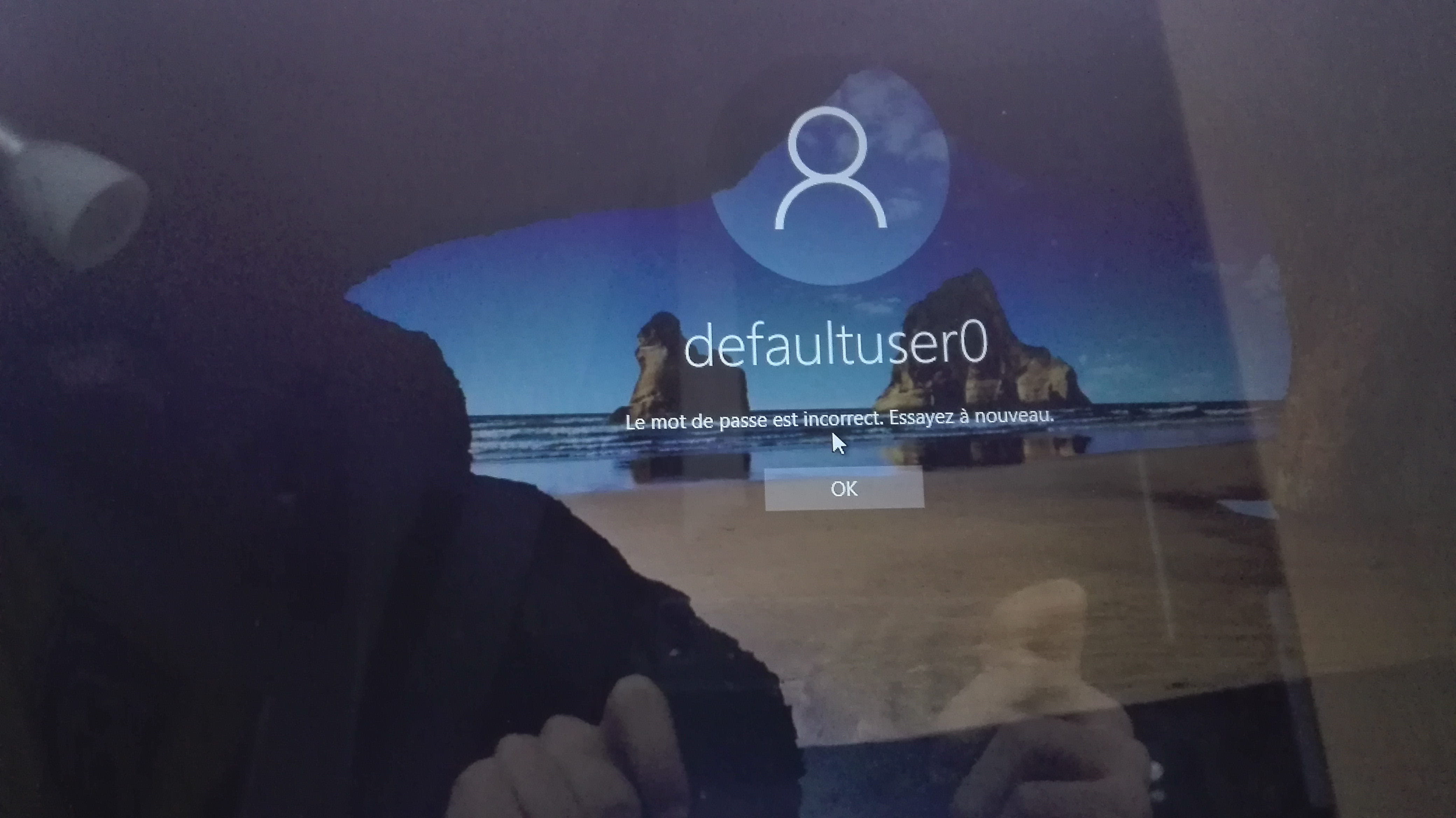 __Sorry if the photos are out of order.
2 answers
-
Hello.
I am reinstalling Windows 10 normally.
If you did that, you created a password and it's that password that should unlock the PC. -
Hi,
DefaultUser01 is not your session, so it’s not likely to work.
By the workaround method, you can create a new user: http://www.malekal.com/windows-10-mot-de-passe-perdu/_Once you manage to open the command prompt, type the command:net user theusernameyouwanttogetpasswordfor /ADD
Otherwise, using the Live CD, it is also possible to create new users.
--
Please press any key to continue the disinfection...