Poor print quality Canon MG3650 printer

Alex840
Posted messages
57
Status
Member
-
Anonymous user -
Anonymous user -
Hello,
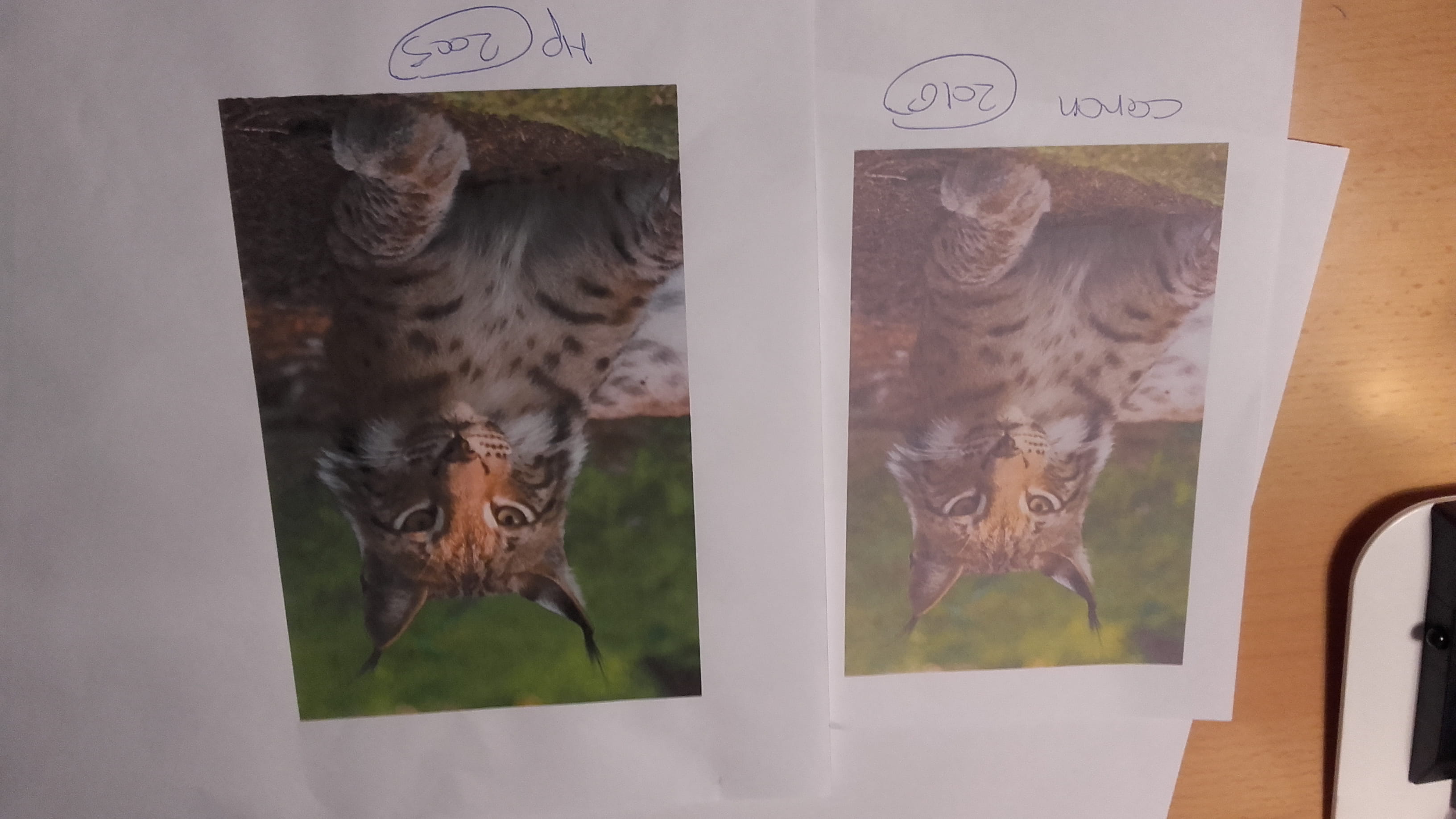
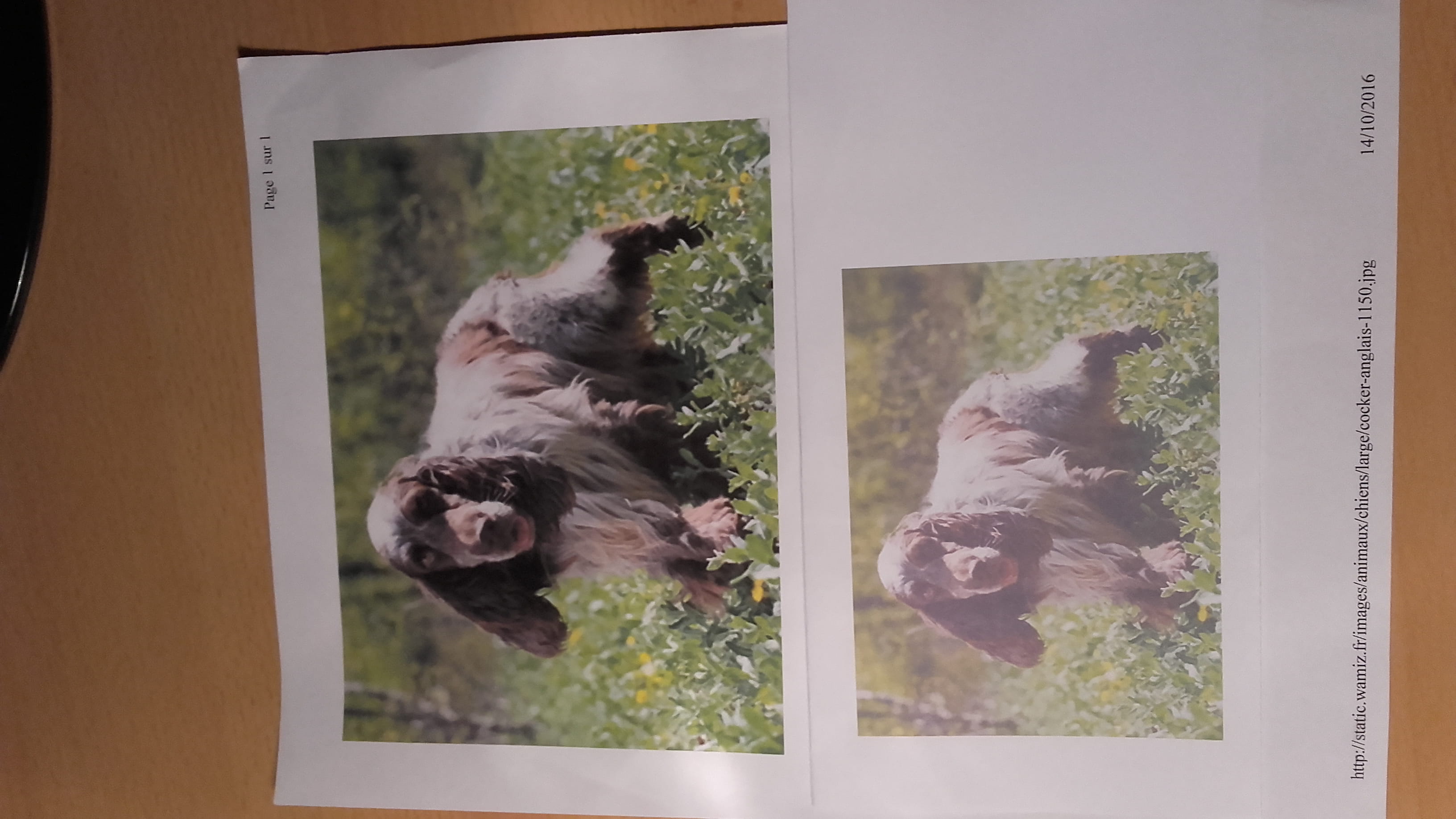
I just bought a Canon MG 3650 printer and when I print a photo saved in the pictures folder on my PC, the print quality is very poor compared to the quality of the photo on the PC. However, if I print directly from the internet, the print is fine.
Every print that comes out of my PC is poor; I tried with another PC and got the same result.
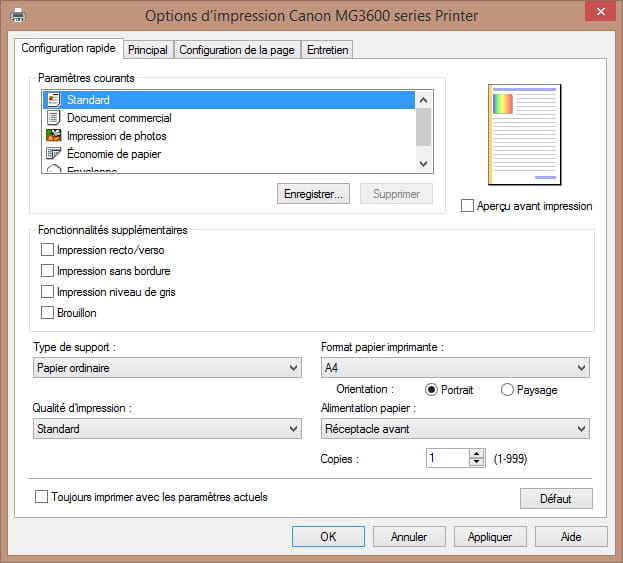
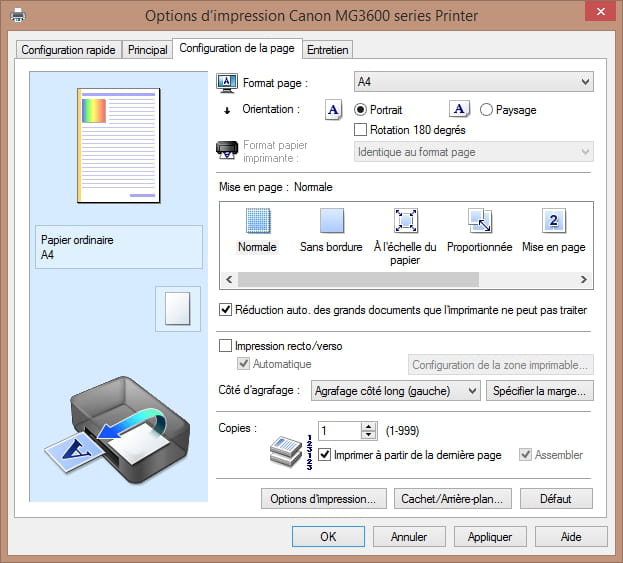
Is there a setting I need to adjust?
Thank you for your insights.
Windows Vista Home, Windows 8.1 laptop
I just bought a Canon MG 3650 printer and when I print a photo saved in the pictures folder on my PC, the print quality is very poor compared to the quality of the photo on the PC. However, if I print directly from the internet, the print is fine.
Every print that comes out of my PC is poor; I tried with another PC and got the same result.
Is there a setting I need to adjust?
Thank you for your insights.
Windows Vista Home, Windows 8.1 laptop
10 answers
-
Hello Alex840,
In your message #4, you wrote: "I find myself with a
new printer that prints 10 times worse than my old one that is 12 years old!! Great technology!". If the problem really comes from your Canon printer, then
I totally agree with you!
But I have an idea that might mean it's not to blame at all, poor thing! Because in your initial message you wrote: "However,
if I print directly from the internet, the print is correct".
So I think your photo on the internet is in very high resolution,
and with a 32-bit color model (for example), hence a very good quality photo, which appears as it is when printed.
But then, when you saved it on your PC, in your "Pictures" folder, you must have done it in a lower resolution and
with a 16-bit color model (for example) => the quality of
your photo was necessarily degraded in resolution and color rendering! But if that’s not it, I authorize you to go visit the recycling center to retrieve your 12-year-old printer;
unfortunately, given the time that has passed, I think you might need to seek help from the best specialists in archaeology, and even then! It probably ended up crushed! You can console yourself by thinking that with a bit of luck, some of its parts may have been recycled...
If I’m right, the solution is obvious: go back to the website where you saw your photo, then save it on your PC in the same resolution and color model.
If your problem is resolved, please go to the top of the page
to click on "Mark as resolved".
Best regards. 😊