Logo for 360° photos
xnicolasmagicien
Posted messages
18
Status
Member
-
raxos Posted messages 674 Registration date Status Member Last intervention -
raxos Posted messages 674 Registration date Status Member Last intervention -
Hello,
I’m looking for how to transform a circular logo to place it on 360° panoramic photos taken with a Samsung Gear 360 camera.
It’s necessary that I keep the EXIF characteristics and information for 360° panoramas
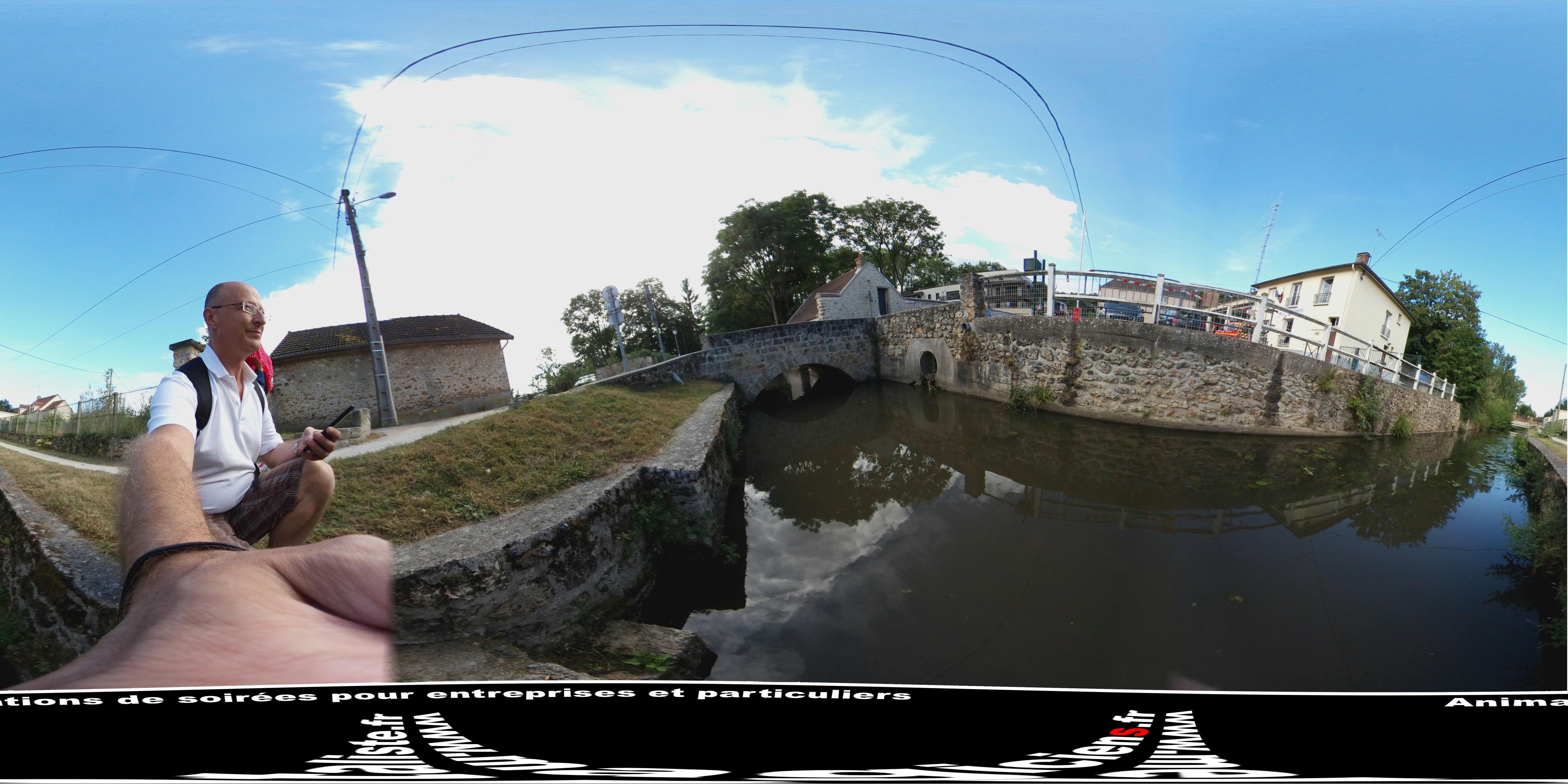
Original photo
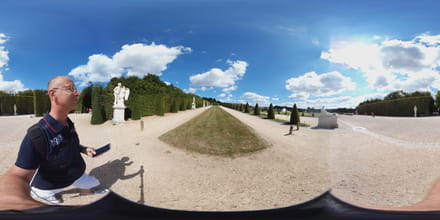
Logo to transform and insert
If there are other programs besides Photoshop to do this I’m open to suggestions :)
With many thanks
Configuration: Mac OS X (10.11.6) / Chrome 52.0.2743.116
Xavier Nicolas
www.magiciens.fr
I’m looking for how to transform a circular logo to place it on 360° panoramic photos taken with a Samsung Gear 360 camera.
It’s necessary that I keep the EXIF characteristics and information for 360° panoramas
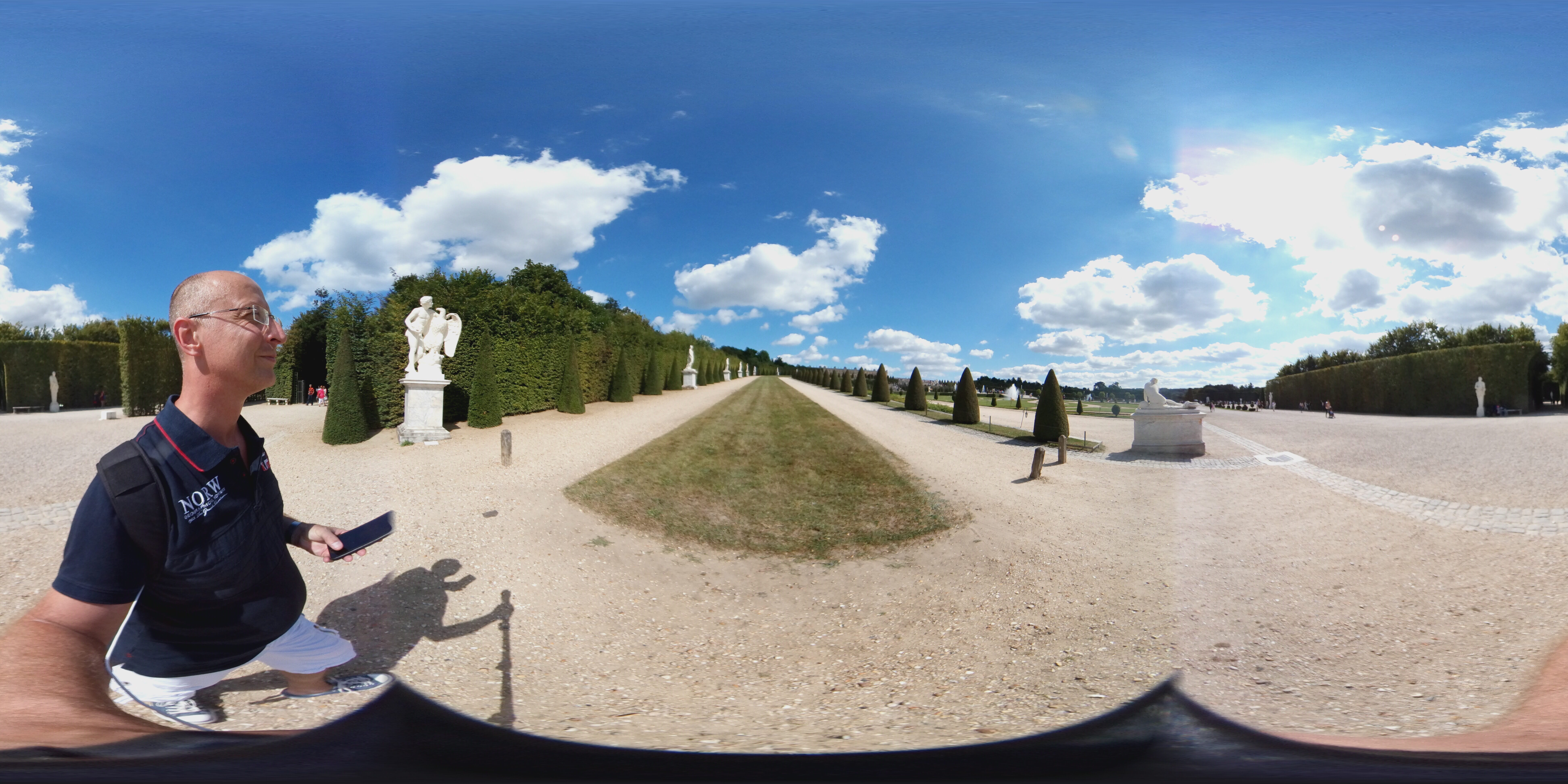
Original photo
Logo to transform and insert

If there are other programs besides Photoshop to do this I’m open to suggestions :)
With many thanks
Configuration: Mac OS X (10.11.6) / Chrome 52.0.2743.116
Xavier Nicolas
www.magiciens.fr
2 answers
-
Hello,
Autopano does it; I used it to create a virtual tour of my high school.
--
Enzo RUET
Student at Lycée Polyvalent Jacques BREL
BTS SIO in work-study with the DANE of Lyon-
Thank you Raxos
I have autopano but it requires several images to create a panorama; at least 2 images to link.
My photo is already complete and I’m looking to modify the logo for a kind of circular projection.
On the other hand, if you know how to do it in Autopano with a single image + the logo that would place itself automatically at the bottom, that would be great :) -
And well why don’t you cut your image into... let’s say 3 vertical bands ;)
-
-
-
Thank you Raxos,
I uploaded your logo piece but what should I do with it ???
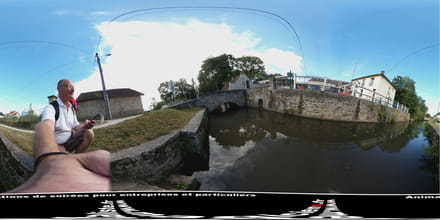
Actually I managed to do this by modifying the logo with Autopano and saving it as PNG, then putting it on my base photo with Photoshop, but I can’t upload it in 360 on Facebook for example.
I think it loses the EXIF data when saving in Photoshop
:(
-
Try a site like this: https://www.pcastuces.com/pratique/multimedia/panorama_360/page1.htm
-