Install Epson SX215 Without CD and the drivers don't work
Solved
Lorrainejac
Posted messages
10
Status
Member
-
Anonymous user -
Anonymous user -
Hello everyone,
I've been desperately trying for 3 days to figure out how to get my printer to work from my computer.
In fact, my Epson Stylus SX215 printer was first installed on the family computer some time ago. We have lost the installation CD, and I would like to install this printer on the new computer at home.
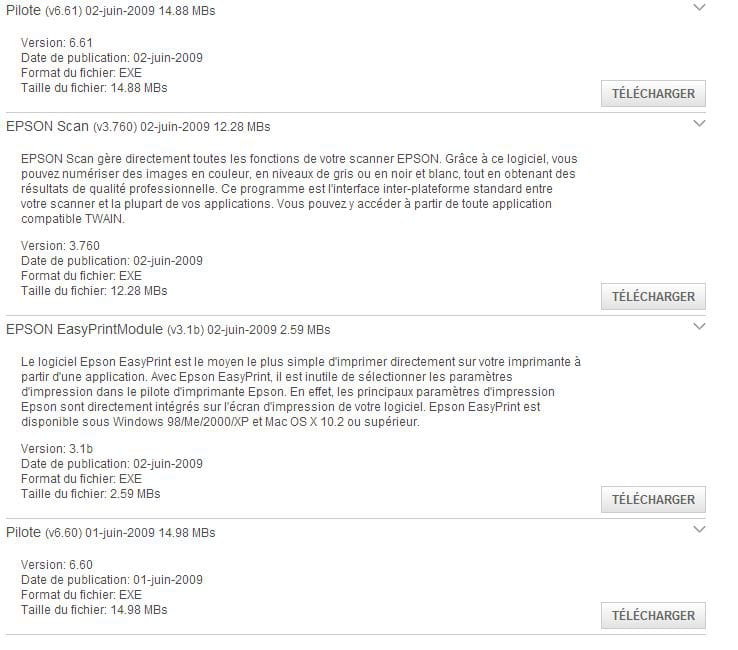
So I researched on sites like CCM, and they suggested installing the driver from the Epson website. [I also tried (after uninstalling it first) to install it with the printer connected and another time with the printer unplugged.]
I downloaded them, but when I connect my printer, this window always opens, indicating that the driver has not been installed.

I am therefore prompted to search for software, but it finds nothing, advising me to look for the driver on the printer's website, which I had done previously.
Then, when I try to print a document, there is a request to save the file like this:

And it's impossible to save this strange file when I click on save because nothing happens. And when I decide to click on cancel, the print is canceled.
So if someone could help me with this, as I really need to print my lessons quite urgently..
Thank you for your responses..
I've been desperately trying for 3 days to figure out how to get my printer to work from my computer.
In fact, my Epson Stylus SX215 printer was first installed on the family computer some time ago. We have lost the installation CD, and I would like to install this printer on the new computer at home.
So I researched on sites like CCM, and they suggested installing the driver from the Epson website. [I also tried (after uninstalling it first) to install it with the printer connected and another time with the printer unplugged.]
I downloaded them, but when I connect my printer, this window always opens, indicating that the driver has not been installed.

I am therefore prompted to search for software, but it finds nothing, advising me to look for the driver on the printer's website, which I had done previously.
Then, when I try to print a document, there is a request to save the file like this:
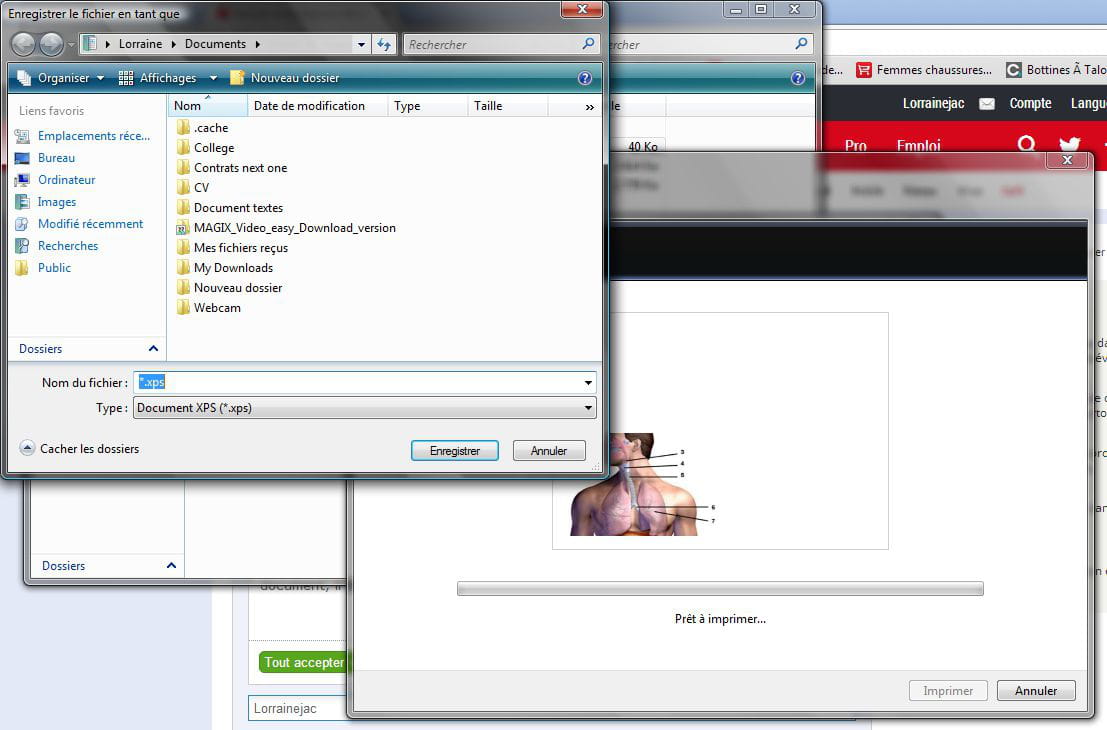
And it's impossible to save this strange file when I click on save because nothing happens. And when I decide to click on cancel, the print is canceled.
So if someone could help me with this, as I really need to print my lessons quite urgently..
Thank you for your responses..