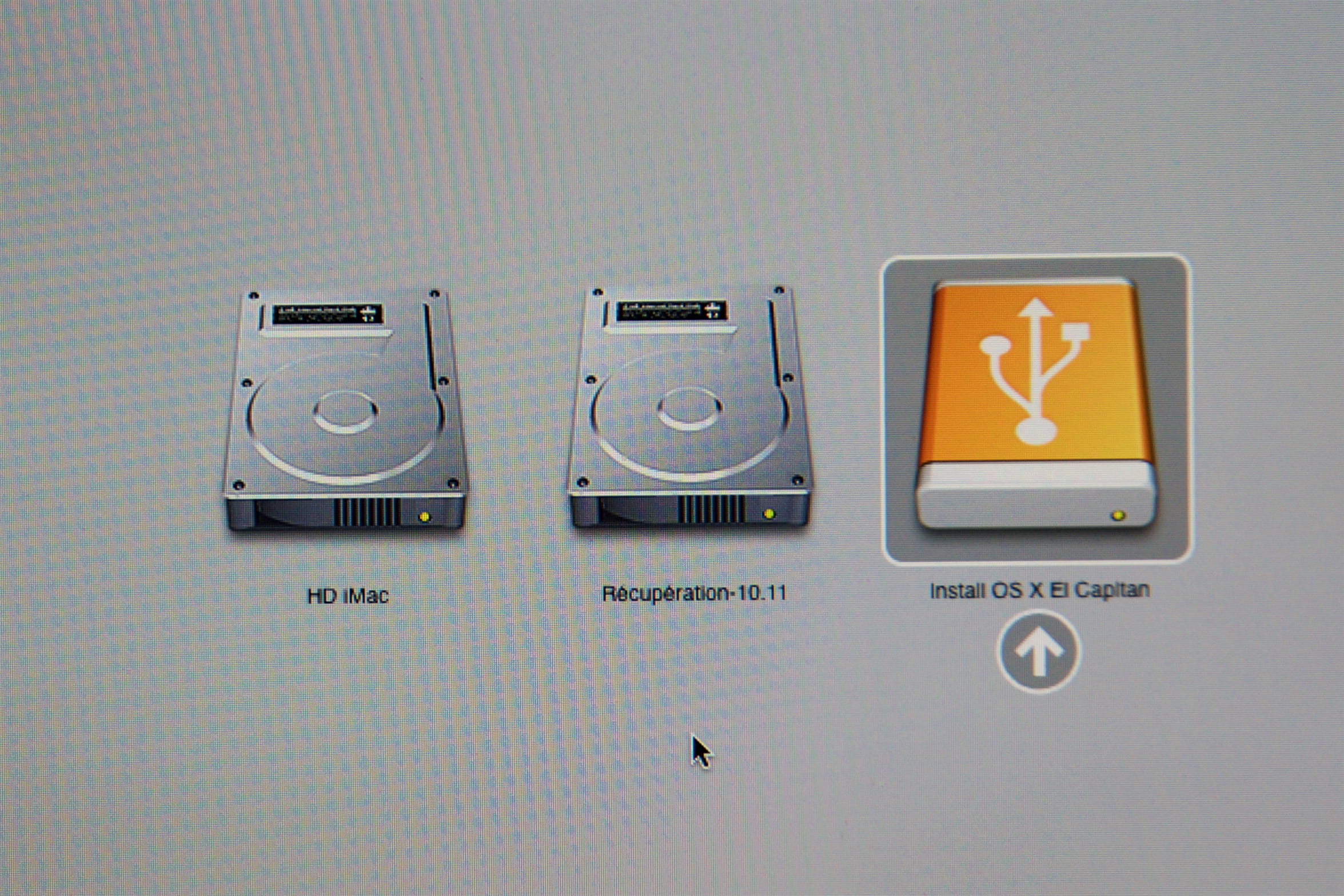
Create a bootable USB drive for OS X 10.11
Solved/Closed
Anonymous user
-
Tom -
Tom -
I wish to create a USB key for 10.11 via Terminal using the CCM document.
I have only succeeded once. Unable to create the second one by copy/paste or by entry verified by 2 people.
sudo: /Applications/Install OS X : command not found
Request title modified by the moderation, old title: Terminal command for c10.11
I have only succeeded once. Unable to create the second one by copy/paste or by entry verified by 2 people.
sudo: /Applications/Install OS X : command not found
Request title modified by the moderation, old title: Terminal command for c10.11
7 answers
-
Why do you keep writing:
sudo: /Applications/Installer OS X El Capitan.app/Contents/Resources/createinstallmedia
instead of:
sudo /Applications/Install\ OS\ X\ El\ Capitan.app/Contents/Resources/createinstallmedia
Why the colon after sudo?
Why the word Installer instead of Install?
Why the absence of the \ sign after OS X?
Why the absence of the \ sign after El?
etc...
Is it so complicated to read what I wrote? Or better yet, to simply copy-paste what I wrote?
The complete command is:
sudo /Applications/Install\ OS\ X\ El\ Capitan.app/Contents/Resources/createinstallmedia --volume /Volumes/elcapitan --applicationpath /Applications/Install\ OS\ X\ El\ Capitan.app --nointeraction
I did not read MacPlanète,
but my command is correct. It is indeed Install and not Installer that should be written, because the application is named:
Install OS X El Capitan.app
and not
Installer OS X El Capitan.app
as can be seen here:

Always indicate your exact system configuration and read the given answer in full
Have a good day :-) - Francis