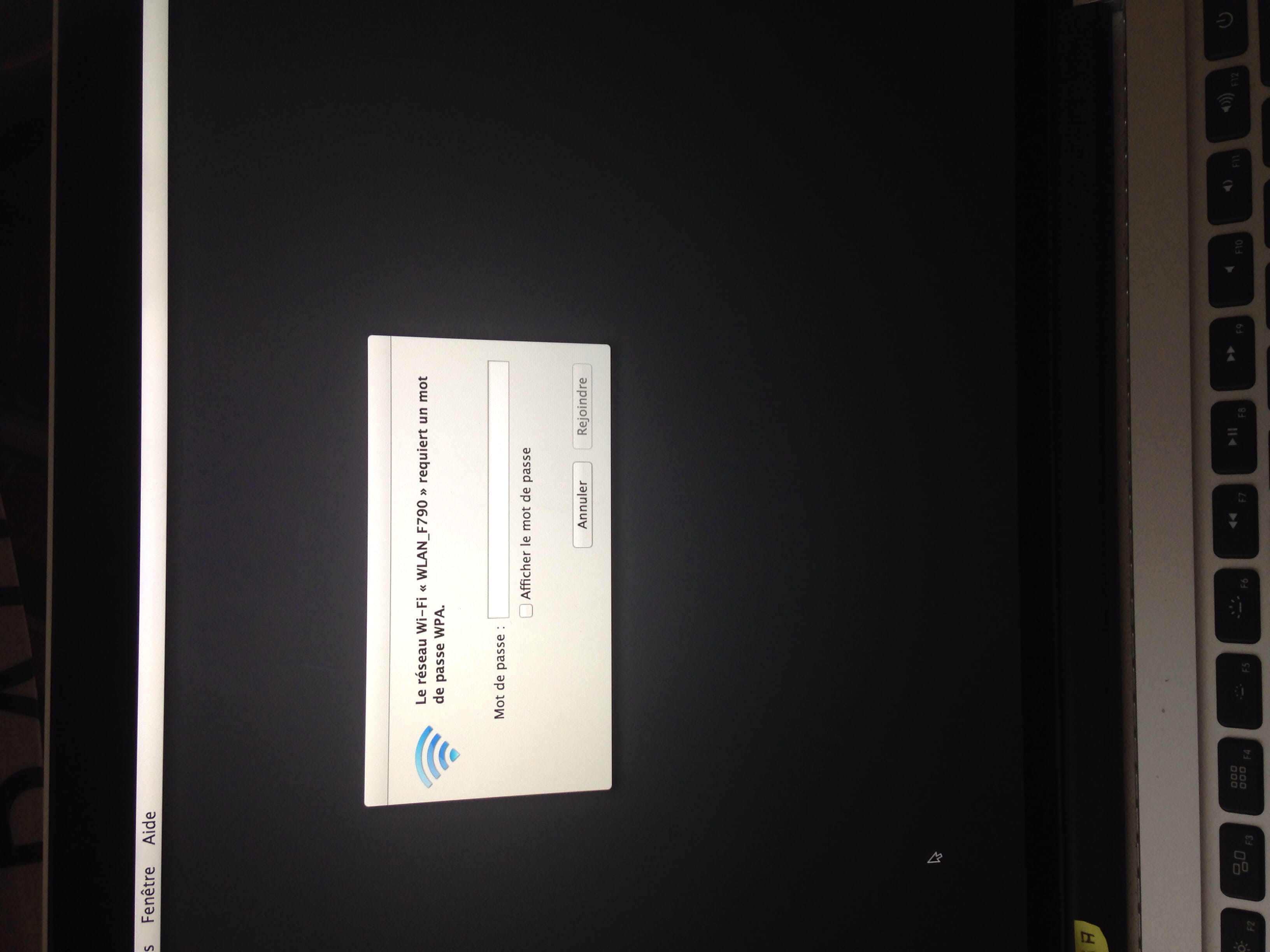
My Macbook no longer recognizes my password.
Solved/Closed
katy
-
DarkSpX -
DarkSpX -
Hello,
Is there anyone who can help me (I don't know anything about computers...)
My MacBook Pro no longer recognizes my password.
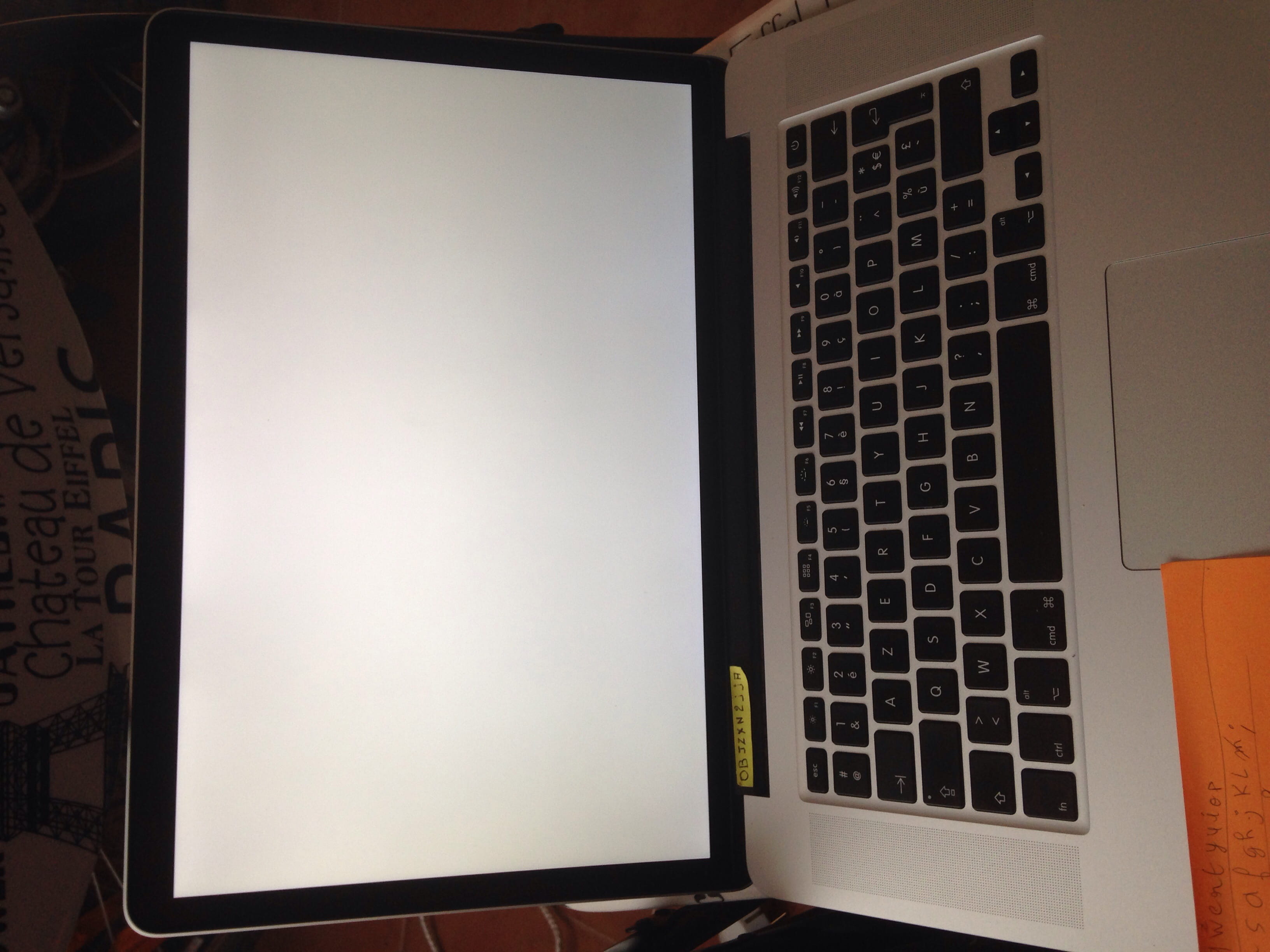
I turned it on this morning normally, it displays my welcome page which is my session and asks for my password, which I enter, and it doesn't recognize it. I can no longer access my files or anything else.
I tried to change my password but it’s impossible; there are only options to suspend, shut down, or cancel with nothing else displayed.
Thank you in advance for your help.
Is there anyone who can help me (I don't know anything about computers...)
My MacBook Pro no longer recognizes my password.
I turned it on this morning normally, it displays my welcome page which is my session and asks for my password, which I enter, and it doesn't recognize it. I can no longer access my files or anything else.
I tried to change my password but it’s impossible; there are only options to suspend, shut down, or cancel with nothing else displayed.
Thank you in advance for your help.