Disable dual channel
Solved
jodu1360
-
Papounet17000 Posted messages 26460 Registration date Status Member Last intervention -
Papounet17000 Posted messages 26460 Registration date Status Member Last intervention -
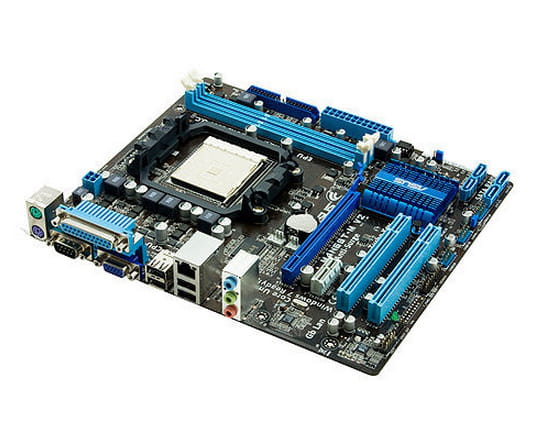
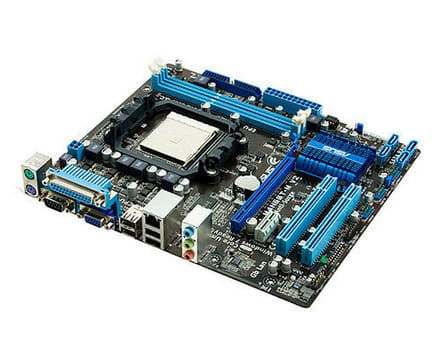
Hello, I have an Asus M4N68T6M Series motherboard with two 2GB RAM sticks each in DDR3. They work in dual-channel but only 2GB are usable out of 4GB, and I would like to know how to disable this feature.
Configuration: Windows / Chrome 40.0.2214.115
Configuration: Windows / Chrome 40.0.2214.115
2 answers
-
Here it is:
The modules are identical, with the same frequency.
Install one in the first slot and start the computer.
Then install the second one alone in the first slot and start it.
If one of them has an issue, we will know.
Don't forget to unplug the PC from the power outlet and press the power button for about 15 seconds before doing this operation.
This is to drain all electricity from the motherboard.-
-
-
So try the two in the PC again by swapping them in the slots.
If the problem persists, it's a hardware issue with the motherboard.
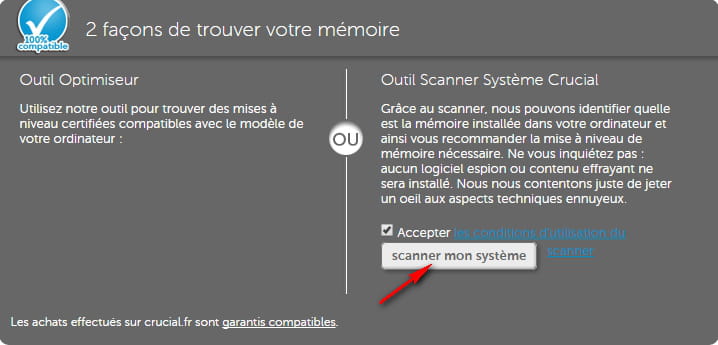
To be sure, check the Crucial website.
https://www.crucial.fr/
-
-
Hi,
The RAM sticks might not be properly seated in the PC.
Dual channel has nothing to do with the detected memory.
On the motherboard memory slots, it's 1-3 or 2-4, but not 1-2 if we only have 2 RAM sticks.
So make sure it's slot 1 and slot 3 for yours
For your motherboard, there are 4 slots, two black and two blue.
They should be placed in the two black slots as a priority.