Autocad - Raster Image and Transparency
Solved
Anonymous user
-
Adinaro Posted messages 7 Status Member -
Adinaro Posted messages 7 Status Member -
Hello,
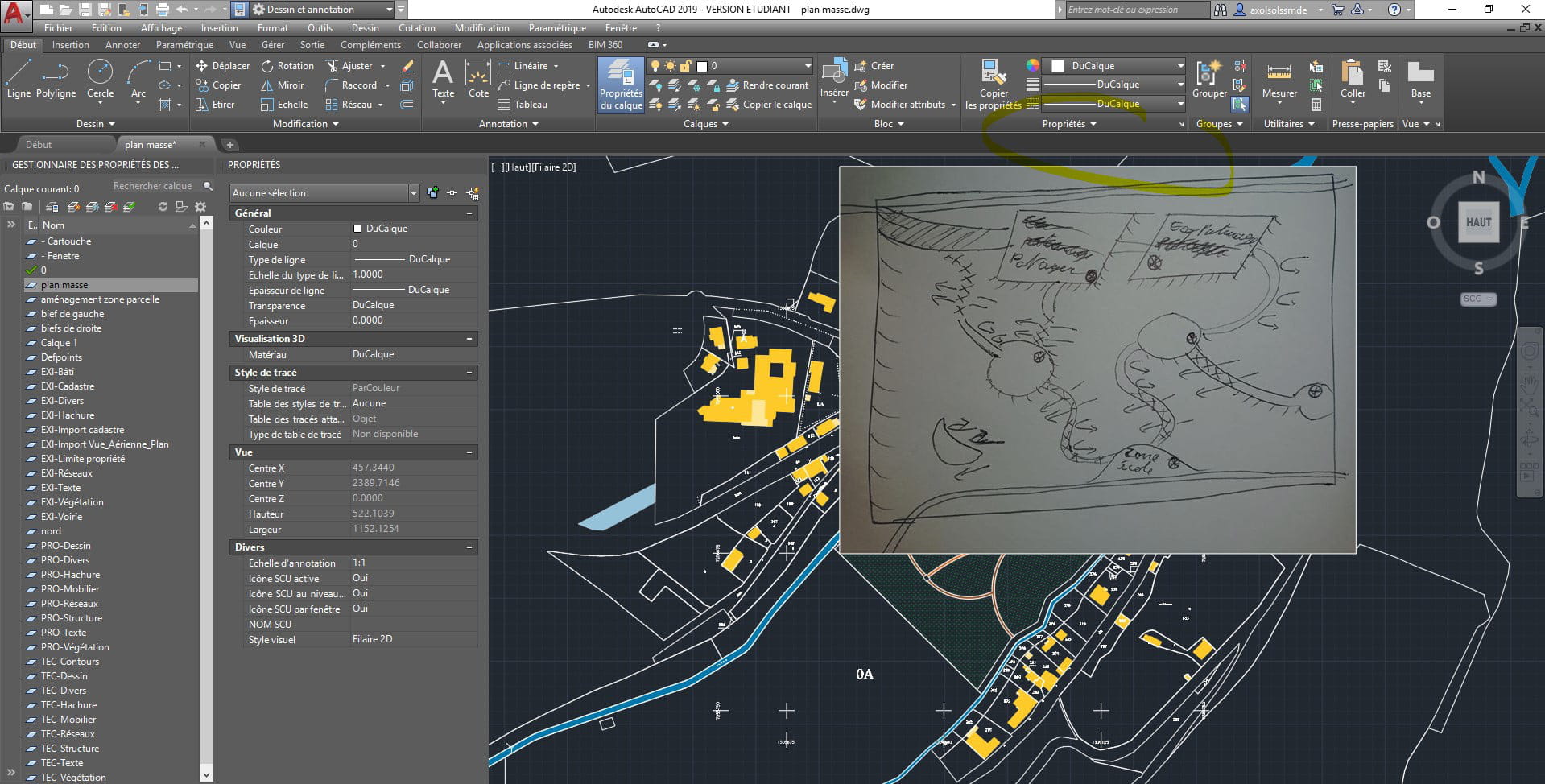
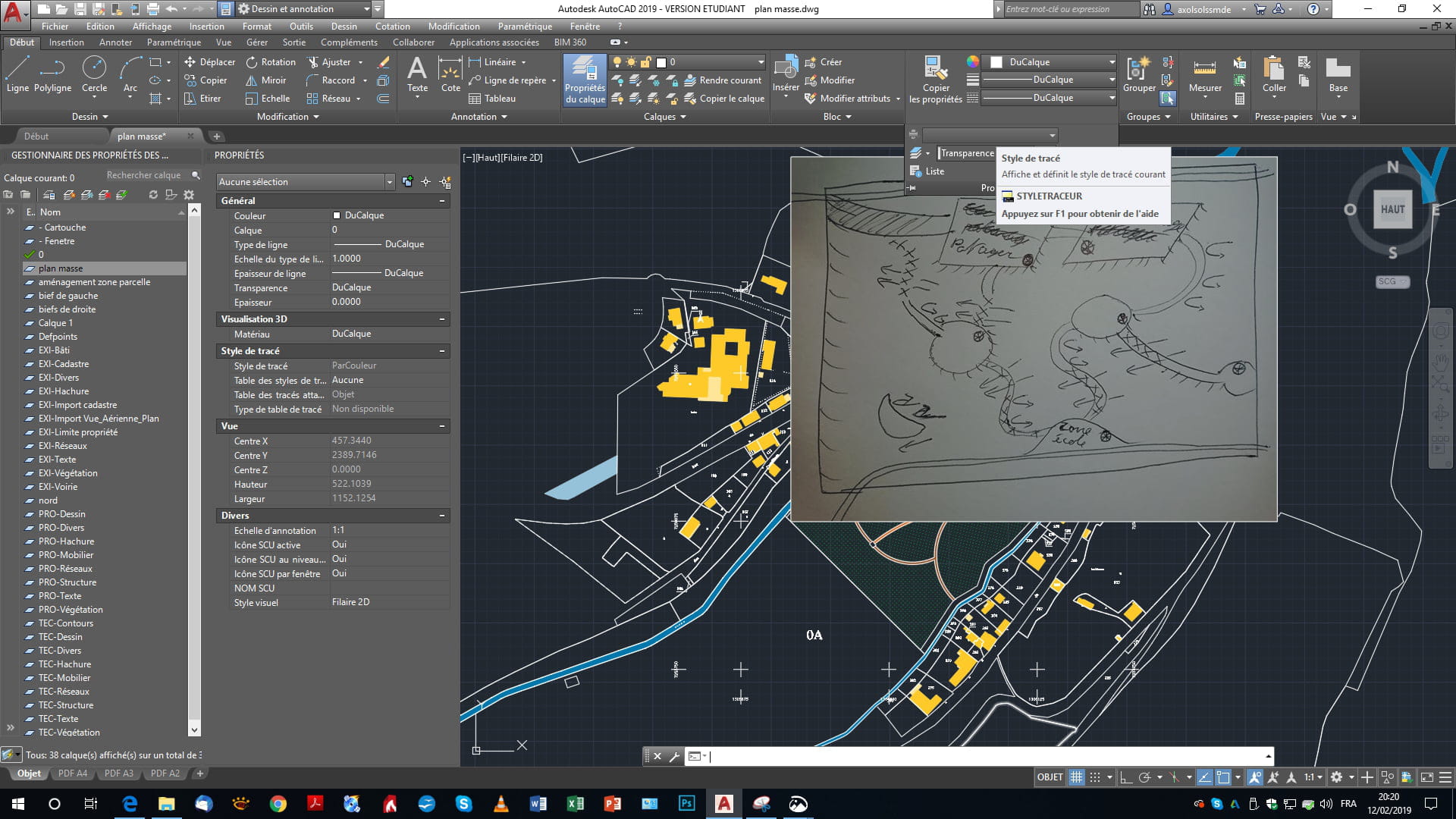
I am using AutoCAD 2009, and I was wondering if it is possible to insert an image (such as a PNG) of a cut-out tree with a transparent background to place it on an architectural section, so that the background is not white but transparent?
Do you know a way to do this? Is it possible with version 2010?
Configuration: Windows 7 / Firefox 3.5.16
I am using AutoCAD 2009, and I was wondering if it is possible to insert an image (such as a PNG) of a cut-out tree with a transparent background to place it on an architectural section, so that the background is not white but transparent?
Do you know a way to do this? Is it possible with version 2010?
Configuration: Windows 7 / Firefox 3.5.16