Grayed-out USB drive
Hello
My USB key appears grayed out on my computers, it is visible in the Device Manager, but when I try to format it, Windows 10 tells me there is no drive. If I right-click on it and go to Tools, I don't have the "Restore" button.
I tried changing the drive letter, but the key remains grayed out.
I believe this happened after a formatting, the key is 128 GB.
I would like to recover it, it is a dual USB/USB-C key.
Thanks to anyone who can help me.
4 answers
-
-
Moderator
Hello,
Tell us more about the key (Brand, Model * If applicable)
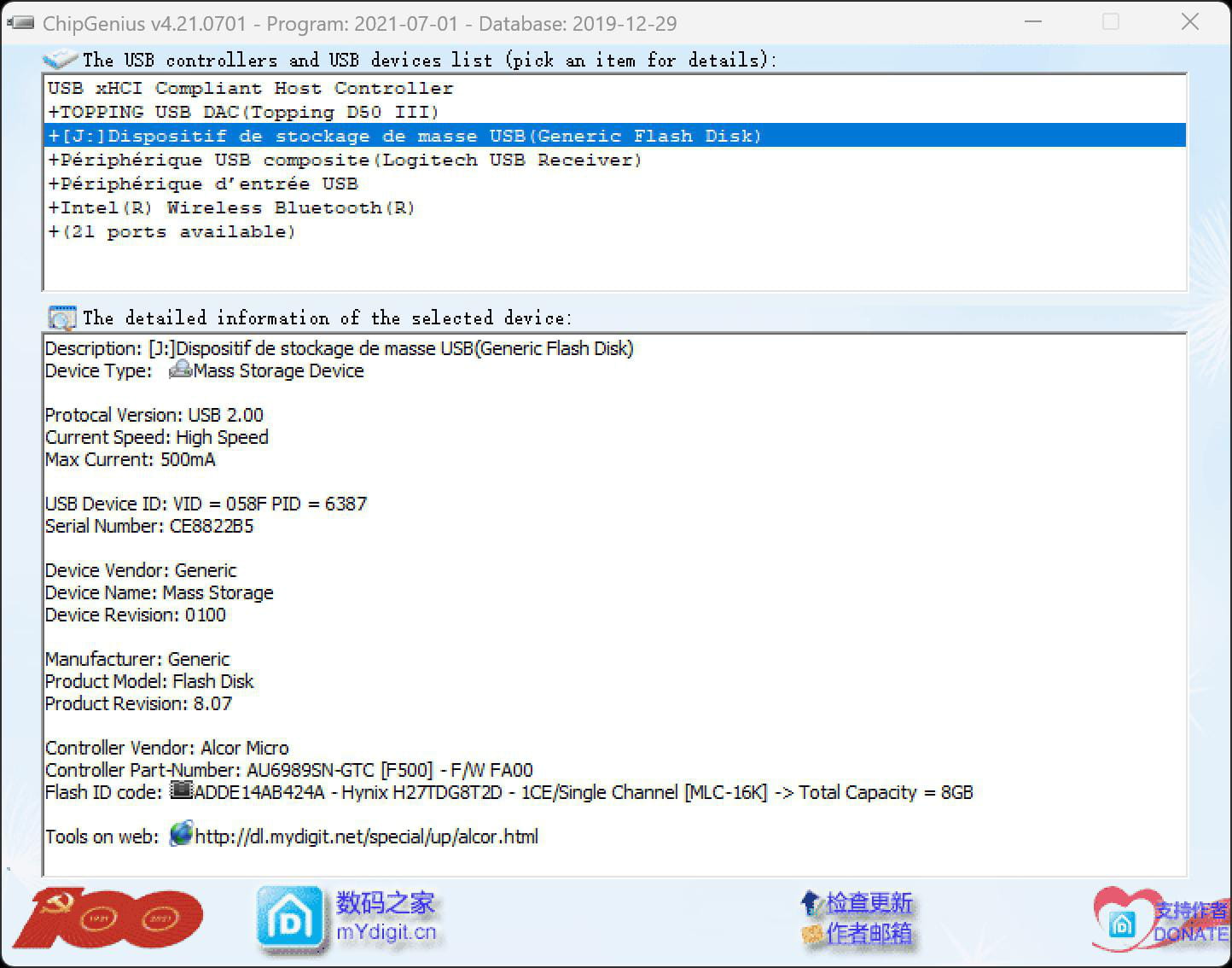
And post a report (created with the key connected) using ChipGenius, as explained below.
Note: It is a tool to extract information about USB hardware (USB controller chip model, memory chip, etc.). It may be flagged as malicious software by antivirus programs, but it is not; I have been using it for years, there’s nothing to worry about.
Disable SmartScreen and real-time antivirus protection while downloading, extracting everything, and running ChipGenius, or add the files to exceptions.
https://www.cjoint.com/c/LIepeZzEuZs
Otherwise, it’s the same thing, down here is the same version with a password:
https://www.usbdev.ru/files/chipgenius/
Run ChipGenius, and right-click in the ChipGenius window and then close the small information window (which means the report is copied to the clipboard) with "Ok", then use Ctrl + V to paste the clipboard text in your next response.
-
Hello, it's impossible to get ChipGenius in French.
-
Moderator
Hello,
The links I suggested are the only ones I recognize for this version, which is the latest one.
We don't need it to be in French; it is understandable anyway.
It's Chinese, by the way, like the USB controller/memory of your drive, and probably your drive itself.