Curvilinear text
Solved
Hello!
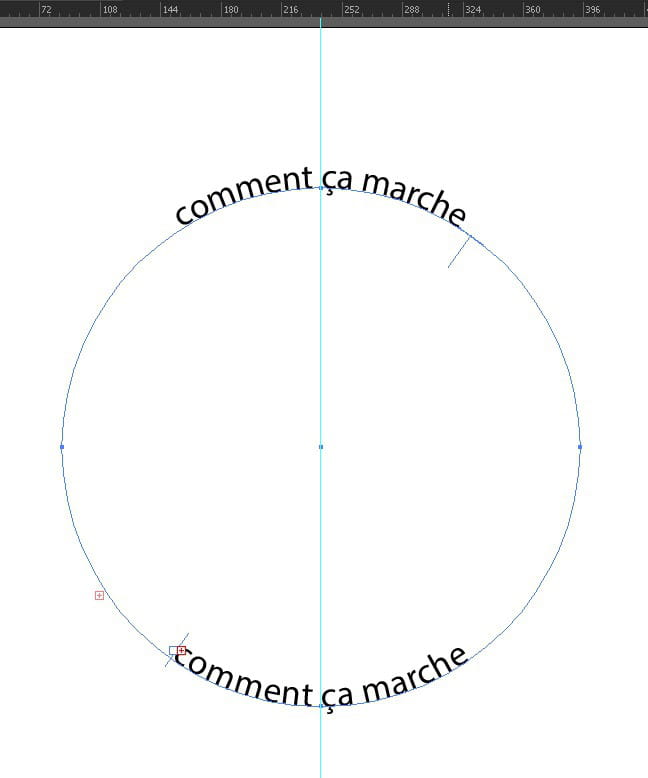
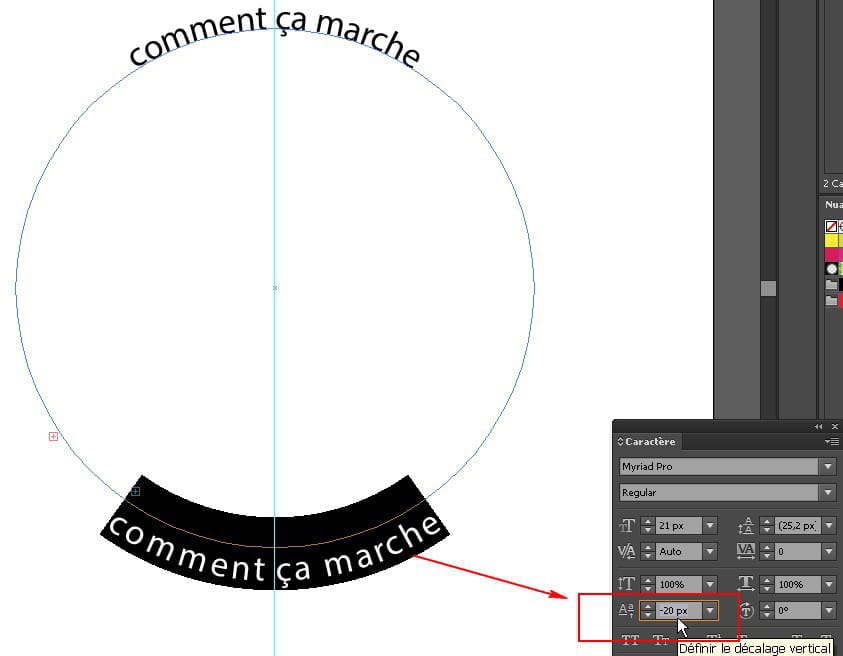
I need your help; I want to put text in a curve around a logo, but I can only write curved at the top part and I can't write on the bottom part. I don't understand, I've consulted a lot of tutorials but none explained how to do it for the bottom part, even the Adobe tutorials date back to 2002.
I'm on CS6, bye!
I need your help; I want to put text in a curve around a logo, but I can only write curved at the top part and I can't write on the bottom part. I don't understand, I've consulted a lot of tutorials but none explained how to do it for the bottom part, even the Adobe tutorials date back to 2002.
I'm on CS6, bye!
3 answers
-
ContributorHello,
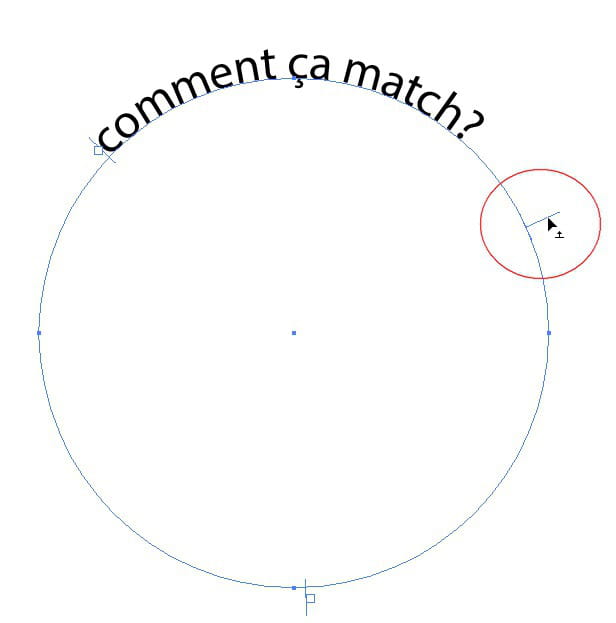
Another method: You need to cut the circle in half. Type the text from the top, then the text from the bottom. And reverse the bottom text with the white arrow.
https://www.youtube.com/watch?v=jEij4_Jw13U-
-
Contributor@Anonymous userHi Nehel,
Let's say it avoids duplication and repositioning. It's a single path divided into two parts. Just to cut. -
-
Contributor@Anonymous userTo you too.
-