
Annoying pop-ups
Hello, and it's unpleasant
For a week my screen is filled with many pop-ups and it’s unpleasant! Tell me how to avoid them?
4 answers
-
Moderator
Hello,
Remove them 1. if they are installed:
https://forums.commentcamarche.net/forum/affich-38206831-alors-vous-voulez-supprimer-les-virus-vous-meme-comment
Block them 2. if it is sites we visit that offer them to us, also install the NoScript module in your browser
For Edge
For Google Chrome
For Mozilla Firefox
Authorize CCM, Google etc to be able to connect to CCM to begin.
It takes scripts, as with almost all sites you want to interact with
All your usual sites, from the NoScript icon, mark them as "Trusted".
Everything that is blocked by default and has no reason to be unblocked is useless and ads. -
Good evening,
For a week now
Yes, yes, of course!
Yet, on your profile, there are already four or five requests about this!
And not very appreciative and too proper either, moreover toward the volunteers!
-
Moderator
Hello
Please could you respond by Choosing Reply rather than posting a new question?
Even if my answer remains the same.
https://forums.commentcamarche.net/forum/affich-38274019-desactiver-un-bloqueur-de-pub-mais-qui-n-apparairait-pas#p38274030
Even if it’s old, the topic is still open, and still not "Resolved".
Have a good evening.-
-
Moderator@nyoven41
Hello,
Because you don’t finish what you start, then create a new thread with a new question. it was the same before the username change.
So we go in circles and we repeat without ever completing in any way whatsoever.
You shouldn’t be afraid to try, the methods or solutions proposed, you are capable of judging the validity of the techniques used and go for it.
With the prescribed instructions we’ll respond, afterwards you shouldn’t have any more problems.
If something troubles you, provide reports, or screenshots, questions, details, but then let’s continue here for the moment please.
@+
-
-
Moderator
Hello.
.V.P. could you please switch to Answering rather than Asking a new question ?
Even if my answer will remain the same.
https://forums.commentcamarche.net/forum/affich-38274019-desactiver-un-bloqueur-de-pub-mais-qui-n-apparairait-pas#p38274030
The question of April was about another problem; now it is about a pop-up, nothing to do with April's question.
.
These are probably nuisance notifications you have saved in your web browser.
Two solutions are available to you.
- Either delete the nuisance notifications yourself, for this read and also .
Or reset the concerned browser manually or with Reset Browser.
- If it’s still the same
Download .
Once downloaded, save FRST on the desktop, then right-click FRST and choose Run as administrator which gives this: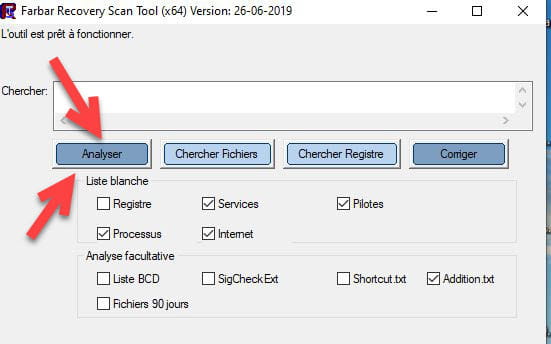
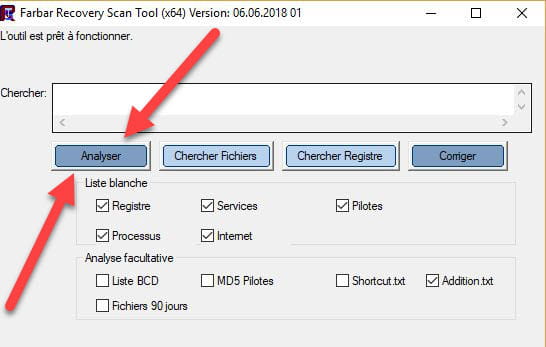

 Attendre que the message the tool is ready to run appears and then click on Analyze.
Be careful, wait for the messages saying that the analysis is finished to appear.
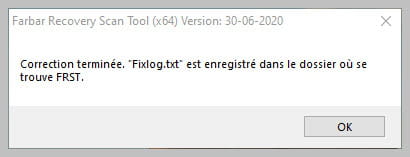
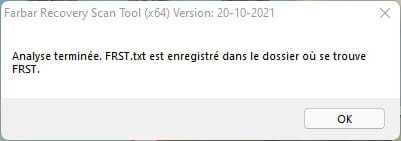

At the end of the analysis the two reports FRST and ADDITION will be on the desktop.

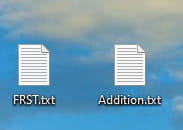
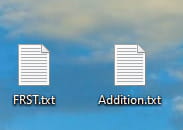
Send the FRST and ADDITION reports to .
Then paste the two links generated by in your reply.
For information :
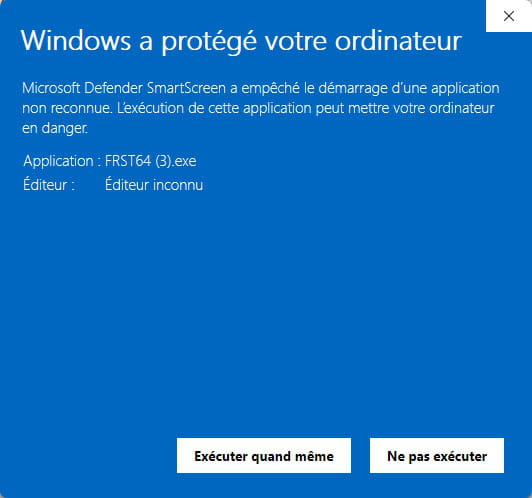
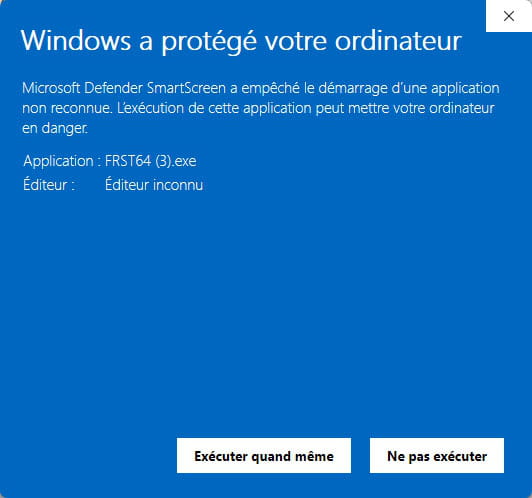
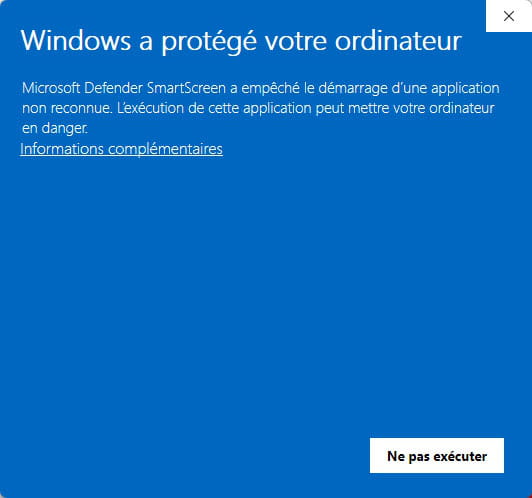
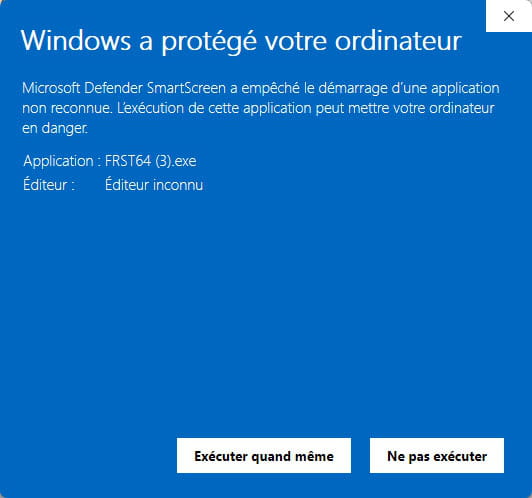
 If opening FRST triggers a Microsoft Defender alert, ignore it, click on More information and then Run anyway, see below.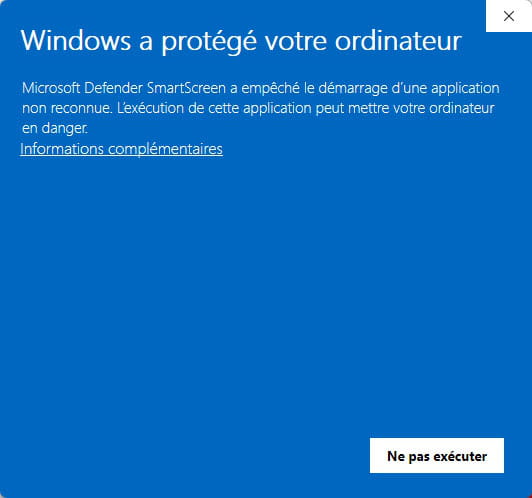

bazfile
Moderator/Security Contributor.
a hello, an answer, a thank you always is appreciated.


