
Unable to download
bazfile Posted messages 58494 Registration date Status Moderator Last intervention -
Hello,
I want to download a video but it's impossible because it tells me there seems to be a problem with interference connections on my computer. It's true, I browse a lot on the internet; and Avast just wants to sell me something. My computer, a Lenovo G70-70, is old, it doesn't get updates anymore. Since I know nothing, if someone could advise or look at what’s going on, because experience has proven that I can trust you.
I’m posting my request in Security, but I’m not sure I’m making the right choice.
Thank you sincerely for whatever you can do. Yolande
4 answers
-
Hello,
Try disabling Avast before downloading the video...
-
Good evening
Thank you for taking the time to respond to me.
I have just disabled Avast.
-
I was able to download the video, I restarted Avast; it ran an analysis and found a tracking cookie and many other small issues of the same kind. It doesn't seem too serious. I’ll give it a quick cleanup, it’s been a while since I did it.
Thanks for your help. Good night
-
Hello,
Thank you for the response.
If okay, please mark as resolved.
Have a good day!
Hello,
The sweeping move probably involves replacing on an old PC whose operating system and Windows Defender compatibility or Avast updates are unknown with something less intrusive.
Apart from ads and a large number of false alerts that are, in fact, false, this is not about a security software that controls the Cookies, the captain’s age, and even the site we are visiting — at best it warns about the shady nature of such a site, but does not blindly block without asking the user for permission.
-
-
Hello @alysa Milano StatusMember .
To take stock of the PC, do the following.
Download FRST .
Once downloaded save FRST to the desktop then right-click FRST and choose Run as administrator which gives this:
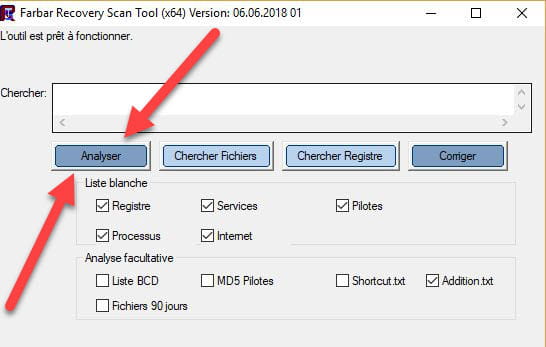

 Wait for the message the tool is ready to run to appear, then click on Analyze.
For information :
 If opening FRST triggers a Microsoft Defender alert, ignore it, click on More information then on Run anyway, see below.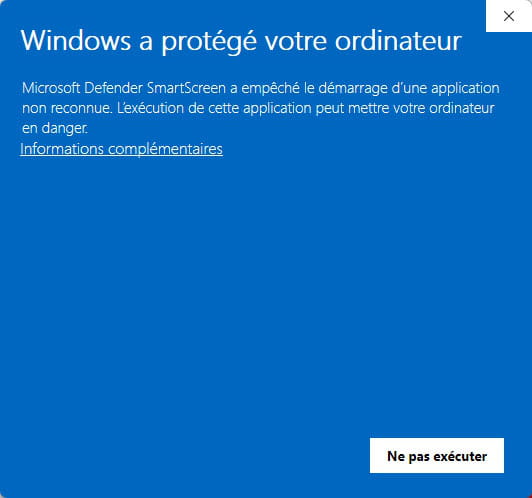


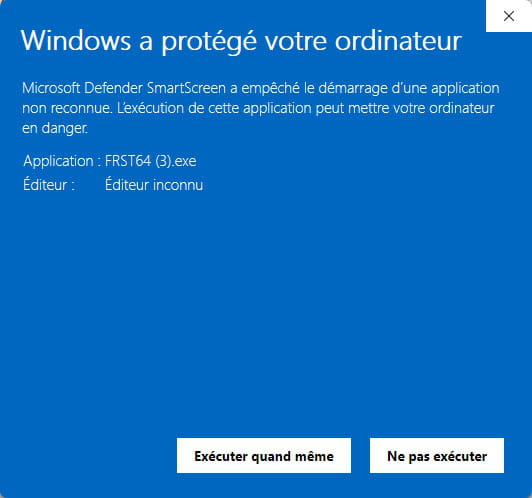
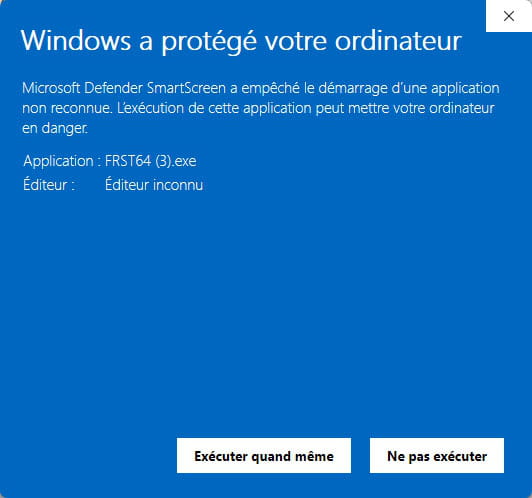
Attention, wait for the messages saying that the analysis is finished to appear.
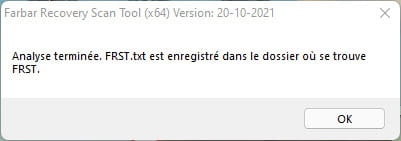


At the end of the analysis, both FRST reports and ADDITION will be on the desktop.

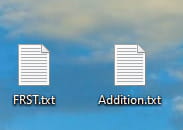


Send the FRST and ADDITION reports to https://pjjoint.malekal.com/ .
Then attach the two links generated by https://pjjoint.malekal.com/ in your reply.
bazfile
Moderator/Security Contributor.
a hello, a reply, a thank you always brings pleasure.

