
How to remove a virus from a computer
fabul Posted messages 42136 Registration date Status Moderator Last intervention -
Hello, my name is Keodall
2 answers
-
Hello.
First of all, you will need to provide more explanations and describe the issue you are encountering precisely, so I am waiting for further details.
To check if the PC is infected, do the following.
Download FRST.
Once downloaded, save FRST on the desktop, then right-click on FRST and select Run as administrator, which looks like this:
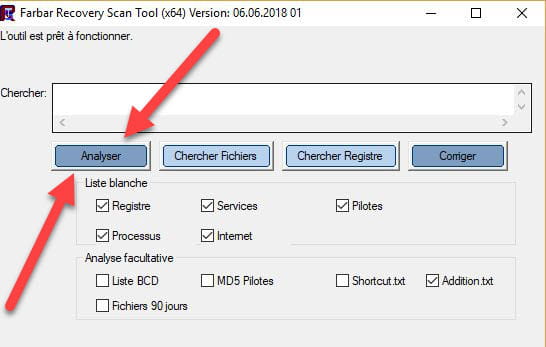

 Wait until the message the tool is ready to work appears, then click on Scan.
For information:
 If opening FRST triggers a Microsoft Defender alert, do not take it into account; click on Additional information, then on Run anyway, see below.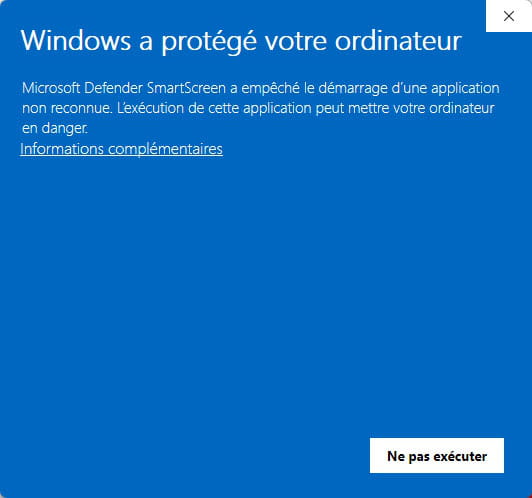


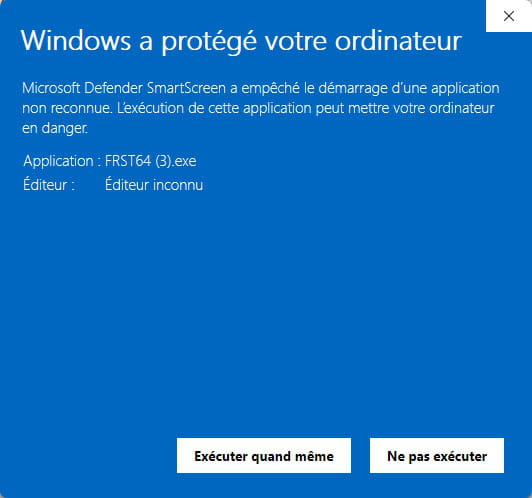
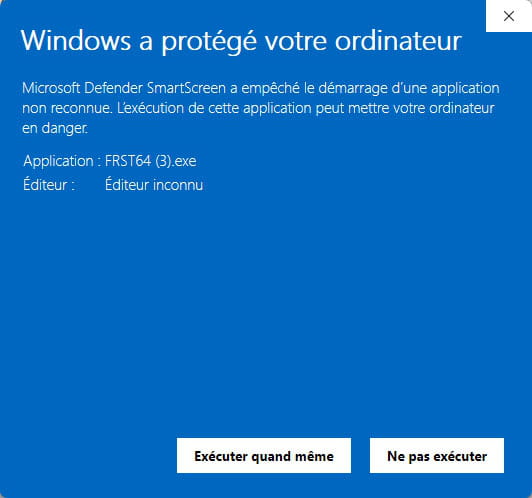
Warning, wait for the messages saying that the scan is complete to appear.
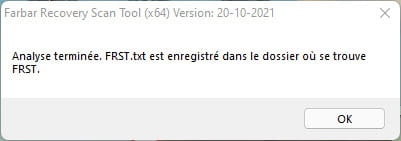


At the end of the scan, both reports FRST and Addition will be on the desktop.

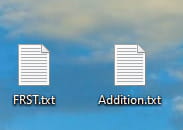


Send the FRST and ADDITION reports to https://pjjoint.malekal.com/.
Then attach the two links generated by https://pjjoint.malekal.com/ in your response.
bazfile
Moderator/Security Contributor.
A hello, a response, and a thank you are always appreciated. -
Hello, @Keobigboys StatusMember
If the question was general and perhaps concerned a method to remove viruses and unwanted programs by yourself on a daily basis or when needed, there is a tutorial that answers this kind of question, if you want to DIY (Do It Yourself).
https://forums.commentcamarche.net/forum/affich-38206831-alors-vous-voulez-supprimer-les-virus-vous-meme-comment
Or if you have malware in your system and do not feel capable of eradicating it yourself, @Bazfile, whom I greet, has provided you with another method to gain clarity and help you remotely.
https://forums.commentcamarche.net/forum/affich-38294053-comment-effacer-une-virus-sur-une-ordi#p38294065
Waiting for your reply.
Have a nice day.
@+

