Issue logging into a professional GMAIL account
MPMP10 Posted messages 47643 Registration date Status Member Last intervention -
Hello,
Our association has a GMAIL PRO account that was created by the administrator of the foundation with which the association works.
The problem we have :
We have a person who needs to access the association's Gmail from her iOS smartphone.
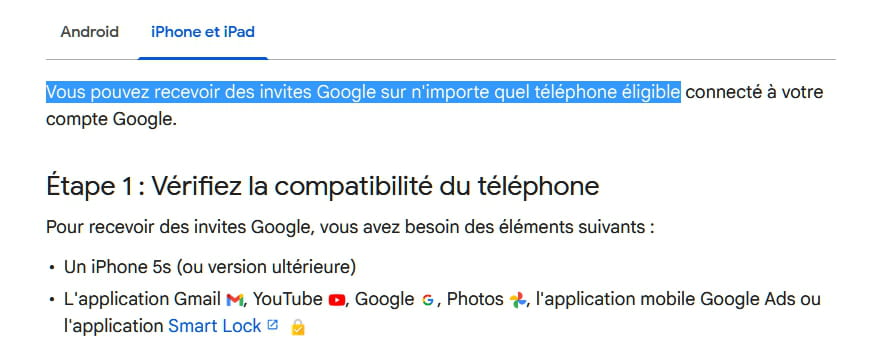
Her phone is not among the compatible devices with the Google prompts that can be seen in the account settings.
As a result, every time she tries to log in, a verification code is sent to these compatible devices, including mine.
How can we add her smartphone to the list of compatible devices so that it is no longer necessary for someone else to validate this connection (code)?
I’m not sure if I was clear enough in describing the problem.
Thank you in advance.
3 answers
-
Hello,
The person in question needs to get a compatible phone in this context!
-
Hello,
I didn't find any incompatibility with certain phones. Moreover, in the list of the 3 phones that can receive the famous code, there is one iOS.
Do you have the link or the references of an article that provides a list of "compatible" phones?
-
-
In your request.
<< His phone is not listed among the devices compatible with Google prompts that can be seen in the account settings. >>
Hello,
We have tested connections from other smartphones and the result is the same. Only the phones that are listed in the Google account prompts do not require this authentication by sending a code.
Moreover, when someone tries to log in, in the message indicating that a code has been sent to phones, only the two Android phones are mentioned.
Does anyone know how to add phones to the Google prompts? This is a professional Google account.

Thank you in advance.
-