Windows update stuck
fabul Posted messages 42301 Registration date Status Moderator Last intervention -
Hello everyone,
I have an Acer laptop with Windows 10 22H2.
https://cijoint.org/r/xNEUTPAy#OXFFgO2vAQy6knoyAk5zMvYB78adHoZ2c7u3qFuhwIE=
For some time now, an update is stuck in Windows Update. This causes an error code 0x800f0805.
Following my research, I tried restarting some services. https://learn.microsoft.com/fr-fr/answers/questions/3947576/erreur-0x800f0805-et-une-mise-jour-qui-se-r-p-te-s
https://licendi.com/fr/blog/comment-r%C3%A9soudre-l-erreur-0x800f0805/
I also tried to download and install the update manually by going to https://www.catalog.update.microsoft.com/home.aspx
I noted the reference of the problematic update: KB5063842
Here I am with 3 lines. After checking, my PC is 64 bits so I choose the last line x64, I click on download and try to install it (file .msu)
https://cijoint.org/r/mPr5kgew#lK+O4czgr3518fRbJo9HwMEz37KvWn0+enm/am6aTyo=
I attempt to install it but I get this error message
https://cijoint.org/r/nfDe2Aoy#sUepkuCL0biWkcbIstYXwuwhq44YWaueCDjEIuzXSsI=
Thank you all if you can help me.
5 answers
-
Hello,
To perform a repair without data loss or an update, use the MediaCreationTool to download the Windows 10 ISO File (For another PC)
https://www.microsoft.com/fr-fr/software-download/windows10/
When you have the ISO file, right-click > Open with > Windows Explorer
Then click on the setup.exe file in the folder.
Follow the instructions to "install" without deleting everything, making sure that the green checkmarks indicating you are keeping everything are all okay.
Then let me know if you manage to update it.
-
The blue Download button to download the MediaCreationTool_22H2.exe
Then use the tool to download the Windows Win10_22H2_French_x64v1.iso file
This is not a new installation. -
Everything seems to be okay.
@+ -
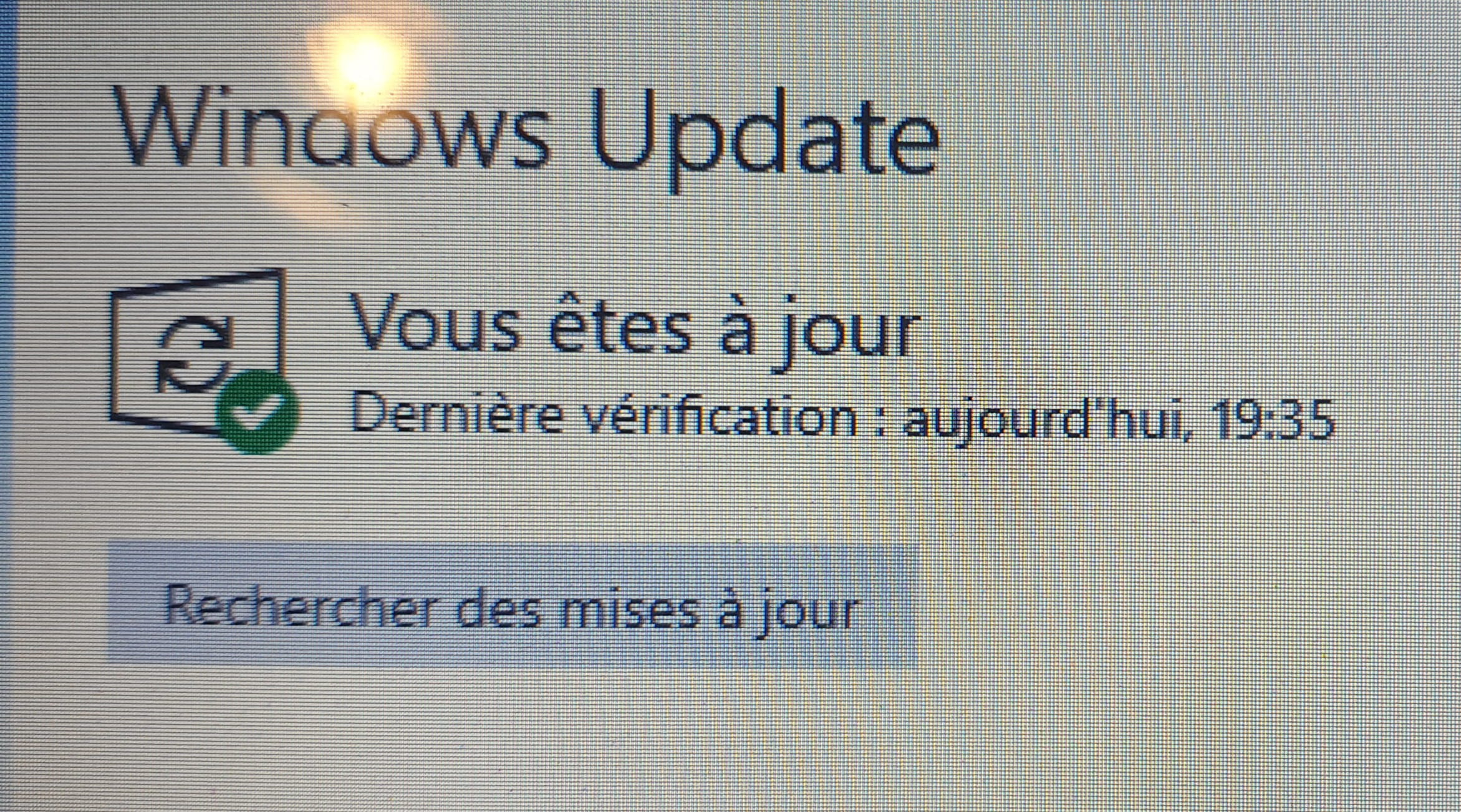
I believe I have reinstalled Windows 10.
I think it worked.
https://postimg.cc/DWX9hDxY
And it's redownloading updates.
I assume my problem is solved?
Thank you.
-