
Unable to switch from QWERTY to AZERTY
sl -
Hello,
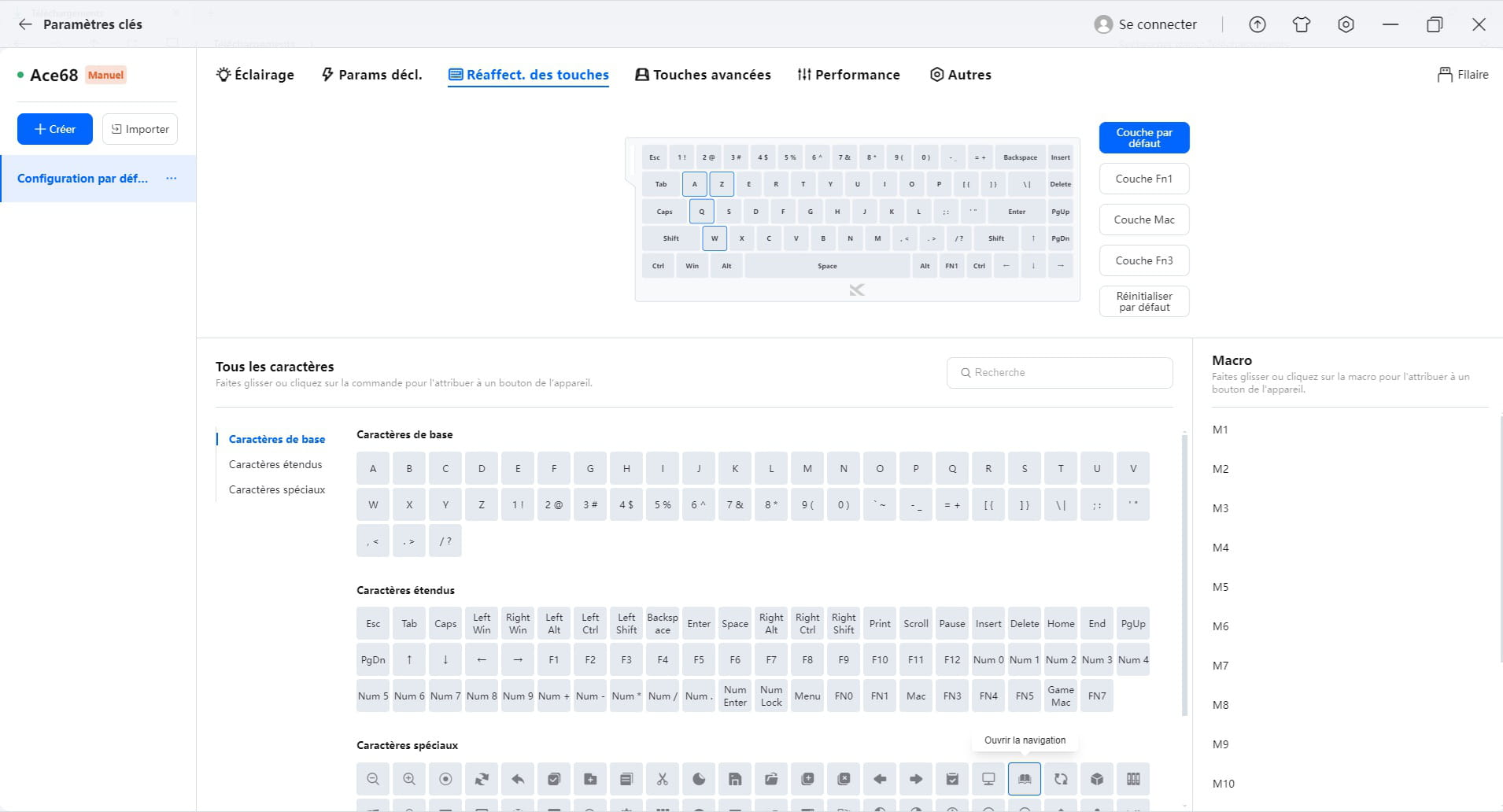
I tried to switch the Mchose Ace68 keyboard from QWERTY to AZERTY.
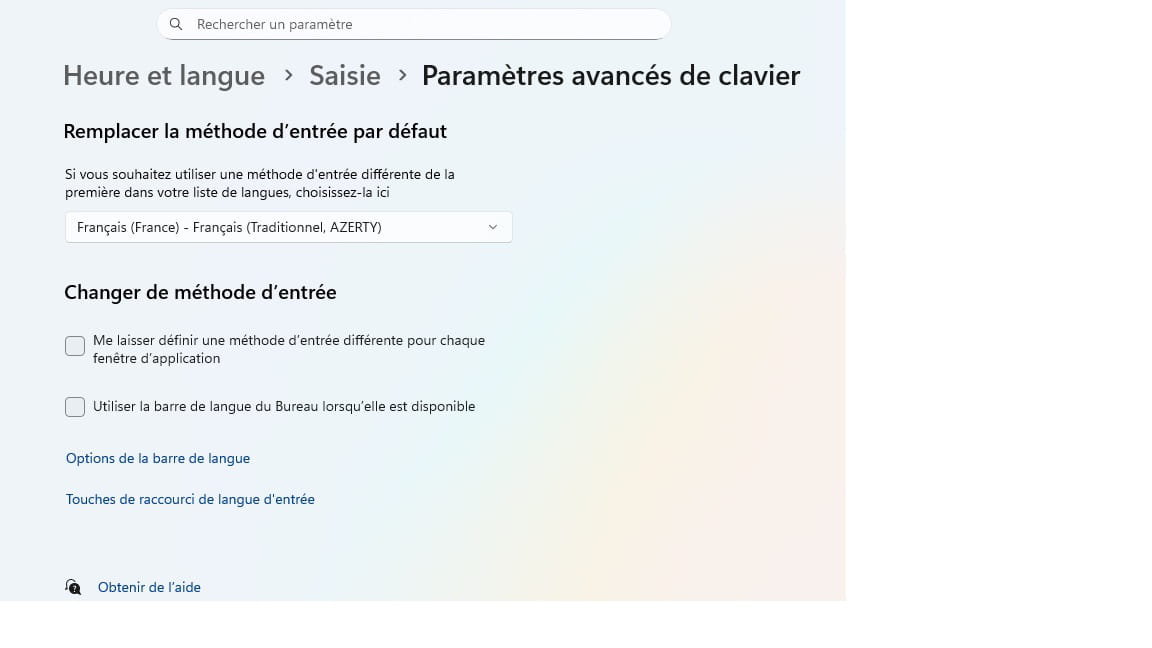
I checked the Windows settings. I reassigned the keys in the Mchose driver, but I can't find how to save the changes.
So, help me.
And thank you in advance.
2 answers
-
Hello,
Try installing one of the drivers offered on their site, making sure it's compatible with your version of Windows:
https://www.mchose.store/products/mchose-ace-68-hall-effect-magnetic-switch-gaming-keyboard
-
Hello
Thank you for your response. I successfully downloaded the driver from this page https://www.mchose.store/pages/firmware-2But it doesn't work.
The first photo is a screenshot of the configuration page opened by the driver.
If you attempted an initial installation of this keyboard with a different or damaged driver, there may be remnants preventing the current one from working.
Assuming you are on Windows 10 or 11, you can try uninstalling the current driver using Revo Uninstaller in advanced mode (the tutorial can be found on the page), before reinstalling:
https://www.commentcamarche.net/telecharger/utilitaires/19405-revo-uninstaller/
Also test the installation on another PC (multiple keyboards can be installed on the same computer).
-
-