
Reinstall Windows 11 factory reset

fabul Posted messages 42290 Registration date Status Moderator Last intervention -
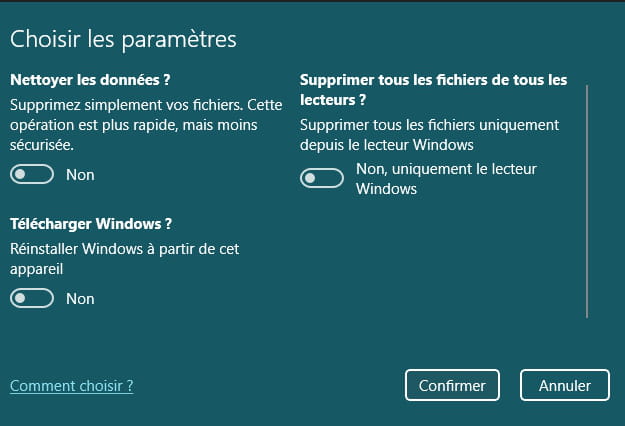
Hello, I haven't had Windows 11 for very long and I don't want to make a mistake, that's why I'm coming to you. I would like to reinstall my Windows 11 as if it were from the factory, but the problem is that the different options offered confuse me a bit and I don't know what to choose. Thank you for your answers in advance.
1 answer
-
Hello,
Better yet, install the latest version 24H2 with a USB drive to keep in case of issues.Use the link to download the Windows ISO to create a USB drive (at least 8GB) for updating, repairing, or installing Windows.
https://www.microsoft.com/fr-fr/software-download/windows11
Once you have the Windows ISO file, you can create a bootable USB drive with Rufus.
In GPT mode for EFI.
Boot from it using the Boot Menu key on your PC.
You can search on Google for "[Brand Model] Boot Menu Key."
Choose "Custom installation" (not upgrade).
No need to format if there is space; if there are data, they will be found in a Windows.old folder (which will automatically delete after 10 days).
Install on the same partition, or alternatively, delete all system partitions and create a new one (this will delete the data).
