What is the rsEngineSvc process?
Solvedfabul Posted messages 42285 Registration date Status Moderator Last intervention -
Hello,
I am reaching out to you because I am having difficulty removing certain software.
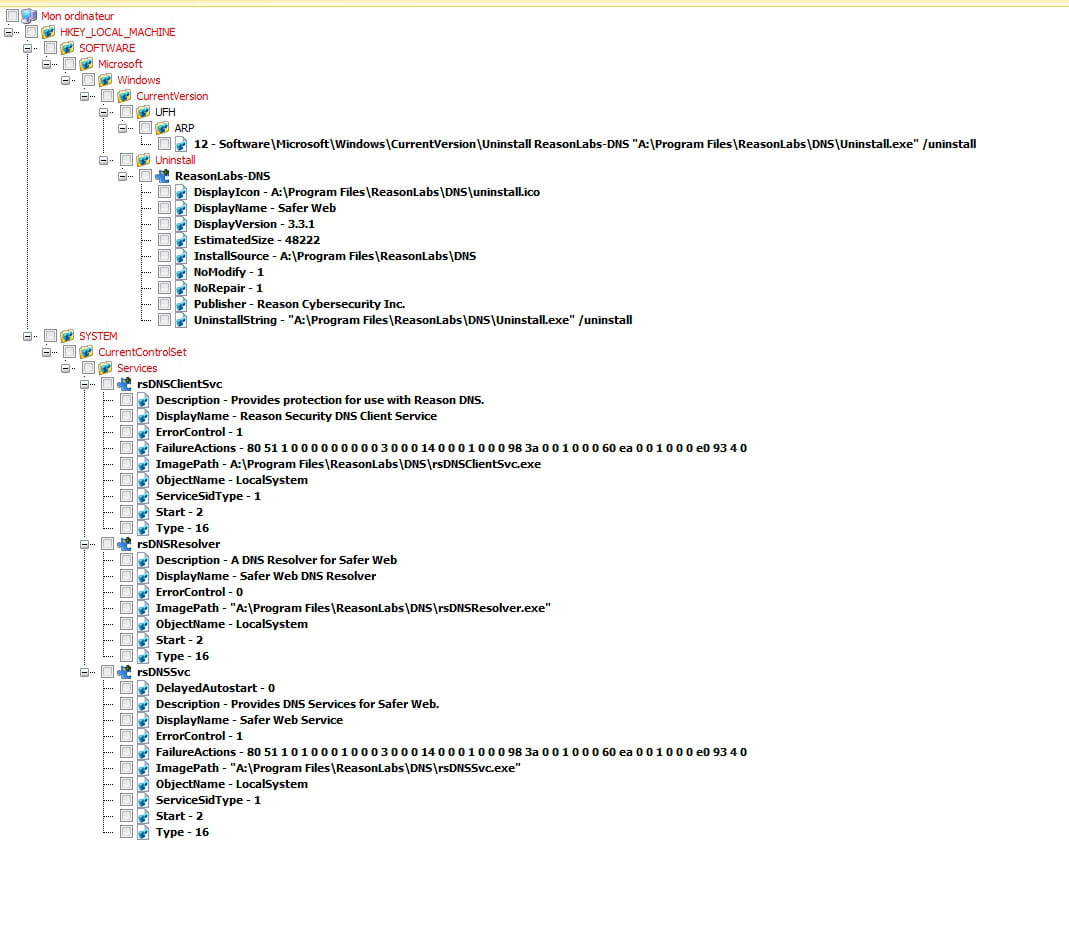
I just got caught by the "rsEngineSvc," rsHelper, and rsWSC processes.
There is also Safer Web and RAV VPN, all from the same publisher, Reason Labs.
What should I do?
9 answers
-
Hello,
This would be related to Reason Core Security, an Anti Ransomware software.
https://reasonlabs.com/
You can analyze and remove harmful programs and viruses with RegRun Reanimator.
https://greatis.com/security/reanimator.html
> Fix Problems
> Fix Malware Issues
You need to look in the tabs at the top for the types of items viewed.
Be careful, it is important to sort properly, through searches and deductions and/or VirusTotal analyses* to delete only viruses or unnecessary items, because it detects everything and anything, good or not, important or not, it is not an "antivirus", but rather an analysis tool that allows you to see technical details on possibly active elements, sometimes good, sometimes bad.
It shows details like file names and locations, which often serve as concrete clues.
Whether marked in red, yellow, blue, or green, it is up to the user to judge the relevance of what it detects.
Check the items to delete and not the others and click on the red button, in all sections where there is something to delete, then go to Finish! and click the button to restart Windows.
If it doesn't detect enough you can use the Filter Set button or the Inspection Mode to see everything.
Or On-Line Multi-Antivirus Scan.
Or by closing the first Reanimator window by clicking the X at the top right, and the Reanimator tab > Anti Spyware Full Check...
--------------------------------------------------------------------------------------------------------------------------------------------------------------
The VirusTotal Uploader program *Download the App here*
https://support.virustotal.com/hc/en-us/articles/115002179065-Desktop-Apps
For (A file) > Right click > Send to > Virustotal.
(Show hidden files if needed in View > Options > View)
To get analysis results of the file by about sixty antivirus, in addition to the Details tab to see if the file is signed and verified or not, etc.
We can use the Reupload option to get a new analysis of the file in case of a recent file with few analyses.
--------------------------------------------------------------------------------------------------------------------------------------------------------------
You can download Autoruns 13.98 here, (This is the latest version that works well), extract everything into a new folder, and run it as an administrator.
https://www.cjoint.com/c/LGgmAC5oNPs
Take your time, look at all the details, do some research.
In the "Logon" and "Scheduled Tasks" tabs, you can disable or delete the automatic startup of unnecessary third-party elements that are not from Microsoft or important Windows components by either unchecking them or right-clicking > Delete.
Look at the "Services" tab, but do not disable them if they are sometimes useful; it is better to set them to "Manual" mode (to start on demand) using Windows services.msc, by right-clicking the Start button > Run: services.msc.
Changes will take effect after restarting Windows. -
Oh no, I just did a FRST. Wouldn't you prefer that I send it to you?
-
Do you think I can delete them by hand? I'm running in safe mode and I've already removed those ones.
-
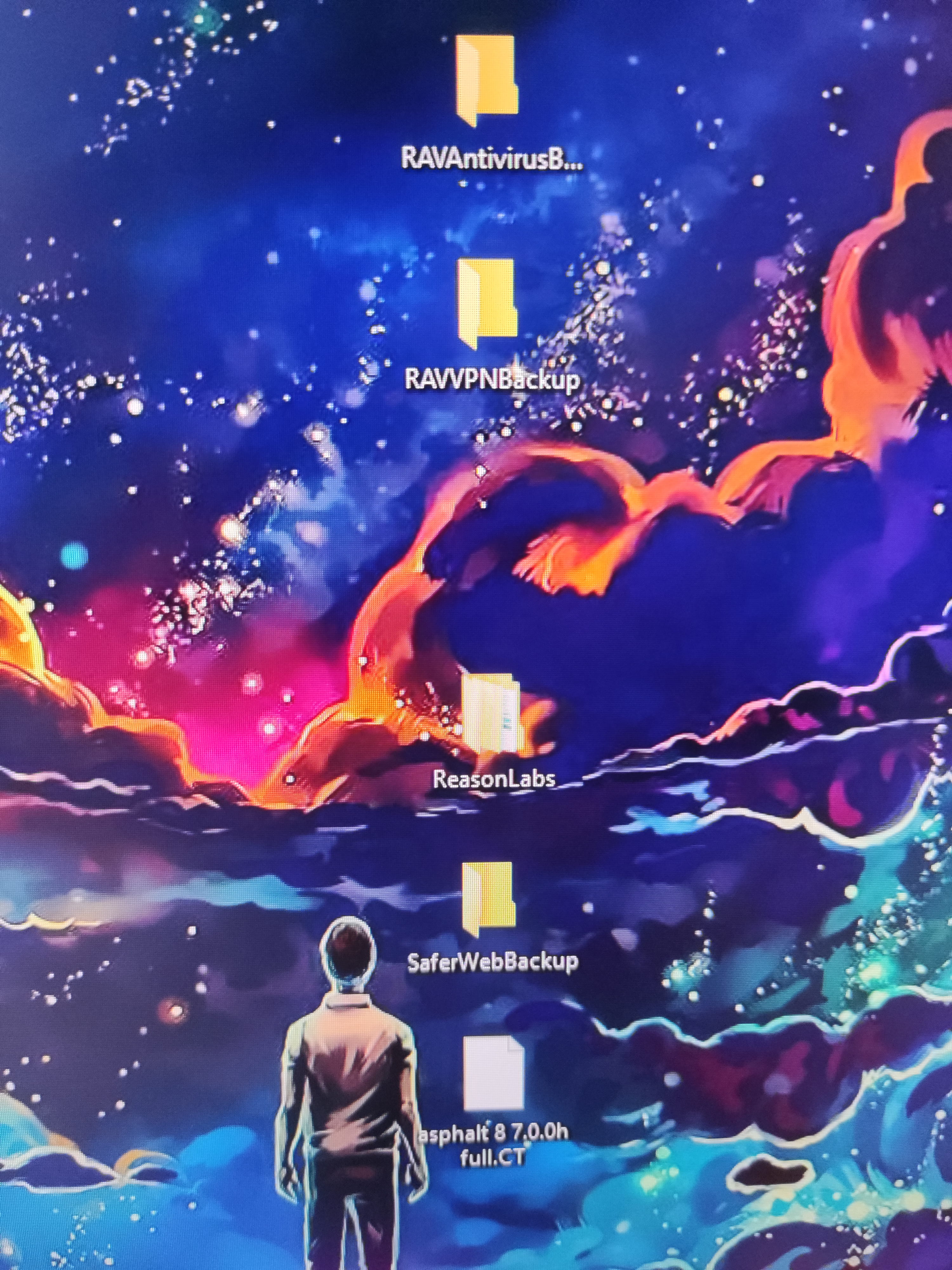
Are there unbearable files on your desk?
What happens when you try to delete them?
By default, they are supposed to be hidden, right?
Dummy files from Reason Core?
You can hide them or uninstall these programs with Revo Uninstaller in advanced mode.Are there unbearable files on your desk?
What do you mean, unbearable?
What happens when you try to delete them?It works, but there are more of them.
By default, they are supposed to be hidden, right?I can't remember if they were hidden or not, but I enable hidden files by default.
Dummy files from Reason Core?Yes, and there are more of those cockroaches.
-
-
I was thinking of kicking them out manually (Thanks Notepad++ and CTRL+F) but if you have a better idea, I'm all ears. :)
-
I'm doing double or triple posts, sorry...
But what do you think about grinding them directly?
-
We don't post reports directly in the forum, but on a site as they request.
Sorry if I confused you.
Try to uninstall in a clean way if you can with Revo, then what you can't clear, there are other ways.
https://www.revouninstaller.com/fr/revo-uninstaller-free-download/
Try RegRun Reanimator, then let me know, or take screenshots, but if you look a bit, it's often simple to manage on your own with it. -
-

We must not forget to purify the distant cousins too MOUHAHAHA!
-
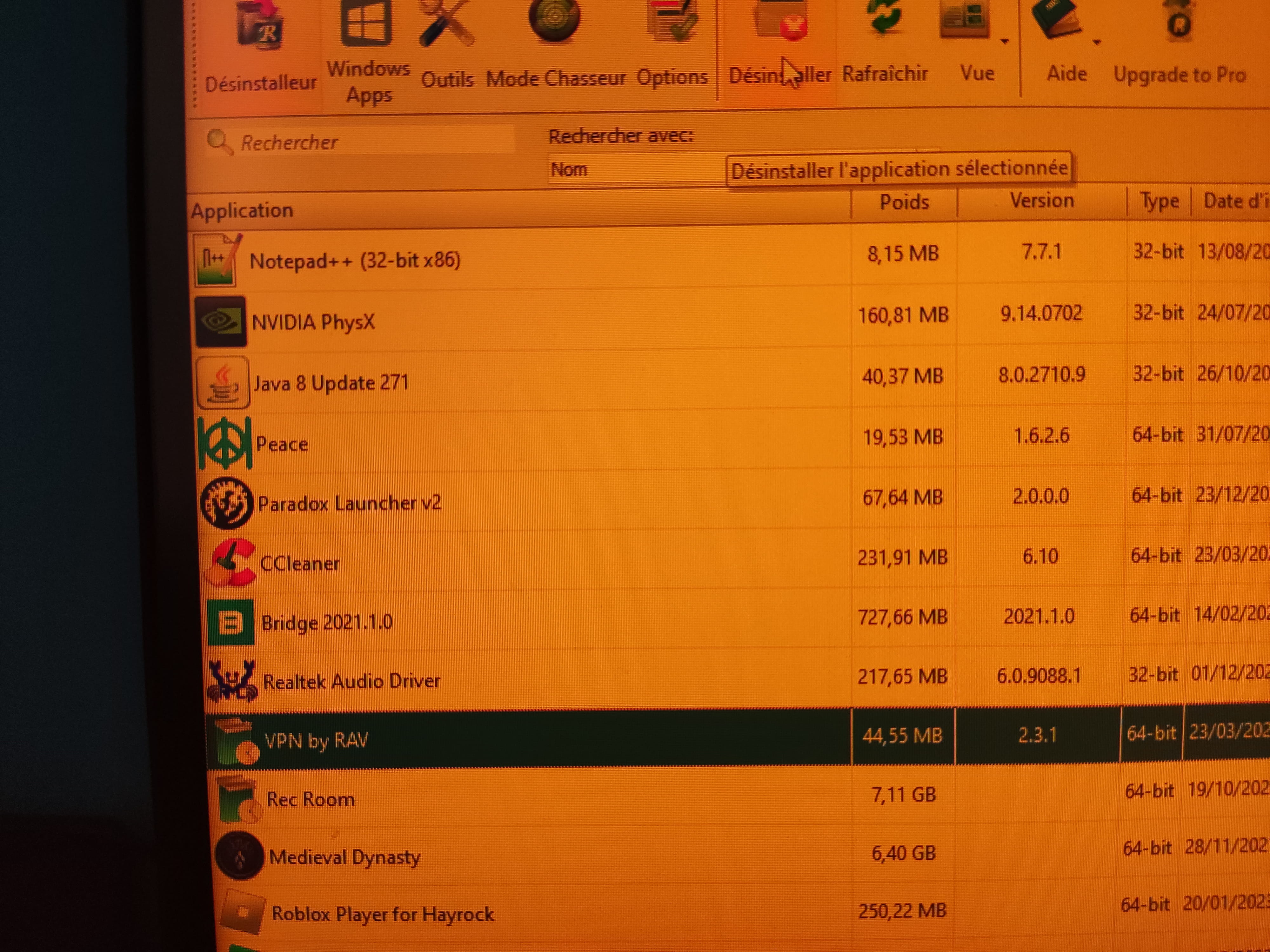
Hop hop hop! We pray to the atom for a VPN purification by RAV
-
Small off-topic, but to take screenshots, you can use the GreenShot software
It supports the Print Screen key
You can configure it to not launch automatically on startup,
Then you can manage startups with Autoruns as in my response #1
-