Unable to send data from my Samsung to the PC.

Ibrahim_1211
Posted messages
31
Status
Member
-
Ibrahim_1211 Posted messages 31 Status Member -
Ibrahim_1211 Posted messages 31 Status Member -
Hello everyone,
I just changed my phone, I switched from a Samsung A10S to an A60 and everything works fine except when I want to transfer data from my phone to my PC or vice versa, it shows me the error: Error copying the file or folder A device attached to the system is not functioning correctly.
I enabled developer mode and checked USB debugging but still nothing. Just so you know, the problem is not with the PC as I tried with two PCs and still the same issue, and I can transfer data with my old phone without any problems. I've really searched everywhere without result (Google, YouTube, on a bunch of sites and forums) but still nothing except a YouTube video mentioning the same problem but for iPhones.
For your information: The PC sees the phone perfectly, I can access the data and do whatever I want except for transferring between the two devices.
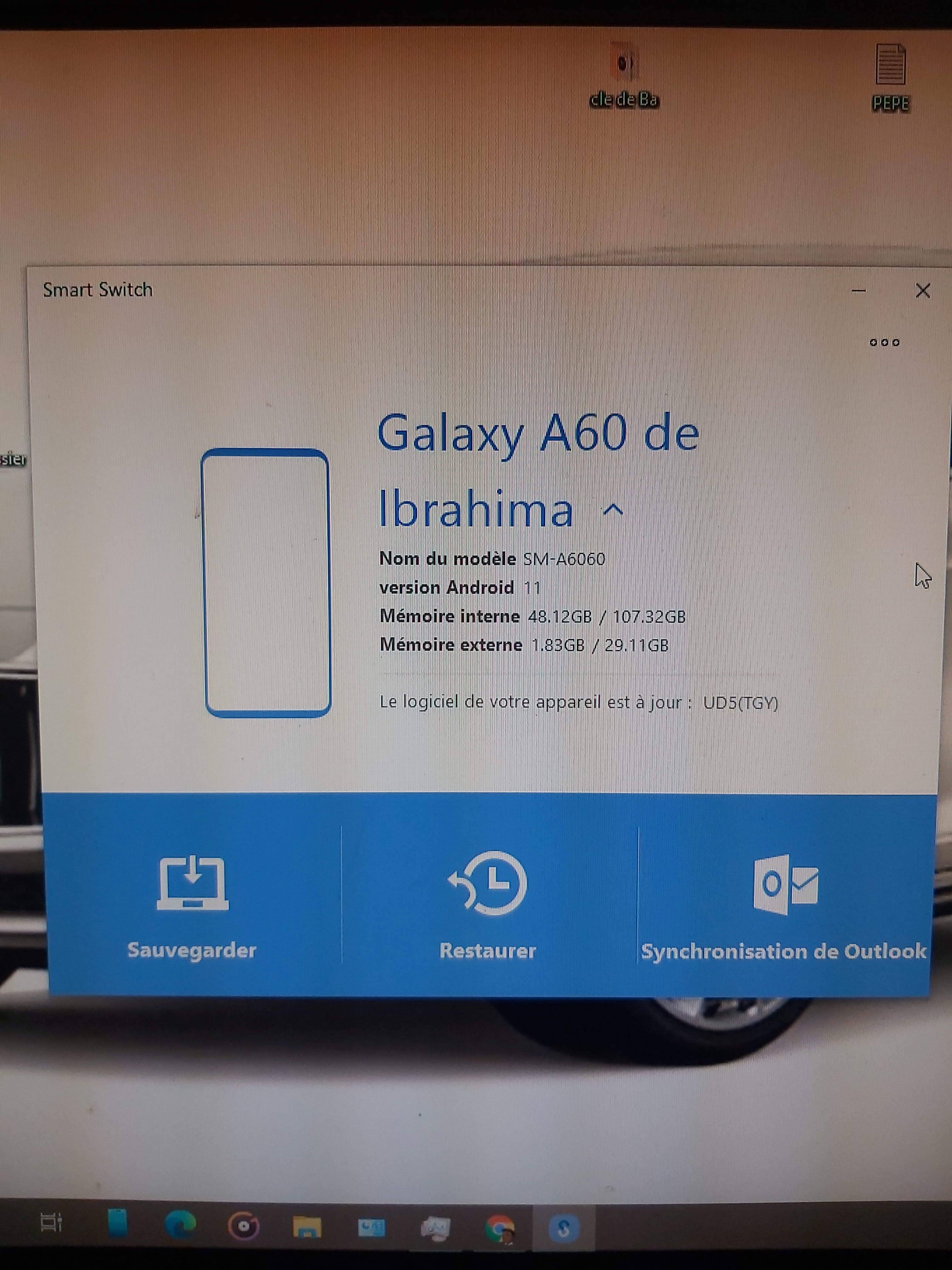
Phone model: Samsung Galaxy A60 (sm a6060), Android 11, One UI 3.1. Everything is up to date.
I just changed my phone, I switched from a Samsung A10S to an A60 and everything works fine except when I want to transfer data from my phone to my PC or vice versa, it shows me the error: Error copying the file or folder A device attached to the system is not functioning correctly.
I enabled developer mode and checked USB debugging but still nothing. Just so you know, the problem is not with the PC as I tried with two PCs and still the same issue, and I can transfer data with my old phone without any problems. I've really searched everywhere without result (Google, YouTube, on a bunch of sites and forums) but still nothing except a YouTube video mentioning the same problem but for iPhones.
For your information: The PC sees the phone perfectly, I can access the data and do whatever I want except for transferring between the two devices.
Phone model: Samsung Galaxy A60 (sm a6060), Android 11, One UI 3.1. Everything is up to date.
4 answers
-
Hello,
Try Samsung's dedicated software:
https://www.samsung.com/ca_fr/support/mobile-devices/how-do-i-install-the-smart-switch-software-on-my-computer/
Best regards