HDD "no media"
amonb0fis
Posted messages
5
Status
Member
-
jeannets Posted messages 28454 Registration date Status Contributor Last intervention -
jeannets Posted messages 28454 Registration date Status Contributor Last intervention -
Hello,
I recently retrieved a hard drive from an old personal tower (Windows 7). I wanted to recover the data on this drive and bought a cable that converts SATA to USB.
When I connect my hard drive to my current computer (Windows 10), the drive appears for 1 second in Explorer before disappearing.
The hard drive is present in the disk management but shows the message "no media". (Notice removable drive F)
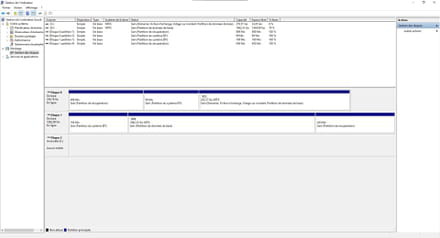
Do you have a solution for me to access the data on this hard drive?
Thank you in advance for your response!
I recently retrieved a hard drive from an old personal tower (Windows 7). I wanted to recover the data on this drive and bought a cable that converts SATA to USB.
When I connect my hard drive to my current computer (Windows 10), the drive appears for 1 second in Explorer before disappearing.
The hard drive is present in the disk management but shows the message "no media". (Notice removable drive F)

Do you have a solution for me to access the data on this hard drive?
Thank you in advance for your response!
6 answers
-
Hello,
This disk is a 3.5 inches, it cannot be powered by "a cable that converts SATA to USB" as you must have taken.
This type of cable does not work for a 3.5 inches disk > https://www.amazon.fr/Kentop-Adaptateur-vers-Pouces-Disque/dp/B07GFJ2T11/ref=asc_df_B07GFJ2T11/?tag=&linkCode=df0&hvadid=313706509420&hvpos=&hvnetw=g&hvrand=3692278722872316955&hvpone=&hvptwo=&hvqmt=&hvdev=c&hvdvcmdl=&hvlocint=&hvlocphy=9054893&hvtargid=pla-687154668207&psc=1&ref=&adgrpid=63522785278
(a 2.5 inches could work, but not a 3.5)
It needs an external enclosure for 3.5 inches (it will be powered) or to be installed internally in a tower if you have one. (a SATA and power cable)
Auto message
Without regular feedback from you... you can always refer to article 22 ;-)
Mini Guidelines towards the volunteers who assist you: Response, Respect, Politeness,... -
jeannets Posted messages 28454 Registration date Status Contributor Last intervention Ambassador 6 618
Hello,
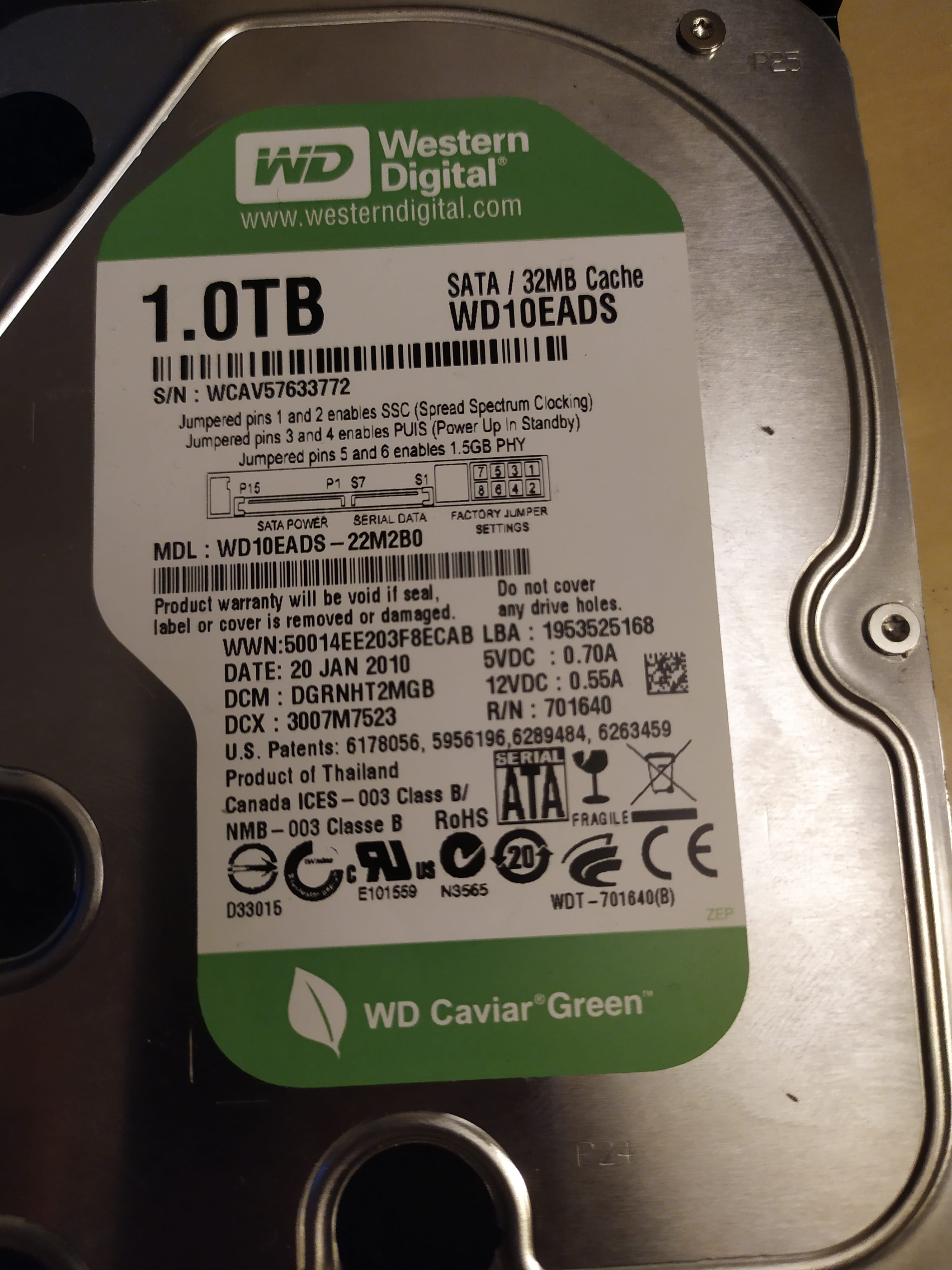
What is this hard drive..?? The brand and model... otherwise a clear and readable photo attached here or on the site cjoint.com and providing the link here.
Is this drive powered by the USB cable..?? Or does it have its own external power supply..?? -
Hello,
Here is a photo of the hard drive in question. It is powered by USB.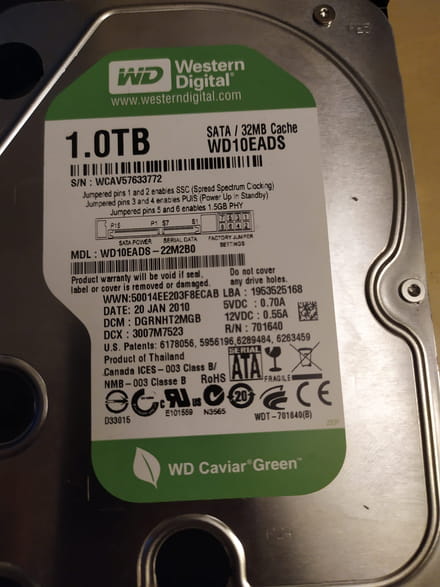
-
Good evening,
what adapters do you have? Can we take a look?
@+-
Good evening,
Here is the adapter
https://www.amazon.fr/dp/B07S8MQVRZ/ref=cm_sw_r_cp_apa_fabc_wyI6Fb1PX29X4?_encoding=UTF8&psc=1
Thank you- Good evening,
My adapter allows me to add a 12V power supply in addition to USB. I did that, but the problem remains the same.
Here is the power supply used:
https://www.amazon.fr/Alimentation-secteur-universelle-2250-Eco/dp/B003O6VGIM/ref=sr_1_1?__mk_fr_FR=%C3%85M%C3%85%C5%BD%C3%95%C3%91&dchild=1&keywords=hama+00046589&qid=1609182493&s=electronics&sr=1-1
-
-
jeannets Posted messages 28454 Registration date Status Contributor Last intervention Ambassador 6 618
OK, in my opinion, a USB port does not provide enough power for a disk like that...
You would need a double "Y" USB cable to draw power from two ports..
Like this, for example.
https://www.cdiscount.com/informatique/cables-connectiques/cable-double-usb-alimentation-mini-usb-pour-boitie/f-1072003-auc2009904385341.html?idOffre=309101715#mpos=0|mp
That's the idea, you may want to check to have the right connector on your disk side... So this type of cable occupies two USB ports on your PC...
The other solution is to have a dedicated power supply for this disk, in addition to data transmission via USB.-
Good evening,
I performed the same operation but by adding a 12V power supply to the adapter in addition to the USB. The problem remains the same.
Thank you
Here is the power supply used:
https://www.amazon.fr/Alimentation-secteur-universelle-2250-Eco/dp/B003O6VGIM/ref=sr_1_1?__mk_fr_FR=%C3%85M%C3%85%C5%BD%C3%95%C3%91&dchild=1&keywords=hama+00046589&qid=1609182493&s=electronics&sr=1-1
-
-
jeannets Posted messages 28454 Registration date Status Contributor Last intervention Ambassador 6 618
For a 3.5" drive, two voltages are required... 5 volts and 12 volts; so one of the two is missing...
Moreover, I'm not convinced that your adjustable power supply delivers enough current... Because these adjustable output power supplies do not deliver the same power depending on the output voltage..
It's true that it would be better in another PC as @jfmimi said.
Not to mention that this drive is 10 years old, it may have worn out and could also have defects, which is an aggravating factor.