Disable display of searches made in Google Chrome
Snake38
Posted messages
297
Status
Member
-
kalou -
kalou -
Hello,
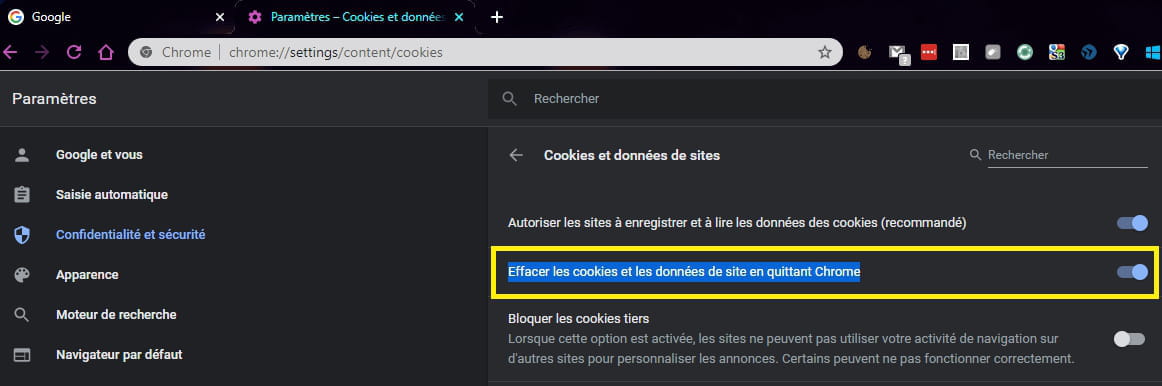
When I go into Google Chrome and click on the search bar, I automatically get a list of my recent searches displayed (see screen).

And it's the same when I click on the URL bar at the top.
I would like to know if it is possible to permanently disable this option? Without having to clear the history each time...
I have unchecked quite a few options in Chrome's settings, but none have fixed my issue.
Thank you
When I go into Google Chrome and click on the search bar, I automatically get a list of my recent searches displayed (see screen).

And it's the same when I click on the URL bar at the top.
I would like to know if it is possible to permanently disable this option? Without having to clear the history each time...
I have unchecked quite a few options in Chrome's settings, but none have fixed my issue.
Thank you
6 answers
-
Hello,
Try this:
- Open a Google or Chrome window and click on your avatar in the top right corner of the screen.
- Then click on Manage your Google Account
- In the following window, click on Manage your data and personalization
- New window: click on Manage activity controls
- In the new window, you can uncheck Web & App Activity
You also have the option to switch to "incognito mode" (Ctrl + Shift + N), which will prevent creating a browsing history.
--
What is well conceived is clearly expressed,
And the words to say it come easily.
(Boileau)