Half-limited RAM
Solved
Mahtout
-
Judge_DT Posted messages 27651 Registration date Status Moderator Last intervention -
Judge_DT Posted messages 27651 Registration date Status Moderator Last intervention -
Hello,
First of all, please excuse me if this topic has already been addressed and resolved, but I have seen a multitude of threads on various sites discussing this issue, yet no solution.
I have a tower built by myself that works quite well.
The configuration that concerns us here: my motherboard, which is a GIGABYTE Z97-D3H, and my 2 CORSAIR XMS3 memory modules of 8GB each, clocked at 1333MHz.
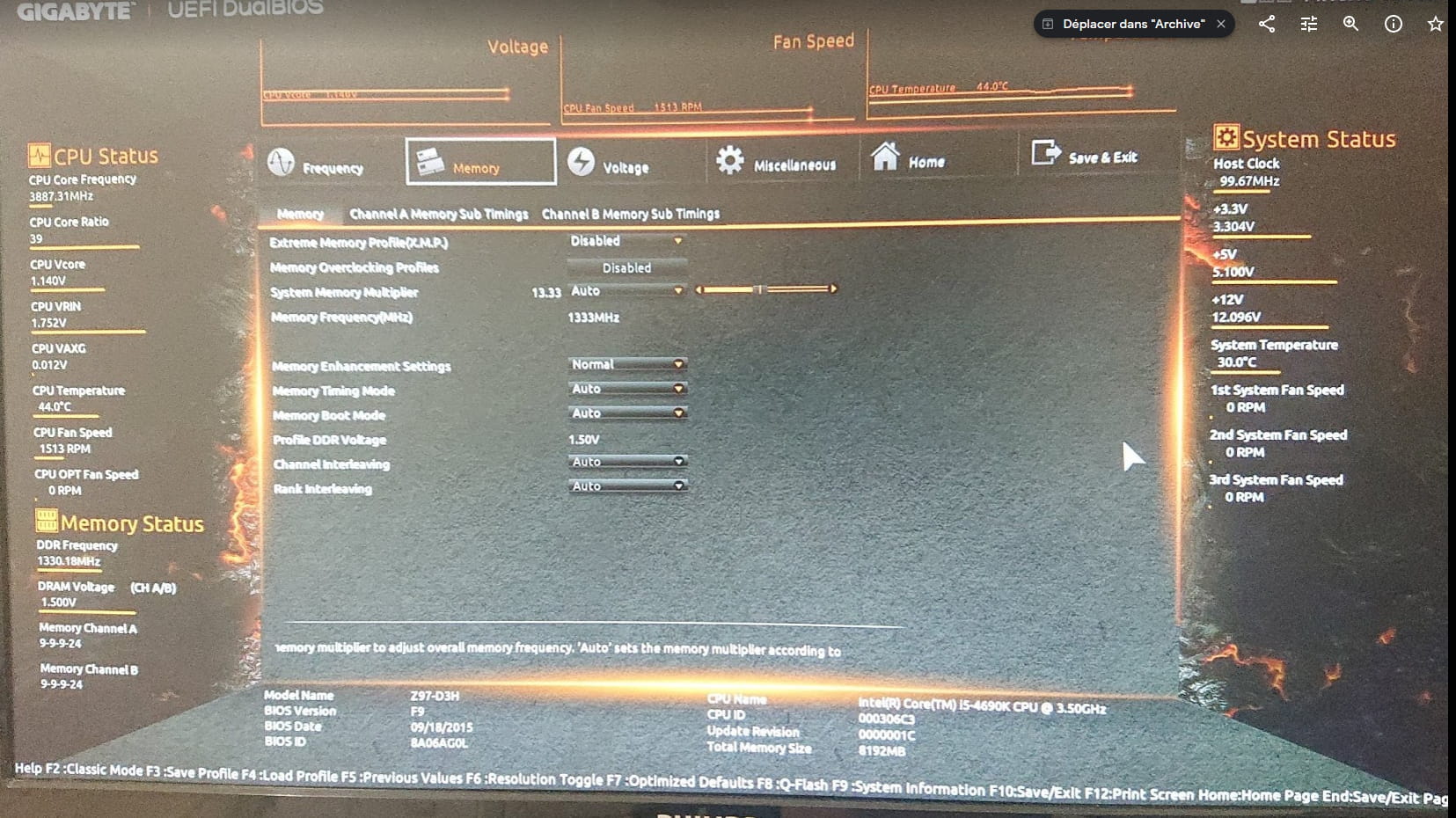
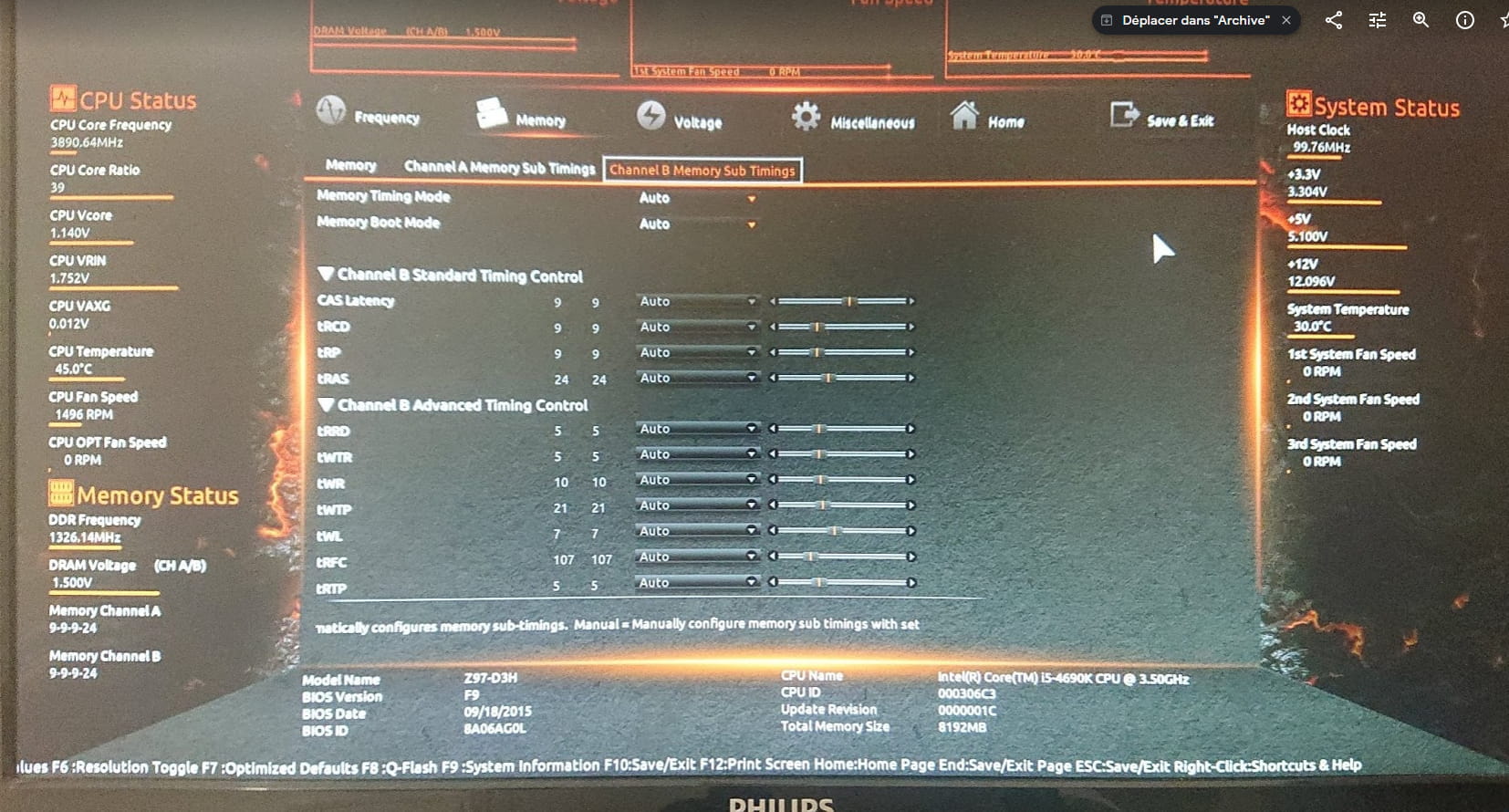
My problem is that the BIOS (I mean the BIOS) recognizes both of them, but it "throttles" them by half. That is to say, it effectively recognizes that there are two modules, but on the BIOS page, it states that there are only 8192MB available, so 8GB.
When I continue on Windows (Windows 10 Pro 64 bits), it recognizes that there are indeed two modules connected (thanks Speecy and thanks Drivercloud), but that they are 4GB and 667MHz each.
I just updated my BIOS to version F9 (the latest for my motherboard) and I still have the same problem.
I have tried to put them in one at a time or in different slots, I have attempted a clear CMOS (3 times), I checked my internal connections, but you can guess the results of these delicate operations so far.
If someone has the solution, I would be infinitely grateful.
Thank you for your attention.
First of all, please excuse me if this topic has already been addressed and resolved, but I have seen a multitude of threads on various sites discussing this issue, yet no solution.
I have a tower built by myself that works quite well.
The configuration that concerns us here: my motherboard, which is a GIGABYTE Z97-D3H, and my 2 CORSAIR XMS3 memory modules of 8GB each, clocked at 1333MHz.
My problem is that the BIOS (I mean the BIOS) recognizes both of them, but it "throttles" them by half. That is to say, it effectively recognizes that there are two modules, but on the BIOS page, it states that there are only 8192MB available, so 8GB.
When I continue on Windows (Windows 10 Pro 64 bits), it recognizes that there are indeed two modules connected (thanks Speecy and thanks Drivercloud), but that they are 4GB and 667MHz each.
I just updated my BIOS to version F9 (the latest for my motherboard) and I still have the same problem.
I have tried to put them in one at a time or in different slots, I have attempted a clear CMOS (3 times), I checked my internal connections, but you can guess the results of these delicate operations so far.
If someone has the solution, I would be infinitely grateful.
Thank you for your attention.
10 answers
-
hi, back in the vista/seven days there were BIOS options to enable/disable for RAM, maybe it's something like
if I remember correctly it was the 'memory remap' option ....
--
When in doubt, reboot!! If you're unsure, format!!
Be careful, this is a "proverb", not advice.... -
If the BIOS finds them normally, you need to reinstall Windows or modify BIOS settings to indicate that Windows 10 or Windows 8.1 is installed. It's Windows 10 that is bugging.
-
Your statements are unclear. I believe I understand that your issue is that the utility shows a frequency of 667MHz instead of 1333MHz. In fact, there is no problem. The utility displays the so-called actual frequency, which is half of the marketing frequency. 667x2 is approximately equal to 1333MHz. So there is no problem.
--
Misnaming things adds to the misery of the world (Albert Camus) -
Hi,
my 2 CORSAIR XMS3 memory sticks of 8GB
Except that the BIOS seems to say otherwise, just like Windows. 2 sticks of 4GB each to make 8GB.
Do you have a photo of these memory sticks? Because right now, I would lean more towards the fact that they are actually 2x4GB rather than 2x8GB...
--
~ Knowing how to listen means possessing, besides one's own, the minds of others... said Leonardo da Vinci.
~ “The art of writing is above all to make oneself understood” — Eugène Delacroix -
-
Hello,
In Speccy, can you provide the "part number" of the RAM sticks?
-
-
Hello,
I don't understand anymore because I'm pretty sure it's 8GB per stick; I was using them before and I'm nearly certain that I had 16GB of RAM.
Here are the photos of the sticks:
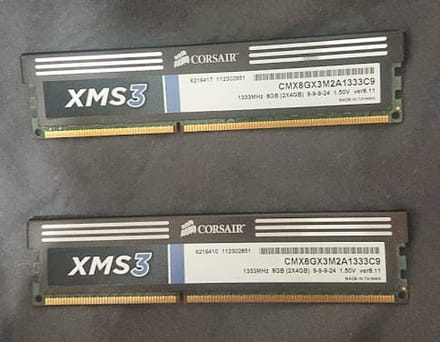
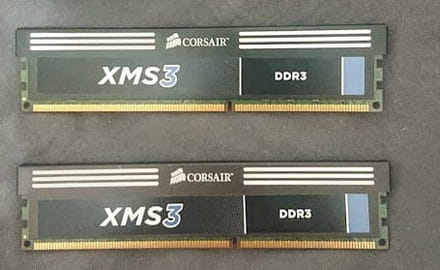
and the BIOS:
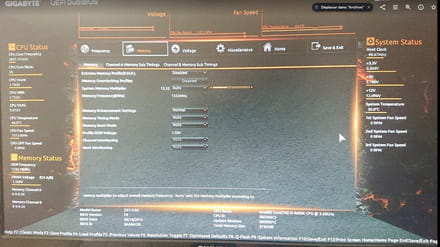
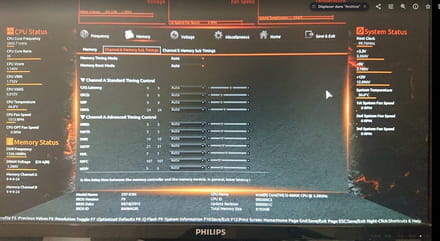
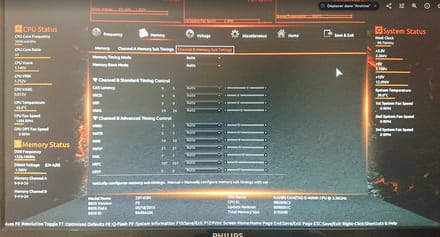
So after all, maybe I'm just not getting it, it's indeed 8GB in total for the kit but I really don't feel that way. -
-
Question worth 10 points: how much memory can the motherboard handle? I have a Gigabyte motherboard that only manages 8GB. Even if I put 20GB in it, it will only handle 8GB.