Small issue with image display
MattieuBardon
-
pistouri Posted messages 19010 Registration date Status Contributor Last intervention -
pistouri Posted messages 19010 Registration date Status Contributor Last intervention -
Hello,
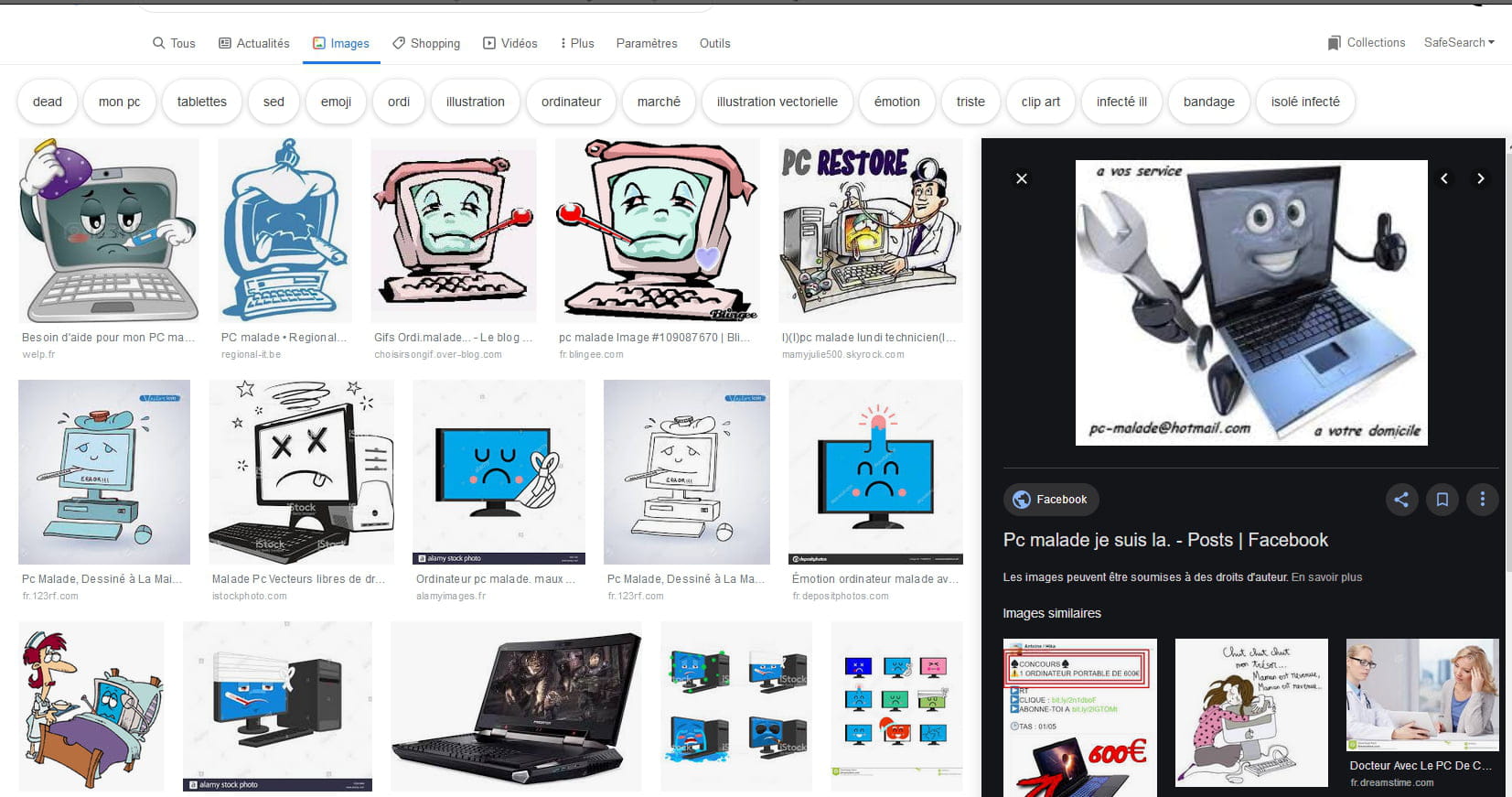
the display of images is no longer the same as before; when I click on an image, it appears on the right side of the screen, whereas before it appeared below. Could you help me get it back to how it was before?
Thank you in advance.
the display of images is no longer the same as before; when I click on an image, it appears on the right side of the screen, whereas before it appeared below. Could you help me get it back to how it was before?
Thank you in advance.
2 answers
-
Hello
Images from which site???
;)
--
It's always wrong to try to be right in front of people who have every good reason to believe they're not wrong! (Raymond Devos) -
pistouri Posted messages 19010 Registration date Status Contributor Last intervention Ambassador 8 732
Hello,
it could be with Google Images.
A similar post on the Forum here
The "View Image" button on Google Images
Today, the company is doing the opposite and announces it has removed a very popular feature from its search engine, the "View Image" button. It allowed users to easily access the searched image by bypassing the hosting website, which could sometimes be too heavy to load or block access. The "Visit" button remains present to access the web page in question.
Source here from February 2018
As of now, I can't even see the "Visit" button anymore
Where has our good old Google Images gone?
That said, displaying a picture in isolation on Google Images is still possible, without the need to use a button or an extension. You just need to open the image in question, right-click on it with the mouse and, in the case of Google Chrome for example, choose the option called "Open image in new tab."
Or with the View Image extension
- For Firefox
- For Chrome
In the meantime, the image is indeed on the right, we would have to get used to it unless Google finds or regains a workaround.
Refreshing (fixed) Firefox won't change anything.
The same goes for other browsers.
See you!
--
pistouri