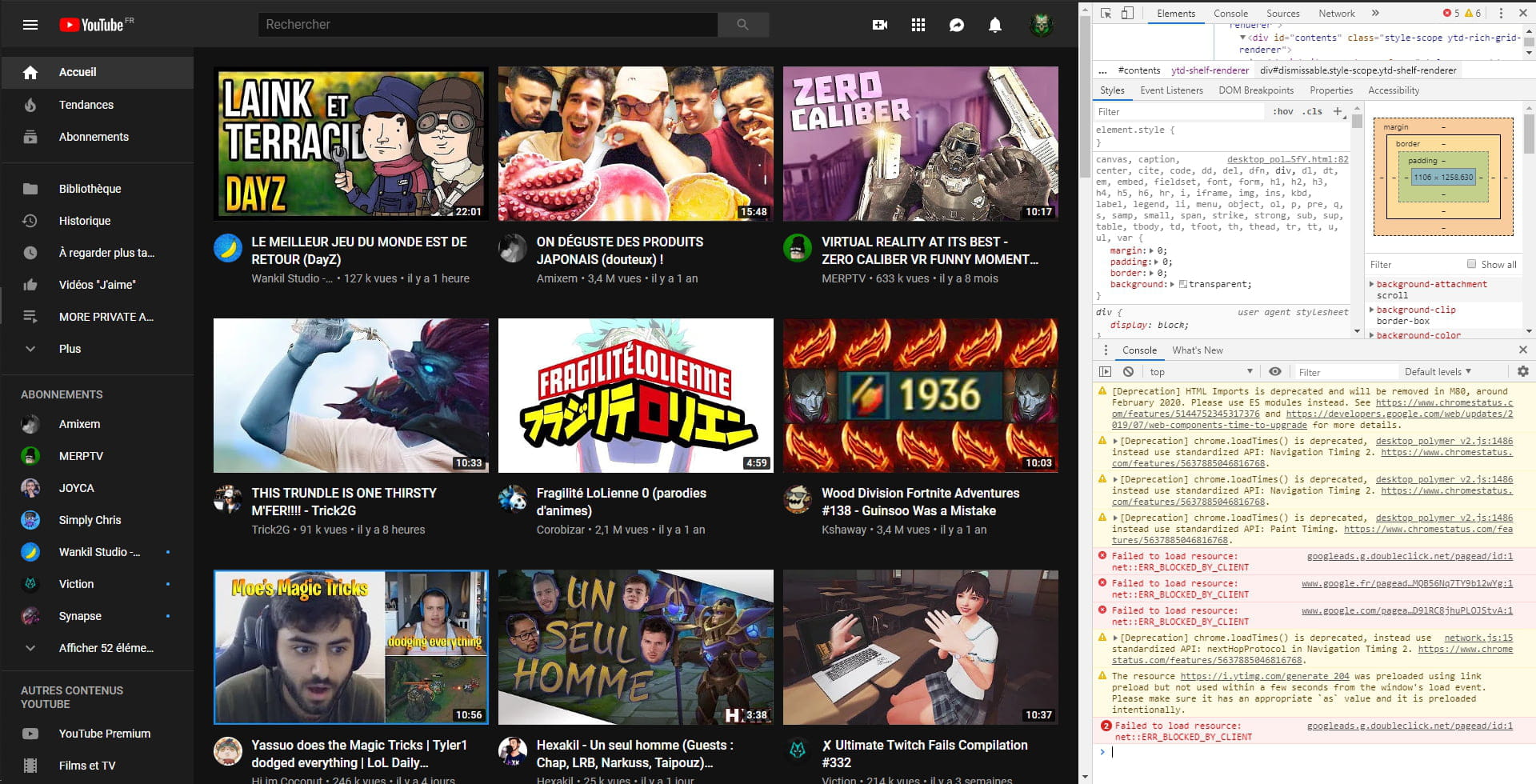
Homepage display issue on YouTube with or without an account
Solved
DL-44
Posted messages
5
Status
Member
-
DL-44 Posted messages 5 Status Member -
DL-44 Posted messages 5 Status Member -
Hello,
My YouTube homepage no longer displays videos as it used to. Now they appear large on my page and there are no more thematic sections.
Before:

Now:

Note that when I'm logged into my YouTube account, I have this problem (image 2) but not when I'm logged out (image 1). So I assume it has something to do with my account settings, but I can't find any solutions. I would like to return to a homepage like the first example, but I don't understand how to do it.
Thanks in advance.
My YouTube homepage no longer displays videos as it used to. Now they appear large on my page and there are no more thematic sections.
Before:

Now:

Note that when I'm logged into my YouTube account, I have this problem (image 2) but not when I'm logged out (image 1). So I assume it has something to do with my account settings, but I can't find any solutions. I would like to return to a homepage like the first example, but I don't understand how to do it.
Thanks in advance.
17 answers
-
pistouri Posted messages 19010 Registration date Status Contributor Last intervention Ambassador 8 732
Hello,
For me, the display is the same with or without my account.
Start by clearing the Google Chrome cache.
Tutorial here
I would suggest checking the zoom, but we can't see the small dots located at the top right that allow you to control and customize Google Chrome in your screenshots. It's possible that you didn't capture the menu.
You could reset Google Chrome and clean up at the same time with ResetBrowser
Or simply restore the default settings.
Since we can't see the settings menu, delete everything in the address bar (URL) and do a
copy/paste → chrome://settings/resetProfileSettings?origin=userclick
Click on → Reset settings
Check if Chrome is up to date.
Delete everything in the address bar (URL)
Do a copy/paste → chrome://settings/help
Also check in the advanced settings for the connection to Chrome
Disable the box → Allow Chrome connection
A+