Missing file for factory settings recovery
Washi7
Posted messages
1
Status
Member
-
Malekal_morte- Posted messages 178136 Registration date Status Moderator, Security Contributor Last intervention -
Malekal_morte- Posted messages 178136 Registration date Status Moderator, Security Contributor Last intervention -
Hello
I have had my PC for about 3-4 years, but two years ago I tried to perform a factory reset to clean up my PC a bit, but I couldn't do it due to a missing file issue. I tried to resolve this problem, but I wasn't able to
So I would like to know if you have a solution to this problem, thank you in advance
PS I am not good with computers, sorry in advance
Exact problem: Some files are missing. Your Windows recovery or installation media will provide them.
I have had my PC for about 3-4 years, but two years ago I tried to perform a factory reset to clean up my PC a bit, but I couldn't do it due to a missing file issue. I tried to resolve this problem, but I wasn't able to
So I would like to know if you have a solution to this problem, thank you in advance
PS I am not good with computers, sorry in advance
Exact problem: Some files are missing. Your Windows recovery or installation media will provide them.
2 answers
-
You still have the option to install Windows from a USB stick with the same version as the one on the PC. That's what I did on an old PC with Vista when the factory recovery partition was defective.
1- Retrieve the Windows 7 - 8 - 10 ISO file
2 - Get Rufus to put the ISO file on the USB stick, then choose BIOS or UEFI 'depending on your BIOS version'.
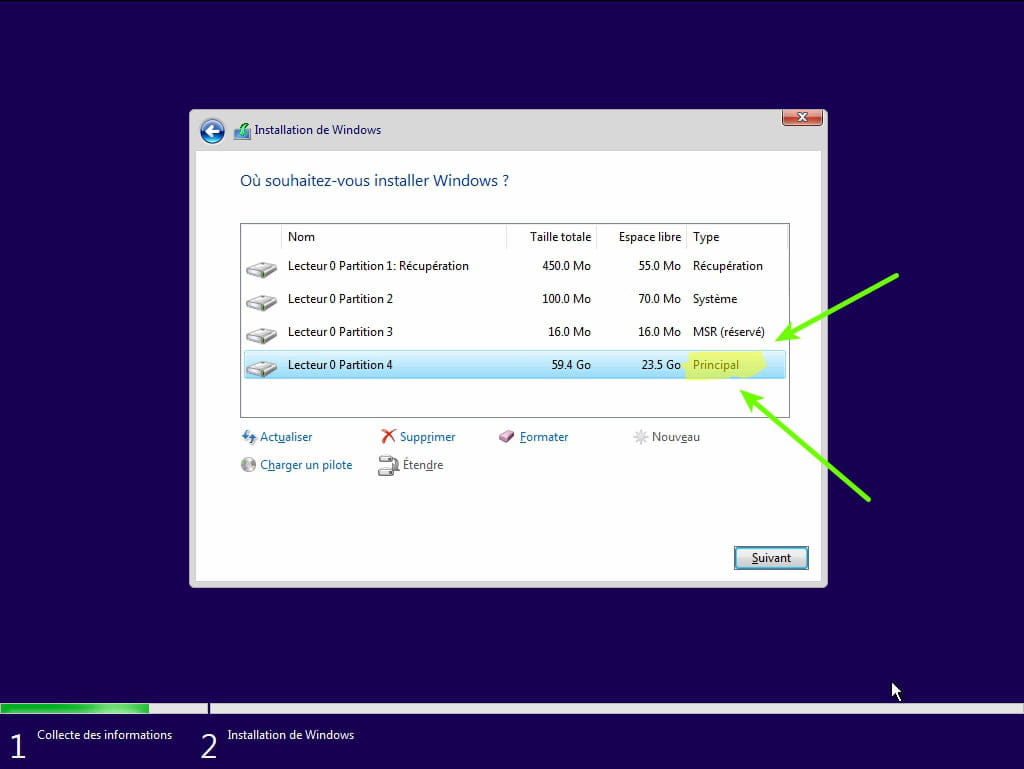
3 - Boot from the USB stick to install Windows.
--
the druid without the potion.