Format an external hard drive with multiple partitions
Solved
F-MATH
Posted messages
91
Status
Member
-
mushu14 Posted messages 11897 Registration date Status Contributor Last intervention -
mushu14 Posted messages 11897 Registration date Status Contributor Last intervention -
Hello,
I replaced the hard drive of my laptop with an SSD. I then put the old hard drive into a USB enclosure to turn it into an external hard drive.
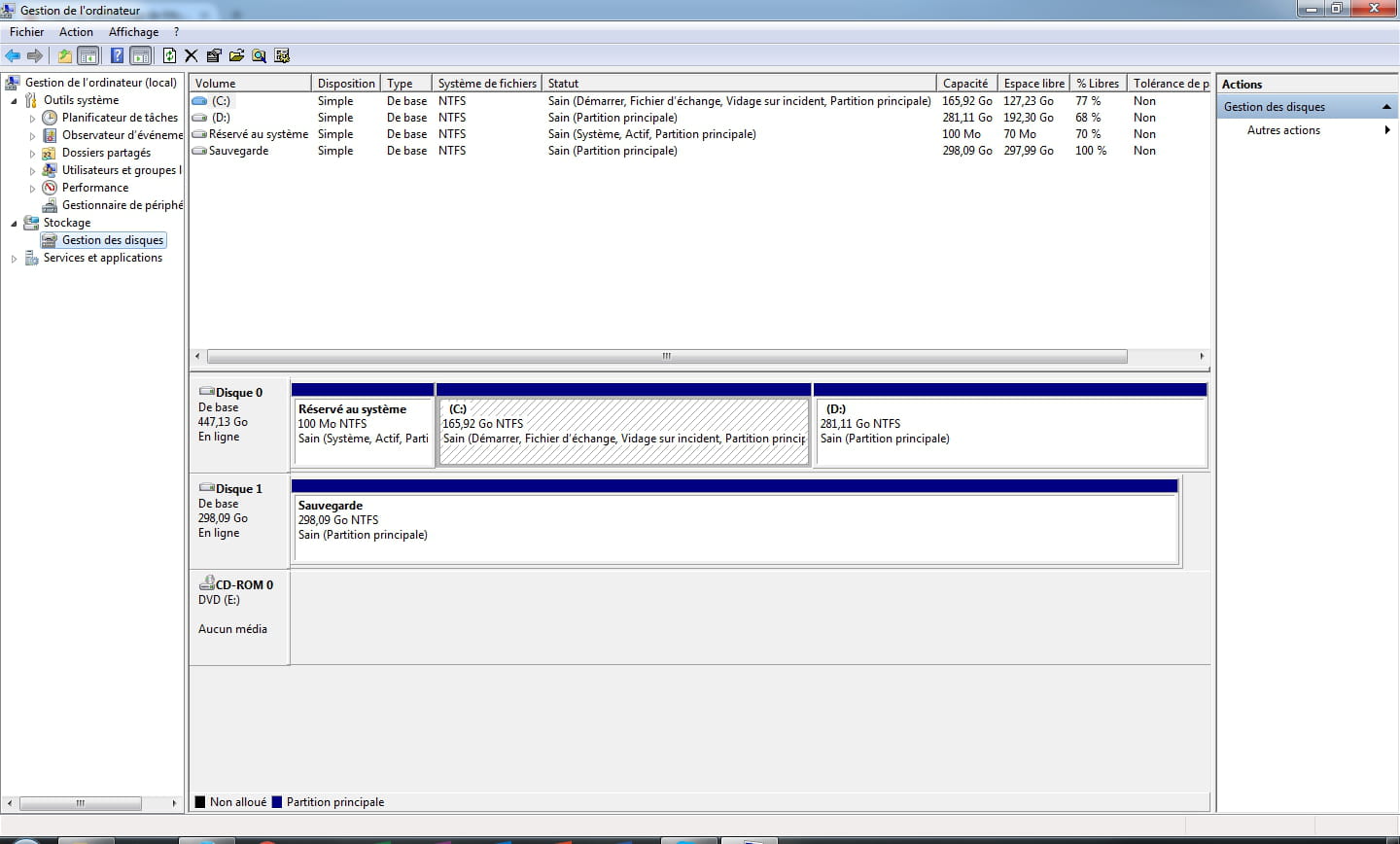
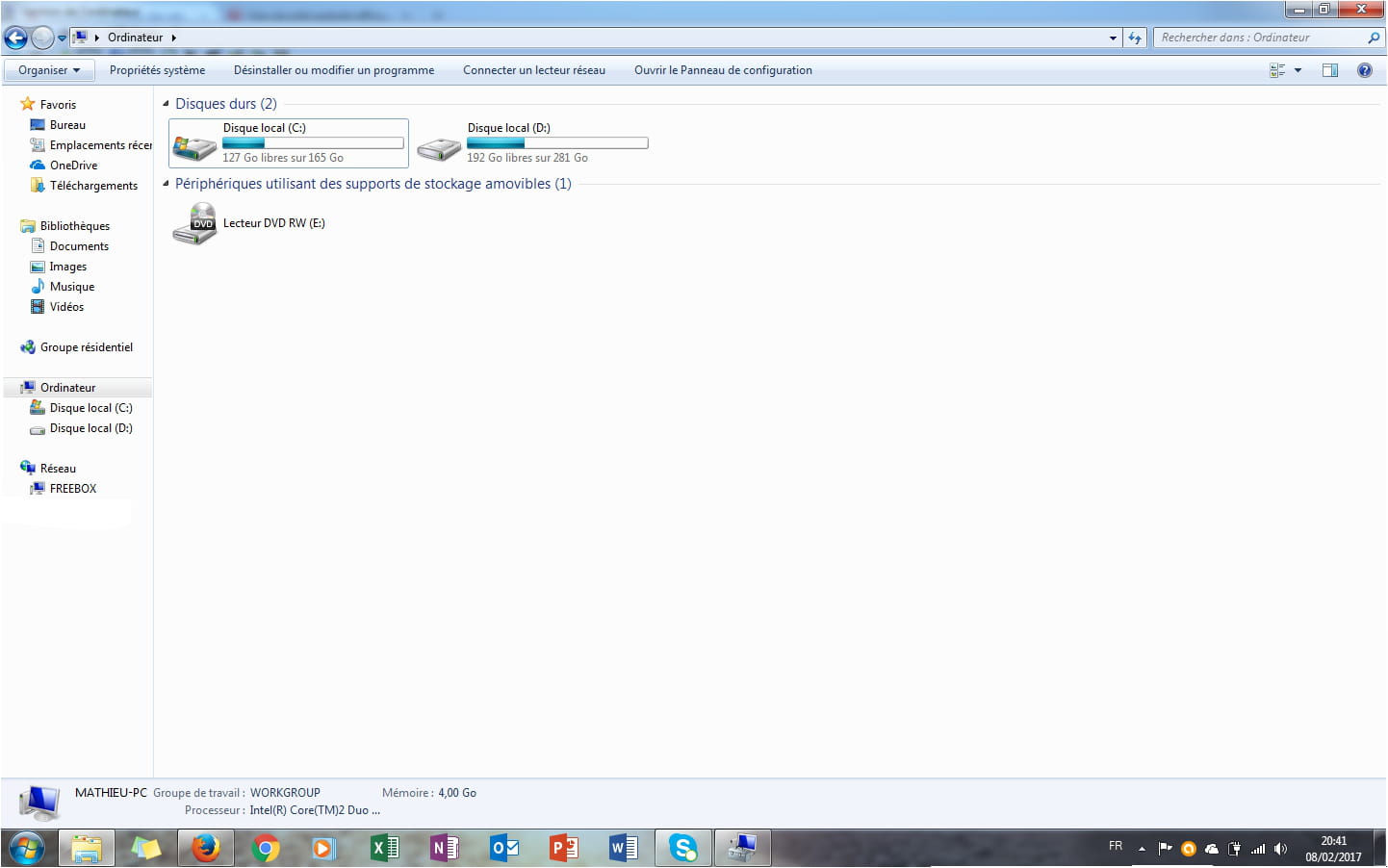
I would like to format it to erase all the data. The problem is that when I connect the HDD via USB, I find myself in Windows Explorer with 3 drives corresponding to the 3 partitions that were on it before:
- Windows 7 System Reserved
- Windows 7
- Datas
The issue is that if I use the classic formatting method in Windows Explorer - right-click on the drive then "format" - I will only format one of the 3 partitions.
However, I want to completely format the HDD and have only one partition on it.
How should I proceed?
Thank you
F-MATH
Configuration: Windows / Firefox 51.0
I replaced the hard drive of my laptop with an SSD. I then put the old hard drive into a USB enclosure to turn it into an external hard drive.
I would like to format it to erase all the data. The problem is that when I connect the HDD via USB, I find myself in Windows Explorer with 3 drives corresponding to the 3 partitions that were on it before:
- Windows 7 System Reserved
- Windows 7
- Datas
The issue is that if I use the classic formatting method in Windows Explorer - right-click on the drive then "format" - I will only format one of the 3 partitions.
However, I want to completely format the HDD and have only one partition on it.
How should I proceed?
Thank you
F-MATH
Configuration: Windows / Firefox 51.0