Unable to enable bluetooth on ubuntu
morgy
-
morgy -
morgy -
Hello, I have a mini portable Asus PC running Ubuntu 12.04, but I can't enable the Bluetooth on it; nothing in the Bluetooth section works. Could you please help me?
Thank you in advance for your understanding.
Configuration: Linux / Chrome 48.0.2564.116
Thank you in advance for your understanding.
Configuration: Linux / Chrome 48.0.2564.116
1 answer
-
Hello,
To start, I suggest you install a more recent version of Ubuntu (12.04 = 2012, April, that's getting old!), either by upgrading your Ubuntu (migration) or more simply by installing over it (in my opinion, this will be simpler, faster, and cleaner in this case). If you choose this second option, take the time to save your important documents on an external drive (USB key, DVD...).
https://ubuntu.com/
https://doc.ubuntu-fr.org/migration
This way, the software layer (kernel and modules) that manages the hardware will be more up to date and more likely to support your Bluetooth card.
Next, you need to install an interface that manages Bluetooth and activate the corresponding service. Personally, I use Bluedevil (which is what we traditionally use under KDE/Plasma). I imagine that Ubuntu pre-installs such software.
https://doc.ubuntu-fr.org/bluetooth
If you need to install something, go through your package manager (the software center if you prefer graphical interfaces, or apt-get if you prefer using the terminal, it's equivalent):
https://doc.ubuntu-fr.org/software-center
https://doc.ubuntu-fr.org/terminal
https://doc.ubuntu-fr.org/apt
https://www.mistra.fr/tutoriel-linux-apt.html
You also need to enable the Bluetooth service, which can be done via the terminal with the command:
sudo service bluetooth start
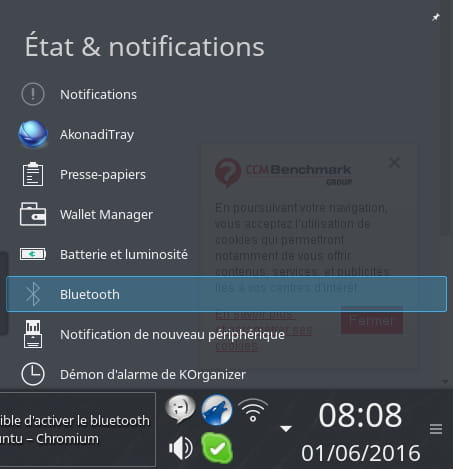
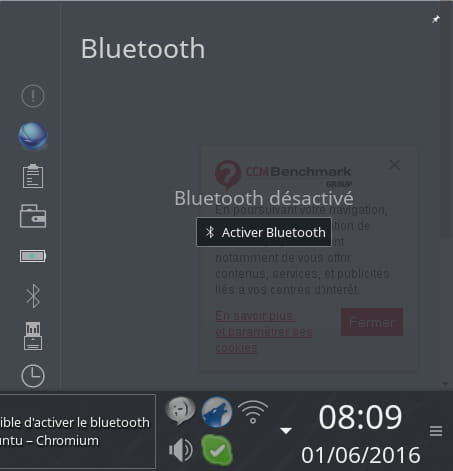
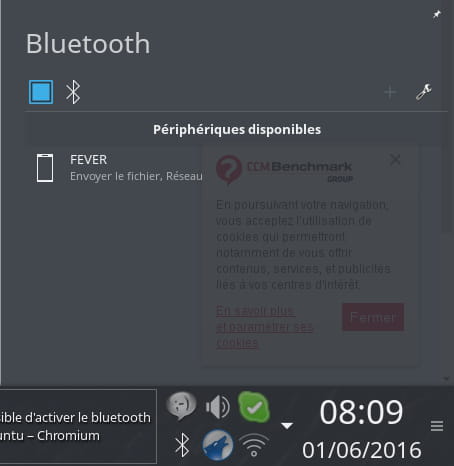
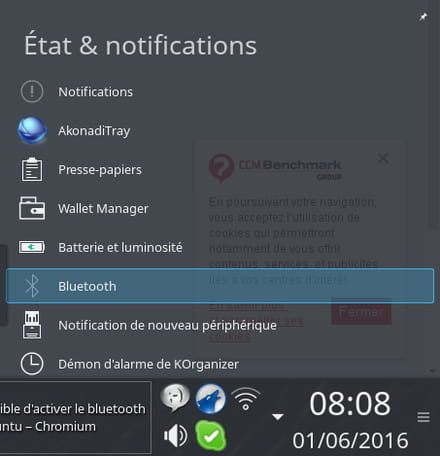
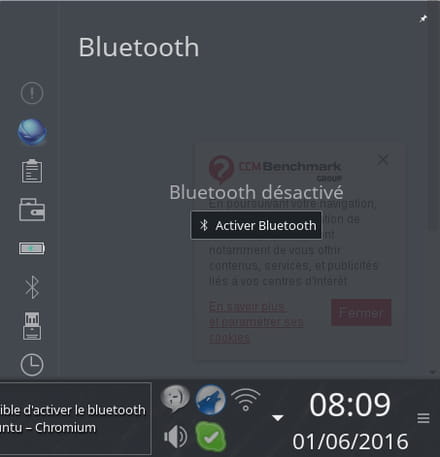
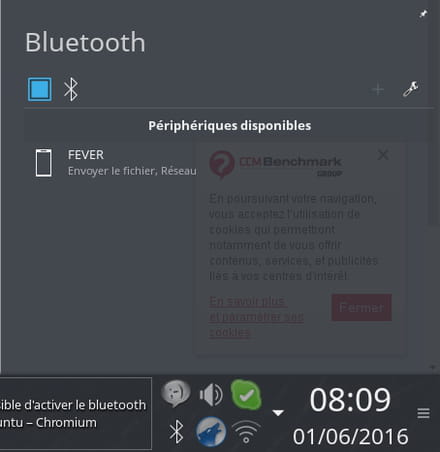
Finally, make sure that in your Bluetooth applet (usually accessible via an icon near the clock), the Bluetooth box is checked.
Example under KDE/Plasma:
Good luck!