How to unlock the startup disk?
Solved
petra
-
gab1 Posted messages 6366 Registration date Status Member Last intervention -
gab1 Posted messages 6366 Registration date Status Member Last intervention -
Hello,
Following a bug that occurred with Safari (related to a window that suddenly appeared regarding the session keychain), my friend's iMac no longer restarts. When we turn it on, we see the Apple logo, the progress bar moves forward, and when it reaches three-quarters, the computer shuts down, black screen.
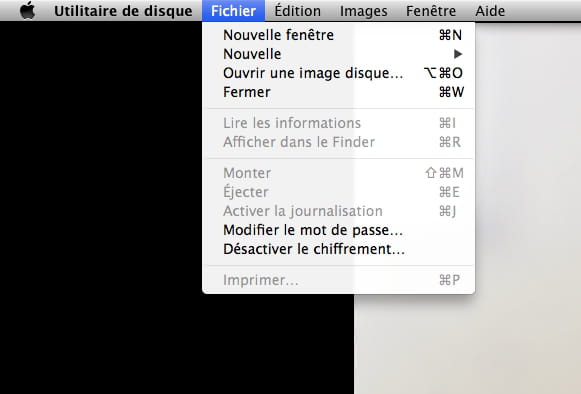
After trying commands like Cmd R, we can't do anything, and I can see that the startup disk is locked. The Disk Utility's SOS function stops and indicates that the operation has failed. Error on line 8...
At this point, I don't know what to do. Is there a way to recover the data from my hard drive online and reinstall the El Capitan system?
Thank you for your help (testimonials or advice or tips)
Configuration: Mac OS X (10.11.4) / Safari 9.1
Following a bug that occurred with Safari (related to a window that suddenly appeared regarding the session keychain), my friend's iMac no longer restarts. When we turn it on, we see the Apple logo, the progress bar moves forward, and when it reaches three-quarters, the computer shuts down, black screen.
After trying commands like Cmd R, we can't do anything, and I can see that the startup disk is locked. The Disk Utility's SOS function stops and indicates that the operation has failed. Error on line 8...
At this point, I don't know what to do. Is there a way to recover the data from my hard drive online and reinstall the El Capitan system?
Thank you for your help (testimonials or advice or tips)
Configuration: Mac OS X (10.11.4) / Safari 9.1