How to frame text on "pages"
Ange011277
Posted messages
20
Status
Member
-
Ange011277 Posted messages 20 Status Member -
Ange011277 Posted messages 20 Status Member -
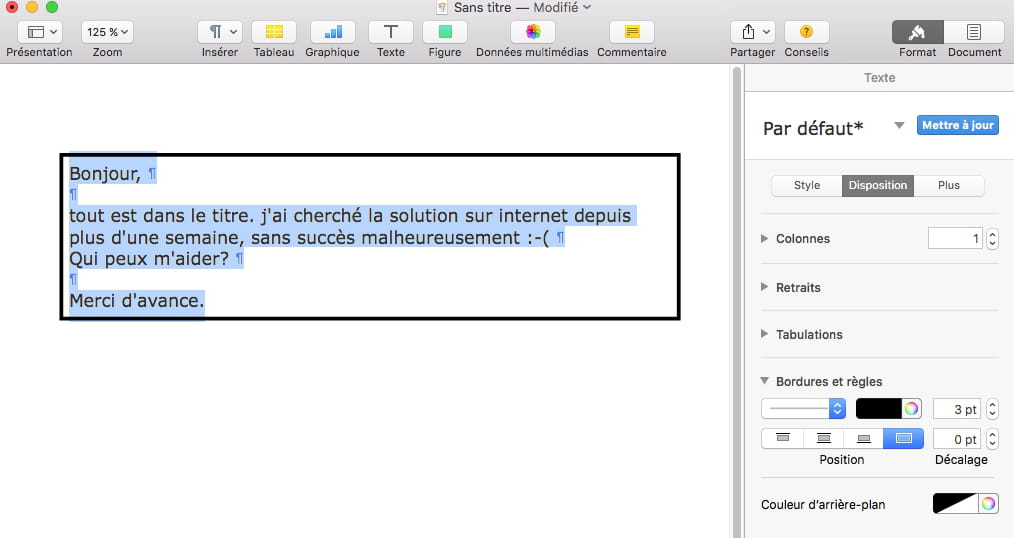
Hello,
everything is in the title. I've been searching for a solution on the internet for over a week, unfortunately without success :-(
Who can help me?
Thank you in advance.
everything is in the title. I've been searching for a solution on the internet for over a week, unfortunately without success :-(
Who can help me?
Thank you in advance.
4 answers
-
Hello,
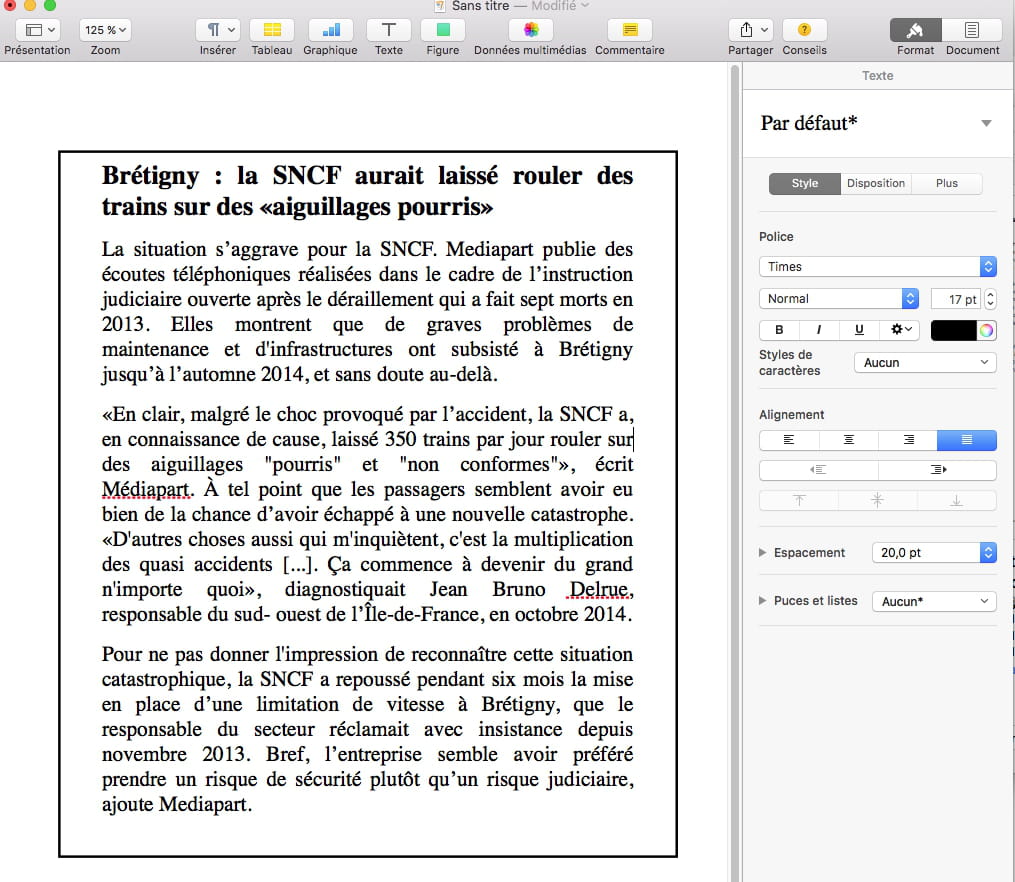
like this:

Best regards
--
Have a Good Day :-) - Francis
Always indicate your exact system configuration and read the entire response given -
You can act on several criteria, for example:


--
Have a nice day :-) - Francis
Always indicate your exact system configuration and read the entire response given -
or again:


--
Have a nice day :-) - Francis
Always provide your exact system configuration and read the entire response given. -
OK - so, there are several possible settings:

and

--
Have a nice day :-) - Francis
Always specify your exact system configuration and read the entire response given