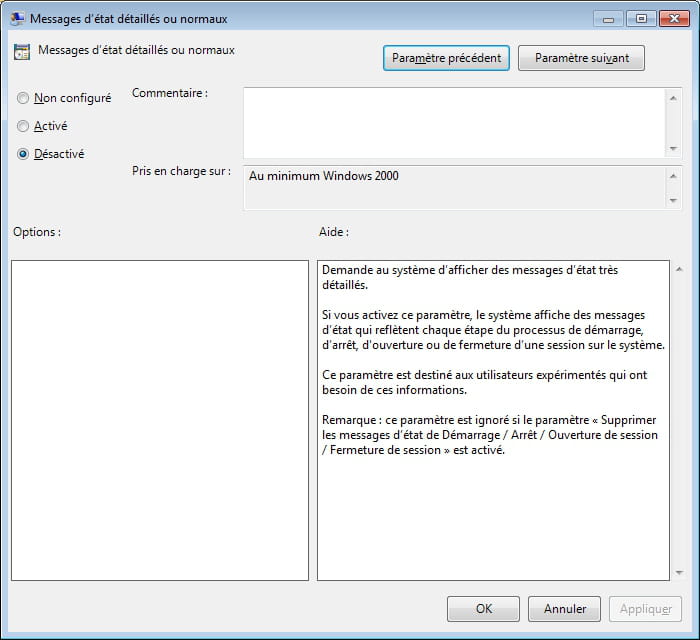
Startup Messages on My Computer...
Hello,
For the past 3 or 4 days, I've been seeing messages like:
Please wait for user profile service, preparing desktop, or stopping services, etc., when I start my computer. Is this normal and how can I get rid of it?
Second little issue: When I go to Start, I no longer see the list of recently launched applications on the left?
Why is this and how can I restore this info?
Thank you in advance for your help.
Configuration: Windows 7 Ultimate/ Internet Explorer 8.0
For the past 3 or 4 days, I've been seeing messages like:
Please wait for user profile service, preparing desktop, or stopping services, etc., when I start my computer. Is this normal and how can I get rid of it?
Second little issue: When I go to Start, I no longer see the list of recently launched applications on the left?
Why is this and how can I restore this info?
Thank you in advance for your help.
Configuration: Windows 7 Ultimate/ Internet Explorer 8.0