OpenSSL
Solved
-
Hello,
I installed Composer, but when I run it, there is the message "You are running Composer with SSL/TLS protection disabled".
How can I fix this?
Thank you for your help.
Best regards.
I installed Composer, but when I run it, there is the message "You are running Composer with SSL/TLS protection disabled".
How can I fix this?
Thank you for your help.
Best regards.
1 answer
-
ModeratorHello
Is OpenSSL enabled in your php.ini?
Are you on a server or locally?
If locally...what software are you using to emulate Apache/PHP?
--
Sincerely,
Jordane-
-
-
ModeratorYou need to start by checking which ini file is being used.
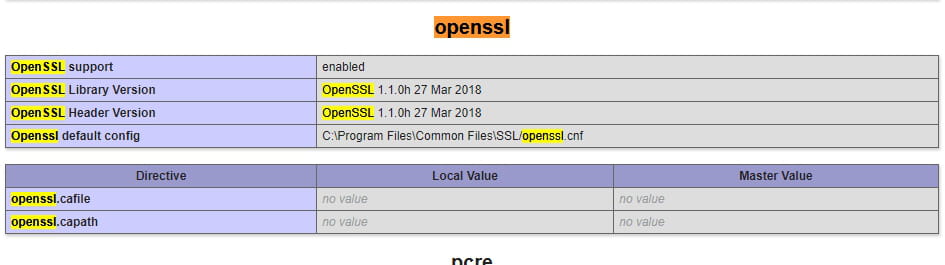
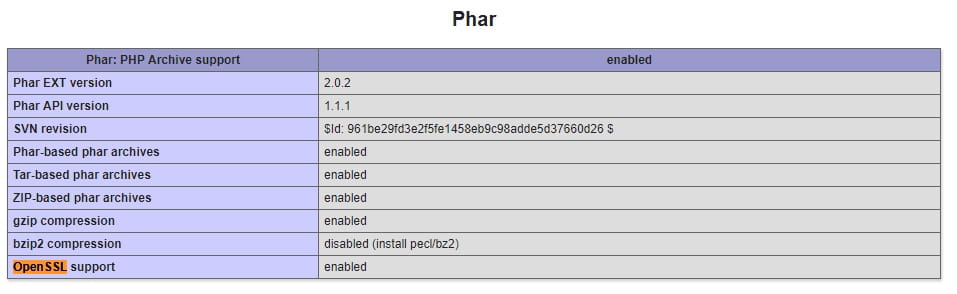
For that, you can do a phpinfo
Also check if openssl is enabled or not.
If not... look in the php.ini indicated by phpinfo if the line extension=open_ssl is uncommented.
You should also check if the variable extension_dir correctly contains the exact path to the ext directory of your php
for example:
extension_dir = "C:\php\ext\"
You may also need to download the OpenSSL DLLs and copy them both into your apache and into your php.
Well... you will easily find a lot of very, very numerous tutorials on the subject online. -
-
ModeratorIf you stop / restart your Apache... do you still have the same error in Composer?
If so, you can check the responses proposed here: https://stackoverflow.com/questions/17354788/enabling-openssl-in-wamp
And at the worst of the worst...
composer config -g -- disable-tls true
-