App Shutdown
Hello
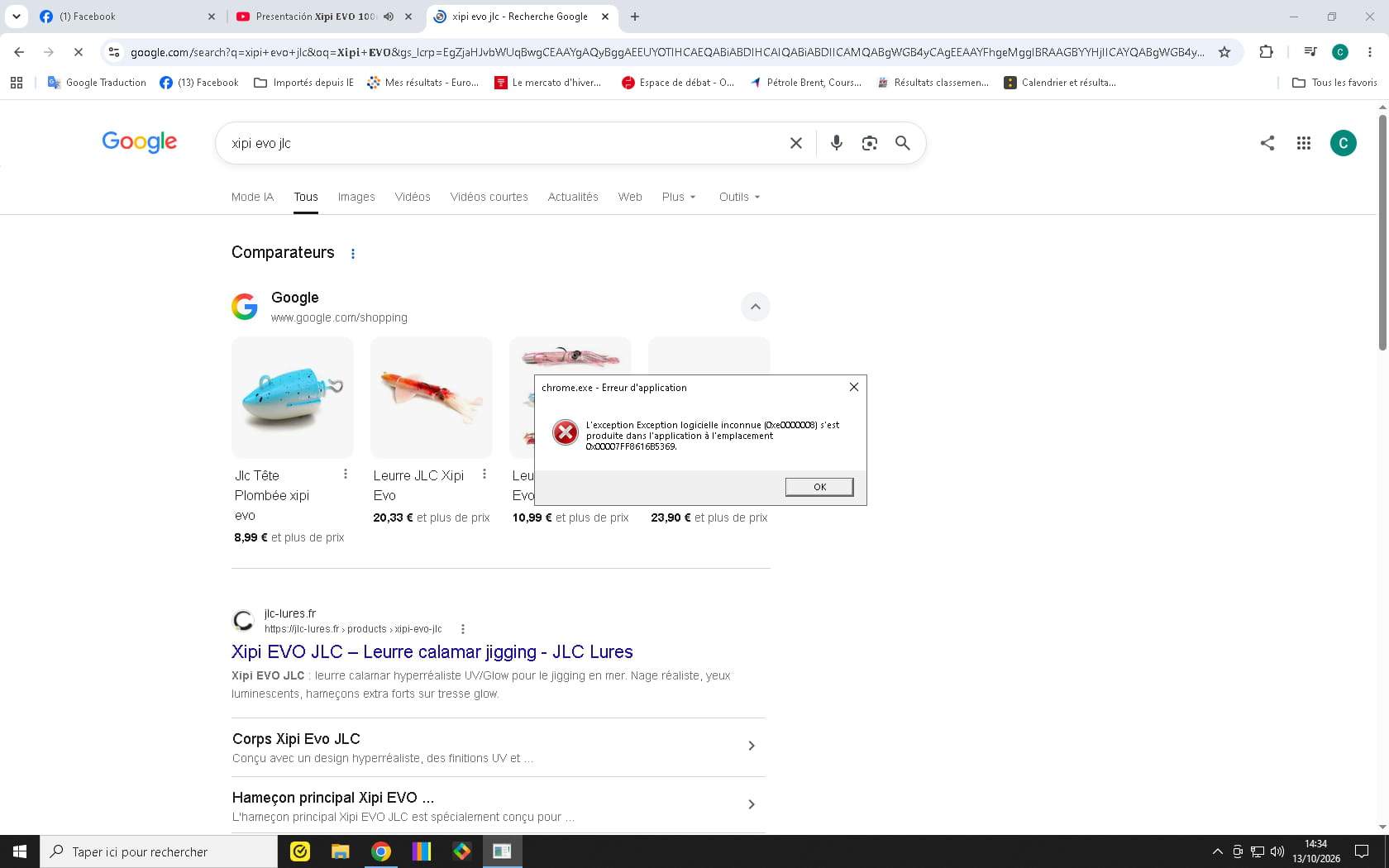
more and more often I receive this error message: application error.
How can I fix it
Thank you
2 answers
-
Hello,
The error may be due to Windows corruption, repair to be considered later, but most often it is caused by virtual memory exhaustion.
You can always increase it, but it is very slow, and if it is saturated it means that RAM is insufficient.
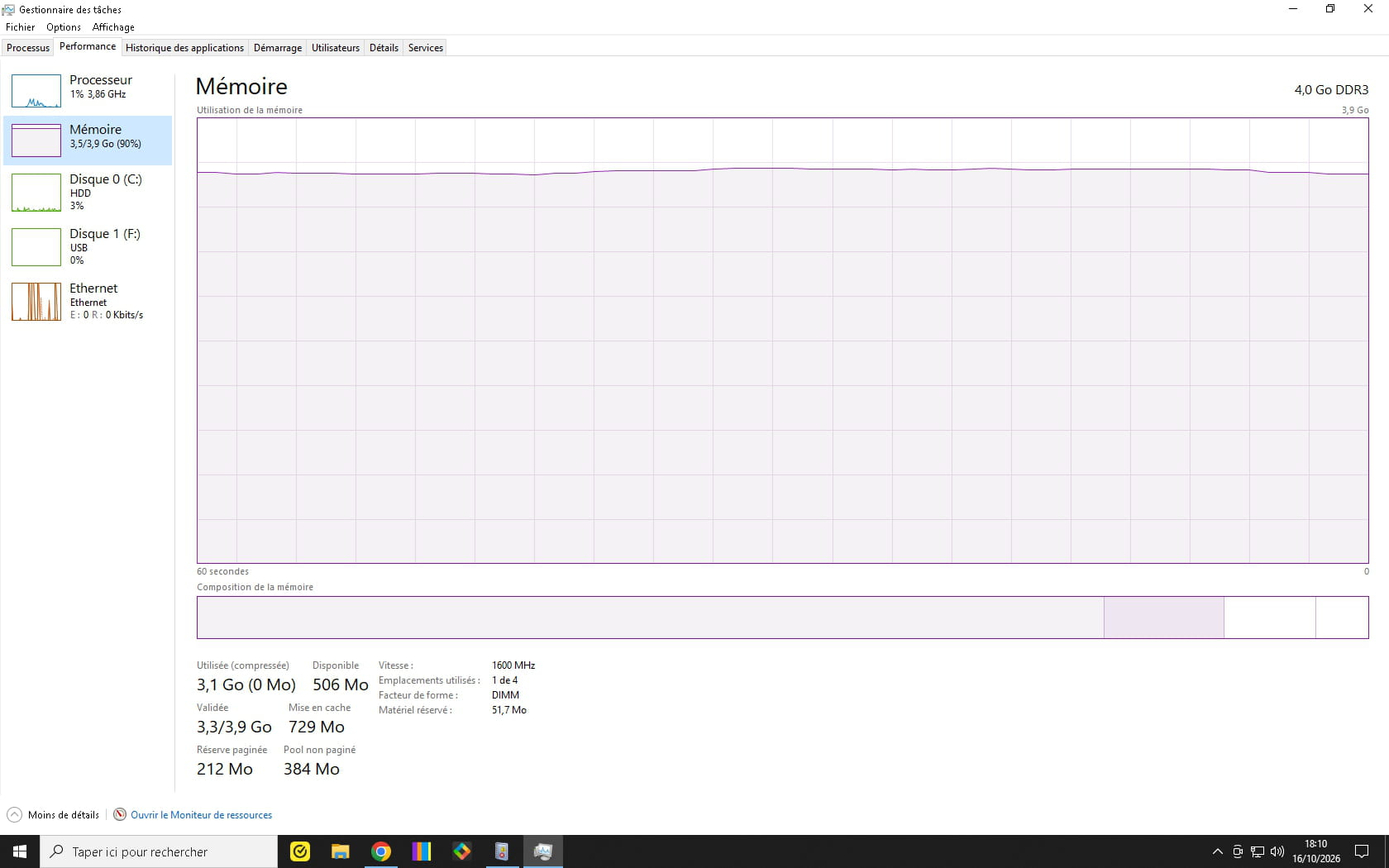
The first question would therefore be to know how much RAM is on the PC in question and what, besides the browser, starts up without reason; if needed, use the Run and Scheduled Tasks sections in Autoruns, there may also be in services.msc services set to automatic that have no reason to be.
-
-
@cricri16061957
Hello,
There are only 4 GB of RAM, which, as expected, is very insufficient and causes the virtual memory to take over, which itself is exceeded.
As elsewhere suggested, try to limit as much as possible what starts automatically or not, and increase the virtual memory as follows, but without miracles, because as also stated, it is very slow.
The best solution if the machine allows it physically (check on the manufacturer’s site the type of memory and the maximum per slot and overall) and if it is worth the cost (it has become a luxury) is to increase RAM to at least 8 GB, if not 16.
-
-
Hello,
Several very close-together symptoms without any user intervention; in this context, it is indeed possible that Windows is corrupted or perhaps even that the hard drive is beginning to show signs of weakness!
(Or a small malware (malicious software…) on the machine…).
See with the software below to determine the health status of the hard drive.
https://www.commentcamarche.net/telecharger/utilitaires/6735-crystaldiskinfo/
Repair Windows system files 11/10: SFC, DISM and other methods
RAM memory issues: diagnostic, symptoms and solutions