
Hzgsp3.uppollia.com
Solvedbazfile Posted messages 58537 Registration date Status Moderator Last intervention -
Hello,
Since this morning, I keep getting pop-ups on my screen telling me I am infected and that I need to clean by clicking their link.
Obviously, I am not doing anything.
How can I get rid of these warnings?
"Virus location: C/user/win/config Trojan_b901_System32_win_config34"
Thank you for your advice.
DMT.
4 answers
-
Hello @DMT17570 StatusMember.
Download FRST.
Once downloaded save FRST to the desktop then right-click FRST and choose Run as administrator which gives this:
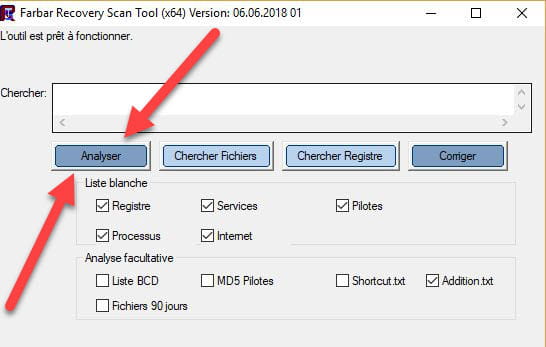

 Wait for the message the tool is ready to function to appear then click Analyze.
For information :
 If opening FRST triggers a Microsoft Defender alert, ignore it and click on More information then Run anyway, see below.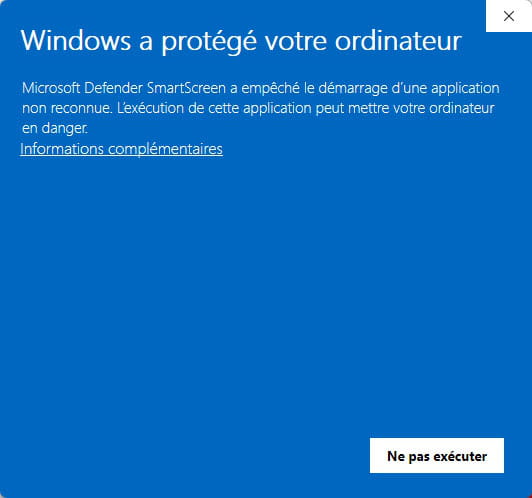


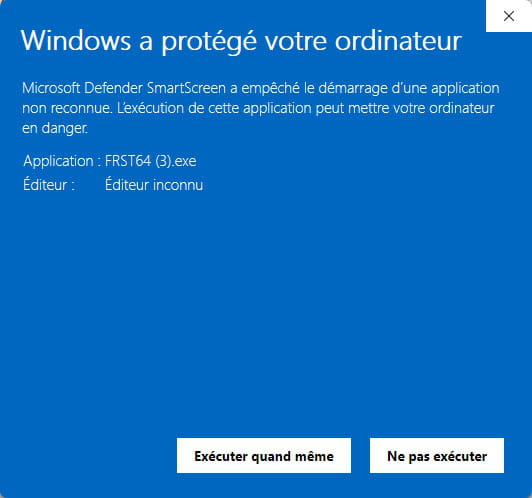
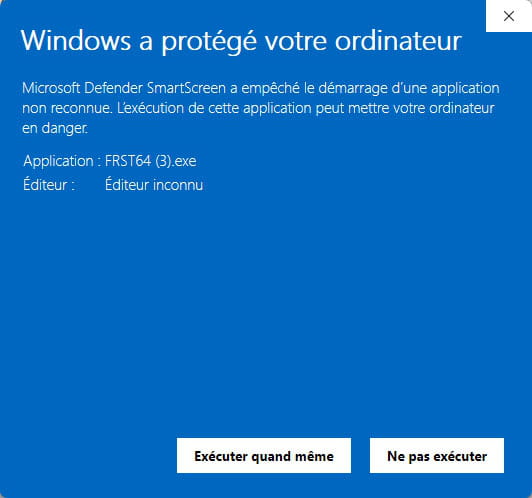
Attention, wait for messages saying the scan is finished to appear.
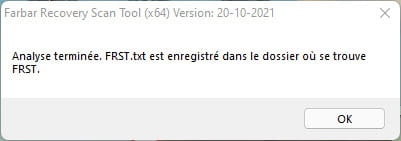


At the end of the analysis both FRST reports and ADDITION will be on the desktop.

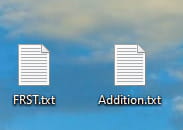


Send the FRST and ADDITION reports to https://pjjoint.malekal.com/.
Then attach the two links generated by https://pjjoint.malekal.com/ in your reply.
bazfile
Moderator/Security Contributor.
a hello, a reply, a thank you always pleases. -
https://pjjoint.malekal.com/files.php?id=20260628_y11d12l8r15p5
https://pjjoint.malekal.com/files.php?id=FRST_20260628_n12s15x11z14y6
-
I think the problem is solved, no more pop-ups.
Thanks for your help. -
You had to reset Chrome since the problem was in Chrome.
I mark as resolved.
bazfile
Security Moderator/Contributor.
a hello, a reply, a thank you are always welcome.
