HP 250G7 Laptop
extempor Posted messages 2155 Registration date Status Member Last intervention -
Hello, I have a problem with my HP 250 G7 computer.
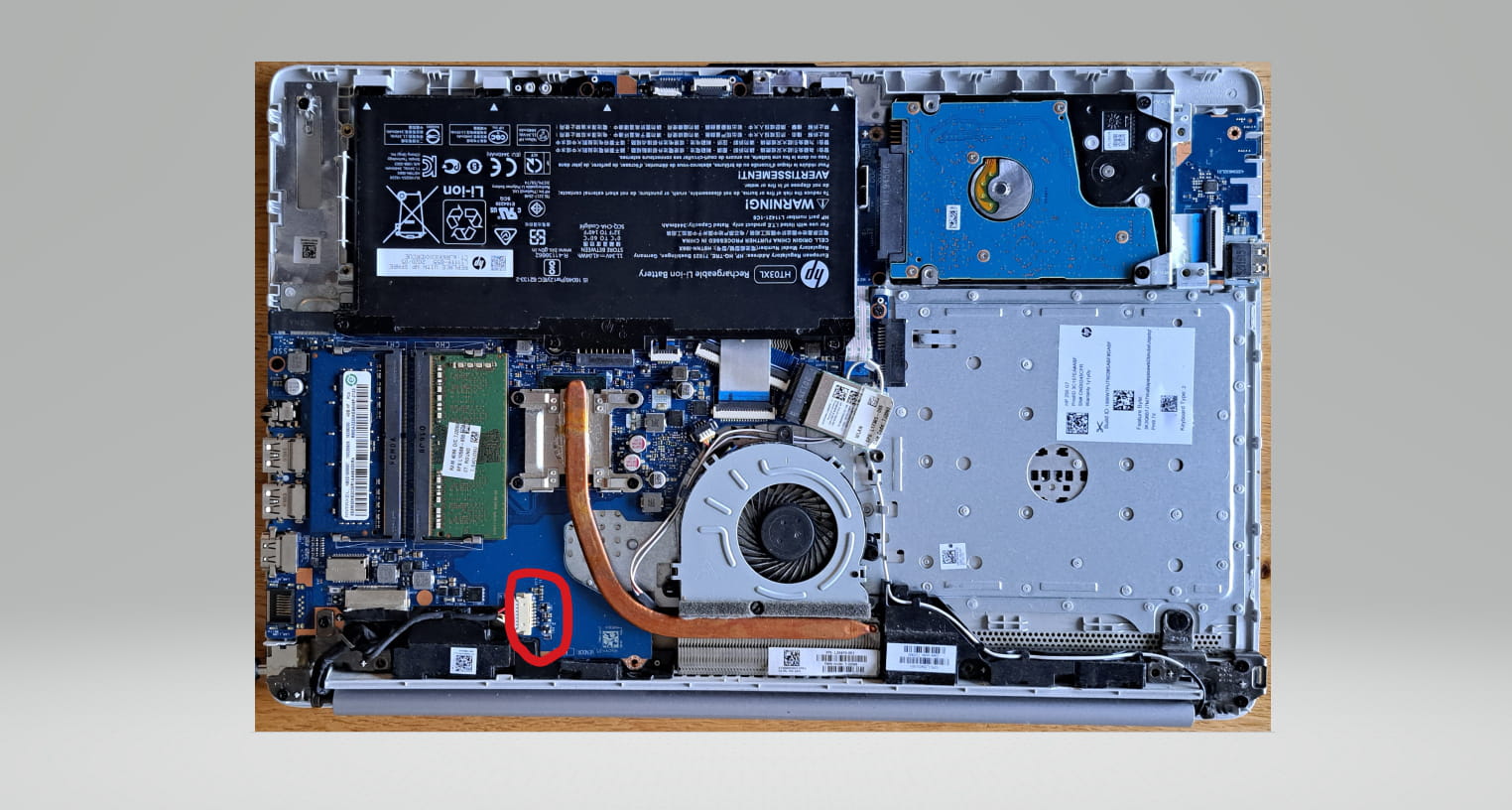
I had a charging issue. I had to jiggle the charging plug to find a position where it would charge. Then at some point, it became impossible to charge.
I changed the charger and the connection port on the PC.
But I still can't start the PC, and the charging connection light doesn't work.
However, I tested the output from this connection, and the 19 volts are coming through.
Do you have any idea?
Thank you.
8 answers
-
Hello,
Try removing the battery (if it's removable) and only keep the charger plugged in.
Otherwise, it could be an issue with the charging circuit, the motherboard, or even a corrupted BIOS.
So, disconnect everything, turn everything off, and try to restart by pressing and holding the power button for about 30 seconds.
If it turns on, you can still run an HP diagnostic by pressing Esc at startup + F2 to access this diagnostic tool.
From there, run a battery and power test.
Have a good day.
-
Hello, and thank you for the feedback.
I removed the battery and reinstalled it, but it won't start with or without.
At one point, while handling it to test the voltage on the board with the multimeter, the charging light turned red and the PC began to start but didn't finish, and since then nothing.
Any other ideas or tests?
-
Thank you.
The charger is new as well as the connector on the PC and there is no play between the two. We indeed have 19.5v at the output connection
-
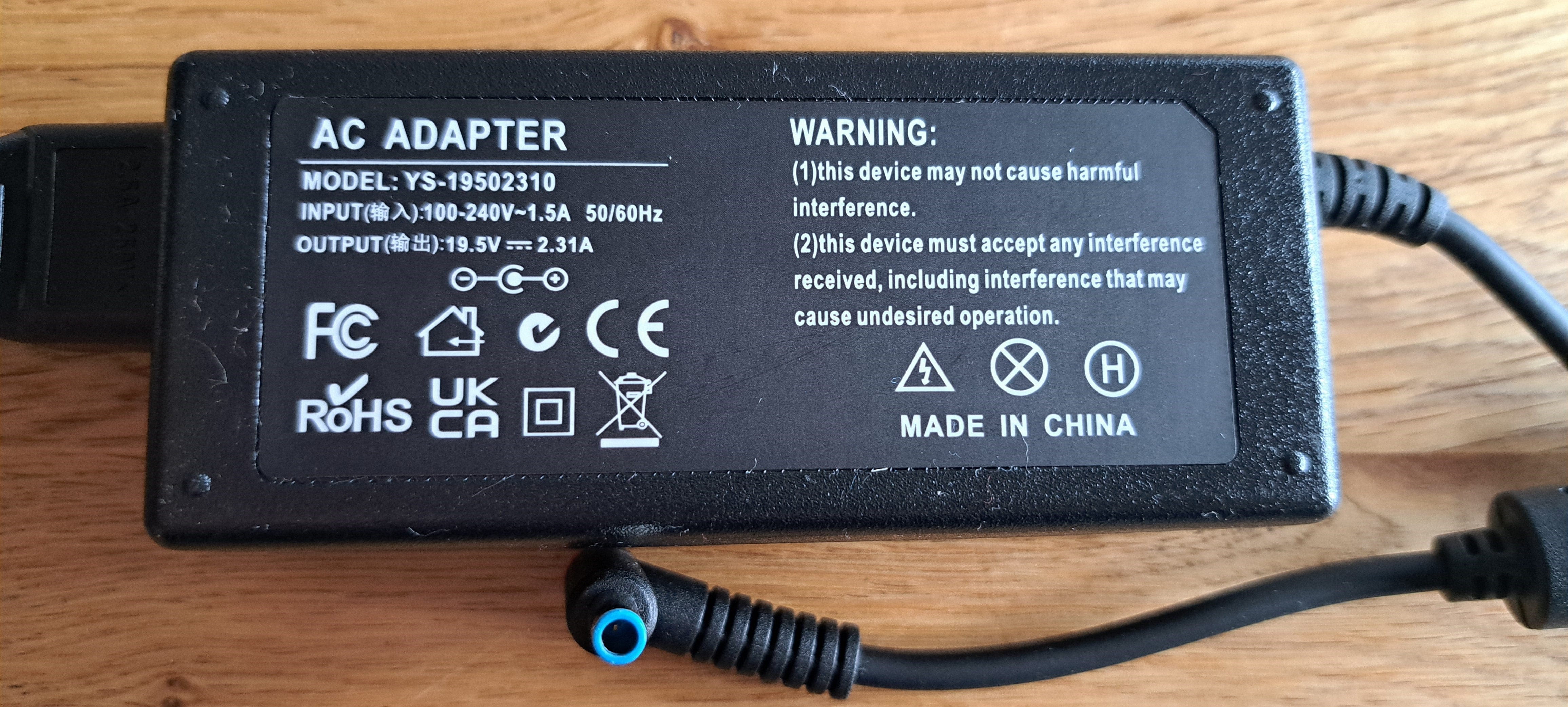
Hello. No, this is not the original one.
-
Would this one be more appropriate?
https://www.adaptateurs-pc.com/adaptateurs-hp-c-52_1/original-45w-chargeur-hp-240-g7-7rt00pa-ac-adaptateur-p-496506.html?gad_source=1&gad_campaignid=21522211105&gbraid=0AAAAADNy6dxabTsvm7g5B3QKic2YWr8OY&gclid=CjwKCAjwjffHBhBuEiwAKMb8pB4OEEf_8xotWyzeqSqU7ogmCwMcpygrfW374_Qnrp93bkPa1b_PaxoC4CsQAvD_BwE
-
Hello,
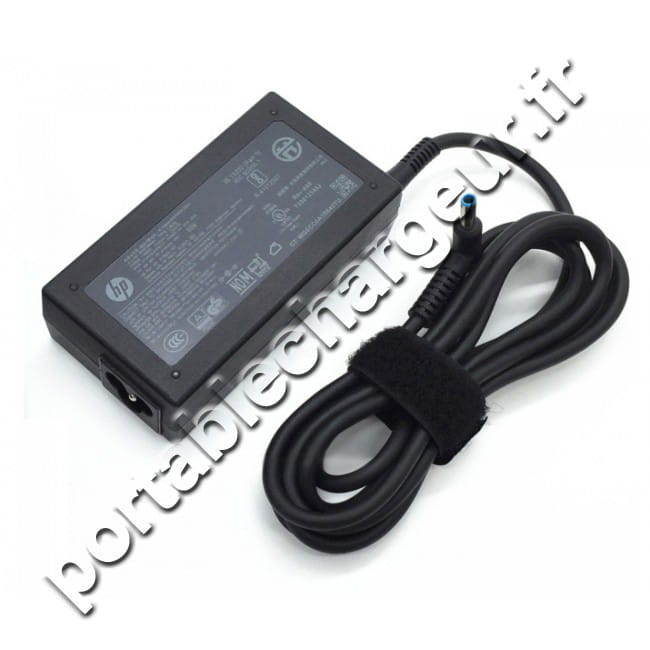
Here is the original... https://www.portablechargeur.fr/65w-original-hp-250-g7-notebook-pc-chargeur-ac-adaptateur-147924
You need a 65 W charger and not a 45 W like the one you bought.
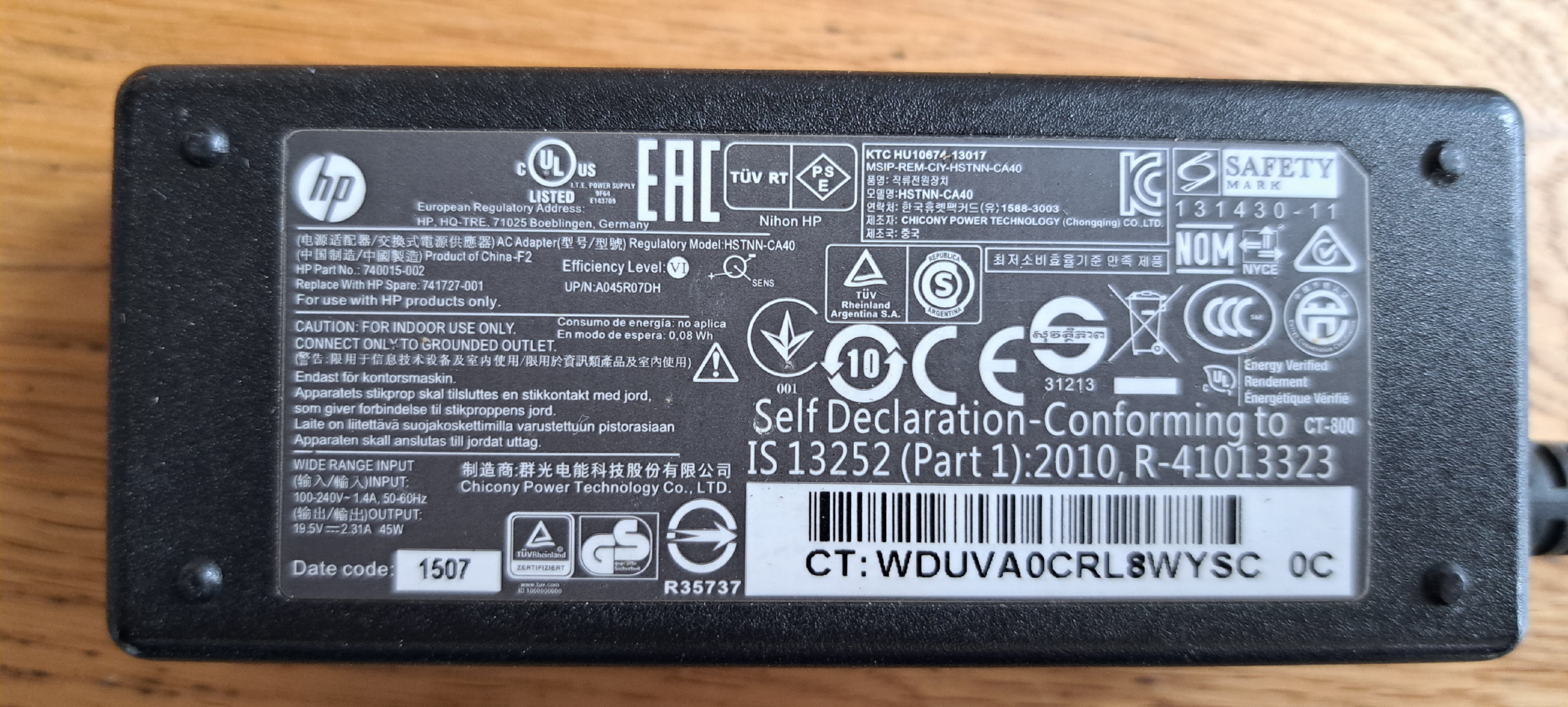
Hi
here is the original charger that I took out of the bin
Hello.
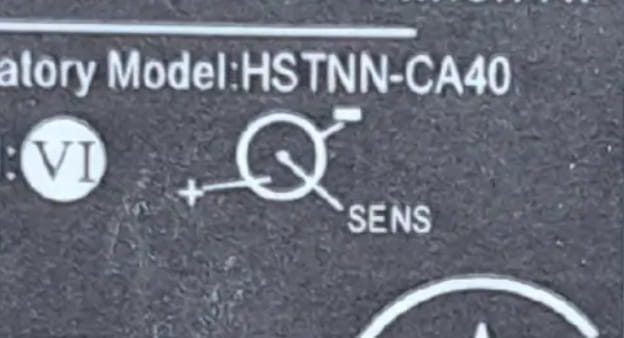
The question I am asking is that in image 10 there is a diagram with a polarity illustrated, attached is the zoom which is different from the one proposed in response 9.
Furthermore, the one in response 9 has the same polarity as the one in photo 6, which does not work (indeed with a lower power 45W / 65W).
Hello,
Personally, I don't see any difference regarding the polarities. In any case, we have the positive in the center of the output socket of the power supply block.
Clearly, you have tested that 19v is present (your initial message), so you have a multimeter handy, making it easy to check that the positive is in the center of the charger socket.
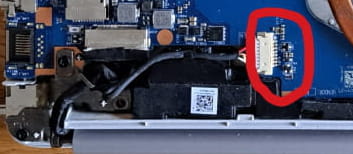
Moreover, as you mentioned in your initial message that you have 19v, the charger is presumably not the issue. I suspect the problem lies elsewhere; if it's not with the connection of the computer's female socket (make sure to check the soldering), there’s a good chance it's on the printed circuit board itself (micro cut).
Very difficult to catch a black cat in a dark room.
Especially when it's not there...-
Hello,
I join baladur13, whom I greet, on the polarities that are currently the norm for these laptop chargers.
==> the + inside (a very fine pin on some HP models) and the - on the outer ring.
What hasn't been verified is the diameter of the tip because if it’s loose, the contact will always be bad.
Referring to Post <7>
https://www.adaptateurs-pc.com/adaptateurs-hp-c-52_1/original-45w-chargeur-hp-240-g7-7rt00pa-ac-adaptateur-p-496506.html?gad_source=1&gad_campaignid=21522211105&gbraid=0AAAAADNy6dxabTsvm7g5B3QKic2YWr8OY&gclid=CjwKCAjwjffHBhBuEiwAKMb8pB4OEEf_8xotWyzeqSqU7ogmCwMcpygrfW374_Qnrp93bkPa1b_PaxoC4CsQAvD_BwE
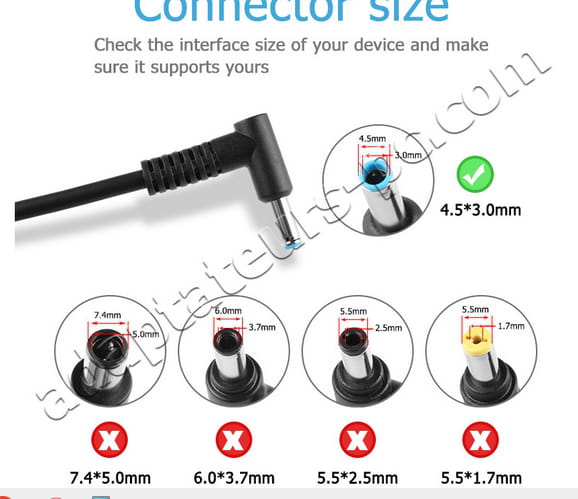
The charger is indeed an HP, but a small slideshow on the seller's site specifies the diameters of the tips ==> in green: 4.5mm outer / inner 3mm.
I am attaching a screenshot:
So check the diameter with a caliper...?
The HSTNN-CA40 model from message #10 (original charger) has a 4.5x3.00mm output connector
https://www.francechargeur.fr/chargeur-ordinateur-portable-hp-hstnn-ca40.htmlTherefore, the replacement model has the same connector size as the original charger.
Ok,
-
I'm bringing up the issue from post <4> with a multimeter we can check the voltage or continuity.
It's difficult to go further especially since I'm questioning the bold post.
.
-