
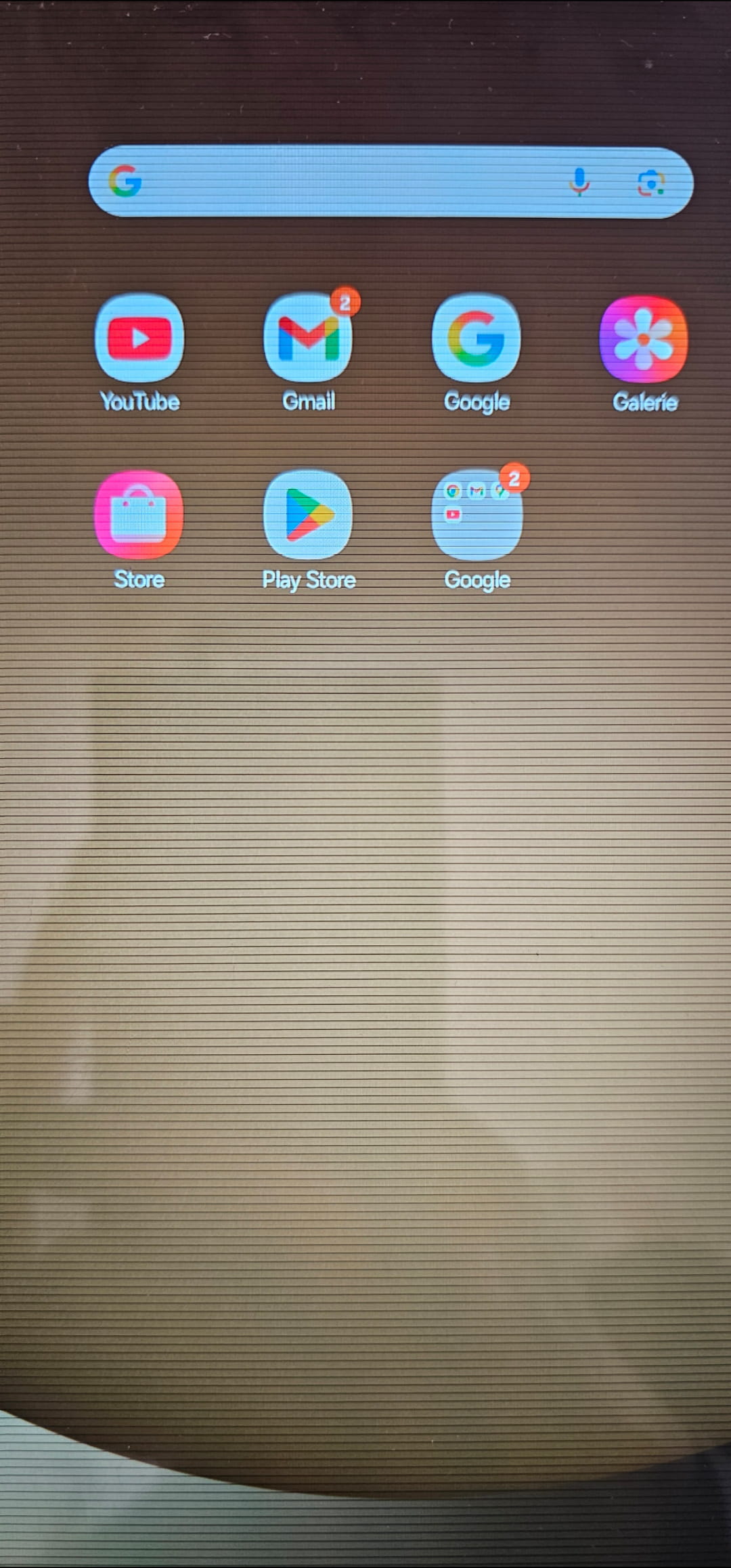
Horizontal line tablet
Hello, I have horizontal lines on my tablet screen. It hasn't fallen. I don't know how to remove them. If you have any idea
1 answer
-
Contributor
Hello,
I don't think you can "remove" them because, in my opinion, it's a malfunction of the Android system (a hardware issue is undetectable remotely).
- either you restart to refresh the system,
- or you perform a "factory reset," which returns the device to the state it was in when you bought it (new).
To do this, it is essential to back up all your data (files from the DCIM, download, images folders, and any other folders you created) on a PC or USB drive using the "my files" app or an equivalent downloaded app.
This reset will erase all data and require you to reinstall all non-native applications (native = pre-installed), which you will need to reinstall (so make a note of the list) along with all the data.
Wait for other responses in case my "diagnosis" is wrong.