
Moving the Taskbar on Windows 11: Instructions

brucine Posted messages 25319 Registration date Status Member Last intervention -
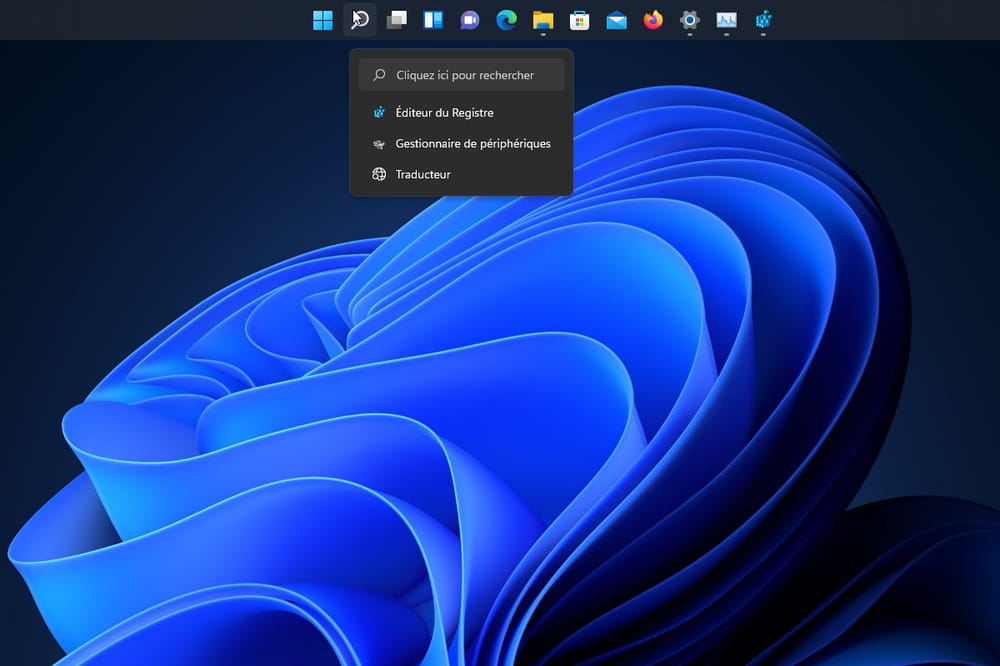
Source
4 answers
-
I absolutely want to display the taskbar vertically on the side of the screen. I hate Windows 11. Why impose this window in the center that prevents working.
-
Action performed but nothing happens, my bar stays at the bottom while I would like it to be at the top!
-
Hello,
No. It is very well placed at the bottom of the screen. Easier to access.
-
It's fine for you, but it doesn't work for me! I've had the bar at the top of my screens since W98, so I find it very disconcerting...
Hello,
Windows 11 has inexplicably restricted the use of the taskbar, including, for example, the creation of custom toolbars.
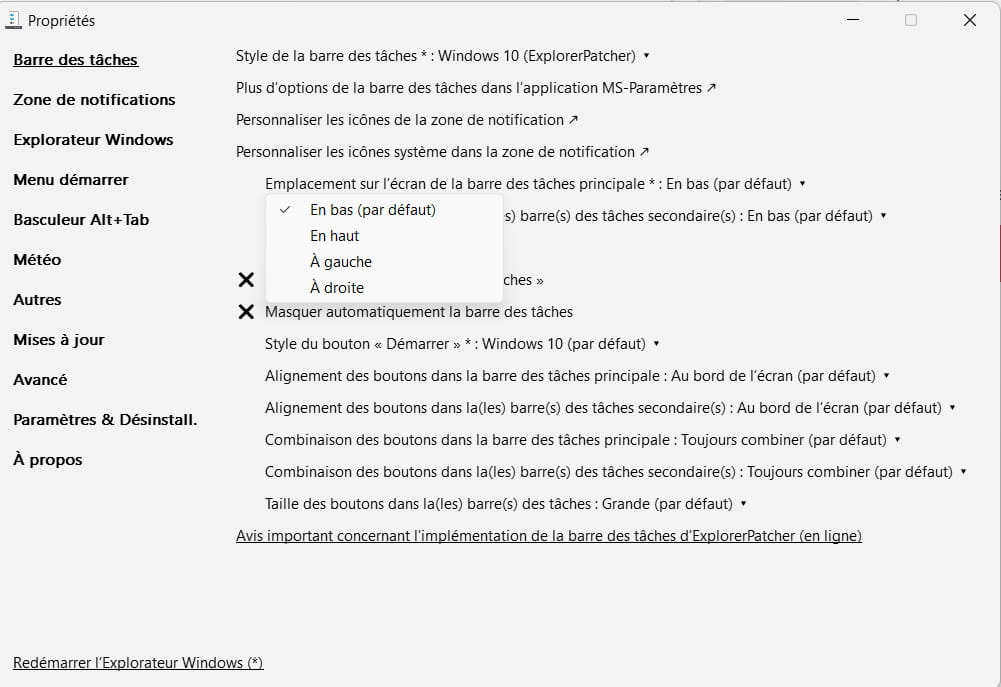
For those who would rather not tinker with the registry (or who might not do it correctly), there are a number of utilities like Explorer Patcher that include an option to move the taskbar.Thank you for the response, I did perform the action in the registry, but W11 tells me that a parameter has been reset to its default, and when I check the registry the value 03 has been restored…
I feel like Microsoft takes a certain pleasure in trying to force us into their viewpoint, without considering our opinion.There must be, I’m not sure, a certain number of circumstances where Windows automatically goes back to its defaults, maybe through automatic restoration.
I’m not concerned if that’s the case and I also don’t know if it’s due to a scheduled task that I might have deleted because I deliberately disabled restoration anyway.
Have you tried using Explorer Patcher?
https://github.com/valinet/ExplorerPatcher
-

