PR_CONNECT_RESET_ERROR code

Solved
kurtnetfr1 Posted messages 24 Registration date   Status Member Last intervention   -  
MisteryBean Posted messages 8948 Registration date   Status Moderator Last intervention   -

Hello,

with my computer, I can't connect to any websites; I can only connect to Google and YouTube. For all the others, it shows me the error code: PR_CONNECT_RESET_ERROR, or it says that the connection timeout has been exceeded and that an error has occurred during the connection. As for the Wi-Fi, it works perfectly on my smartphone without any issues, only on the computer I can connect to YouTube and Google. For your information, I am using Windows 7.

Thank you for helping me find a solution to this ????


11 answers

MisteryBean Posted messages 8948 Registration date   Status Moderator Last intervention   1 292
 

Have you tried restarting your box? Unplug it, wait a minute, plug it back in, and as soon as it's ready, try again on the PC.


1
kurtnetfr1 Posted messages 24 Registration date   Status Member Last intervention  
 

Always the same

0
MisteryBean Posted messages 8948 Registration date   Status Moderator Last intervention   1 292
 

Hello,

Have you tested another browser? What is your antivirus?


0
kurtnetfr1 Posted messages 24 Registration date   Status Member Last intervention  
 

Hello,

Yes, I have Firefox and Google Chrome and it's the same for both.. I don't have any antivirus.

0
kurtnetfr1 Posted messages 24 Registration date   Status Member Last intervention  
 

Yes, I tried that, I rebooted them several times by unplugging and plugging them back in, and it's always the same. I can only contact myself on YouTube or Google.

0
MisteryBean Posted messages 8948 Registration date   Status Moderator Last intervention   1 292
 

Did you have the same problem in May 2022? How did you resolve it?

https://forums.commentcamarche.net/forum/affich-37601404-probleme-de-connexion-au-reseau-wifi


0
kurtnetfr1 Posted messages 24 Registration date   Status Member Last intervention  
 

I have never been able to solve this problem and it has been going on for a while, and now I don't use my computer at home because of it, but at the office, for example, with another box, it works wonderfully.

0
kurtnetfr1 Posted messages 24 Registration date   Status Member Last intervention  
 

Even an example, if I use the data sharing from my smartphone it works except with the Wi-Fi box that does this to me.

0
MisteryBean Posted messages 8948 Registration date   Status Moderator Last intervention   1 292
 

So it’s a blockage on the box. Which box is it? Which ISP?


0
kurtnetfr1 Posted messages 24 Registration date   Status Member Last intervention  
 

It's a fiber optic box, I don't understand what ISP is.

0
MisteryBean Posted messages 8948 Registration date   Status Moderator Last intervention   1 292
 

ISP => Internet Service Provider (Orange / SFR / Free / others)

Concerning the box, it has a model name according to the ISP, fiber optic box, it is not the model of the box


0
kurtnetfr1 Posted messages 24 Registration date   Status Member Last intervention  
 

Thank you for everything and wish you an excellent day

0
kurtnetfr1 Posted messages 24 Registration date   Status Member Last intervention  
 

Oh okay, I understand, it's in Algeria and it belongs to Algérie Télécom.

0
MisteryBean Posted messages 8948 Registration date   Status Moderator Last intervention   1 292
 

RE_

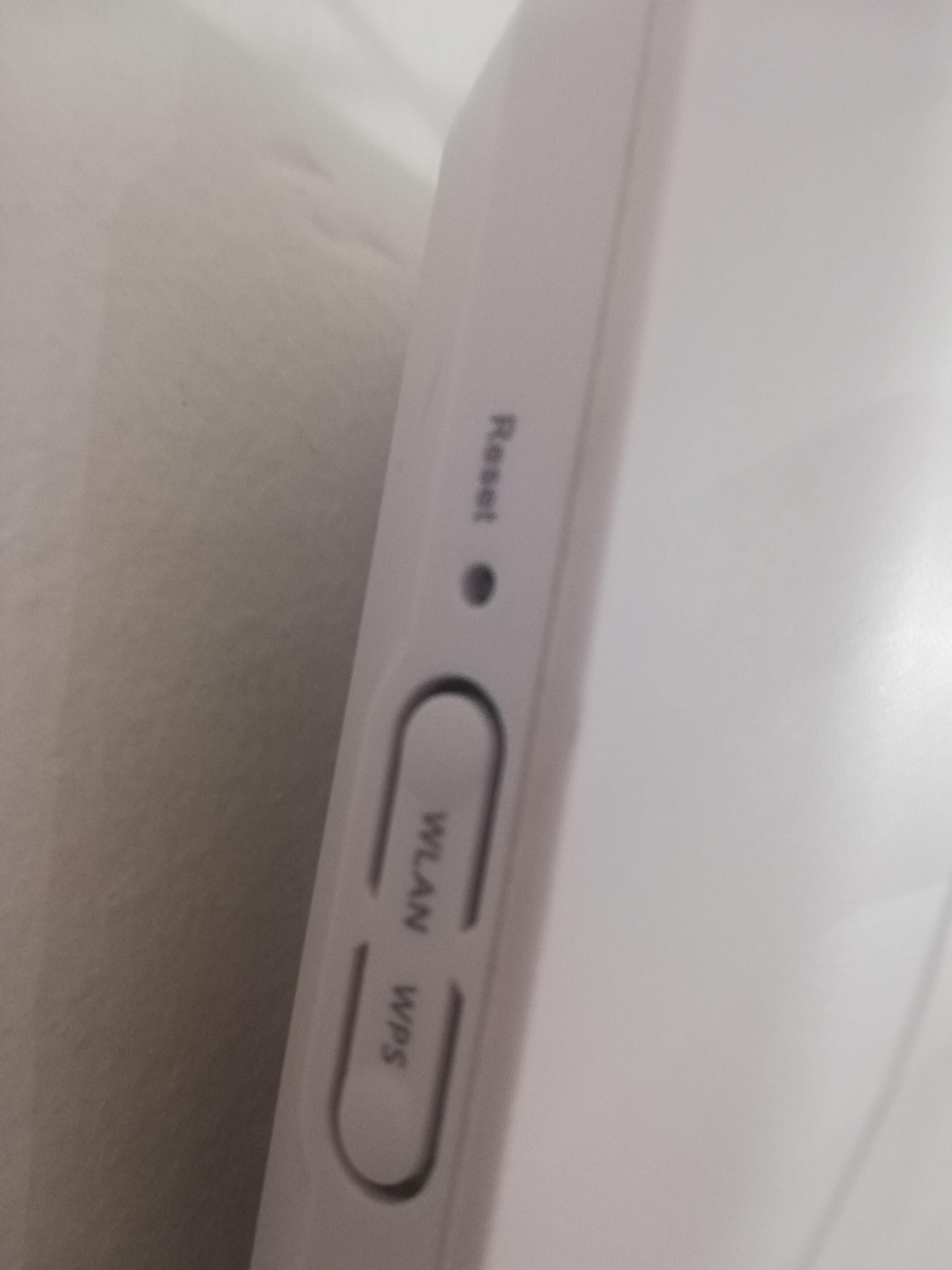
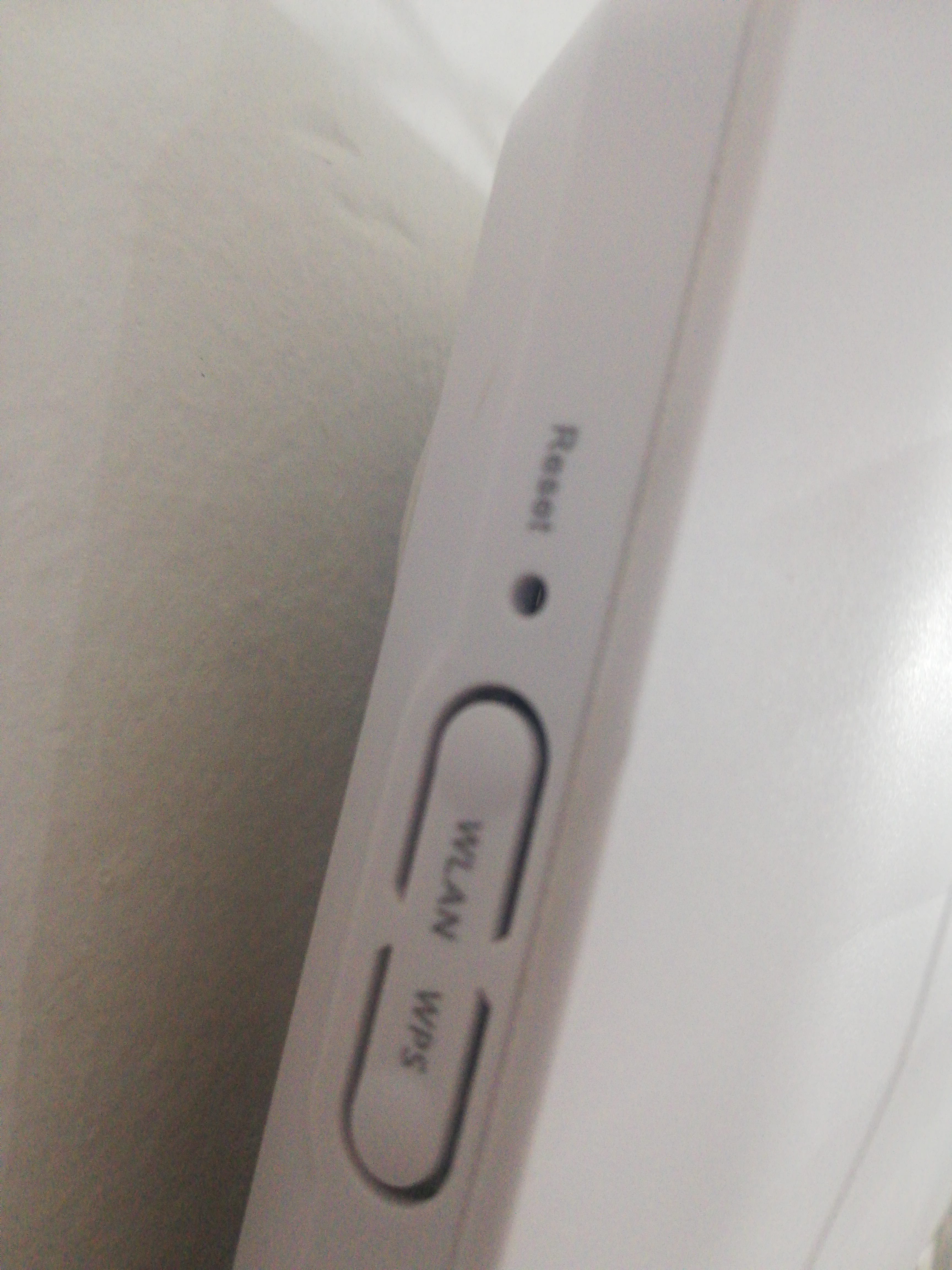
You should check with your ISP if there are any issues with their network, and if not, ask them to reset the router because we couldn't find any documentation for this type of modem.


0
kurtnetfr1 Posted messages 24 Registration date   Status Member Last intervention  
 

What if I completely change the modem model, could the problem be solved?

0
MisteryBean Posted messages 8948 Registration date   Status Moderator Last intervention   1 292 > kurtnetfr1 Posted messages 24 Registration date   Status Member Last intervention  
 

If the problem comes from the ISP's network, changing the modem won't change anything.

Check if you have a manual that explains how to reset it.

0
kurtnetfr1 Posted messages 24 Registration date   Status Member Last intervention   > MisteryBean Posted messages 8948 Registration date   Status Moderator Last intervention  
 

I'll go get it from the cases, thanks again.

0
MisteryBean Posted messages 8948 Registration date   Status Moderator Last intervention   1 292 > kurtnetfr1 Posted messages 24 Registration date   Status Member Last intervention  
 

I don't know this box, but you can give it a try. I think you need to press it for a few seconds until the display or the lights go out.

1
MisteryBean Posted messages 8948 Registration date   Status Moderator Last intervention   1 292 > kurtnetfr1 Posted messages 24 Registration date   Status Member Last intervention  
 

RE_

OK, thanks for sharing the solution. It was indeed from the box.

@ see you on CCM

1
kurtnetfr1 Posted messages 24 Registration date   Status Member Last intervention  
 

Thank you very much

0