Creating a bullet in InDesign
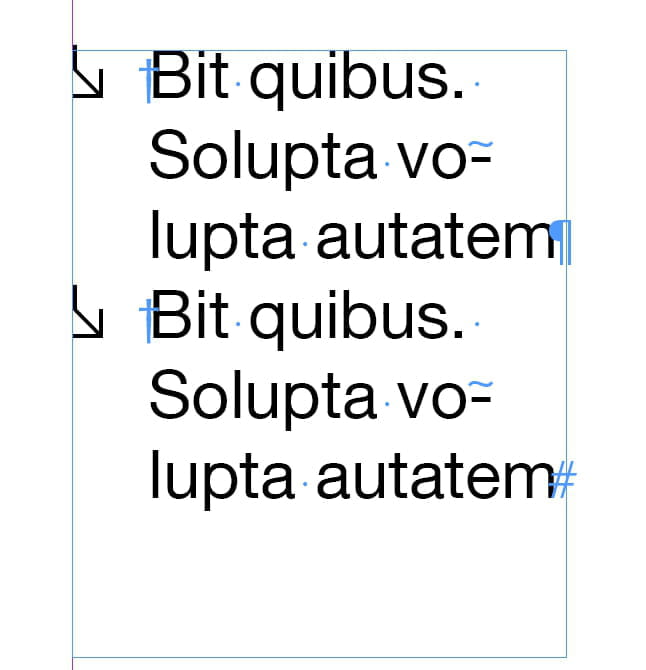
Hello, I'm not sure if this is possible, but I would like to create a bullet point from an icon. I created it in Illustrator and would like to integrate it as a bullet in paragraphs in InDesign. Does anyone know how to do this, please?
Thank you for your help :)
Thank you for your help :)
3 answers
-
Hello,
You can use a pictogram you created as a bullet point, but unfortunately, you won't be able to use it in a paragraph style (which is a shame).
You import your pictogram just like you would an image, then cut it and paste it in the spot of the text you’re interested in. You can also adjust its line height so that it is more or less centered with your text.