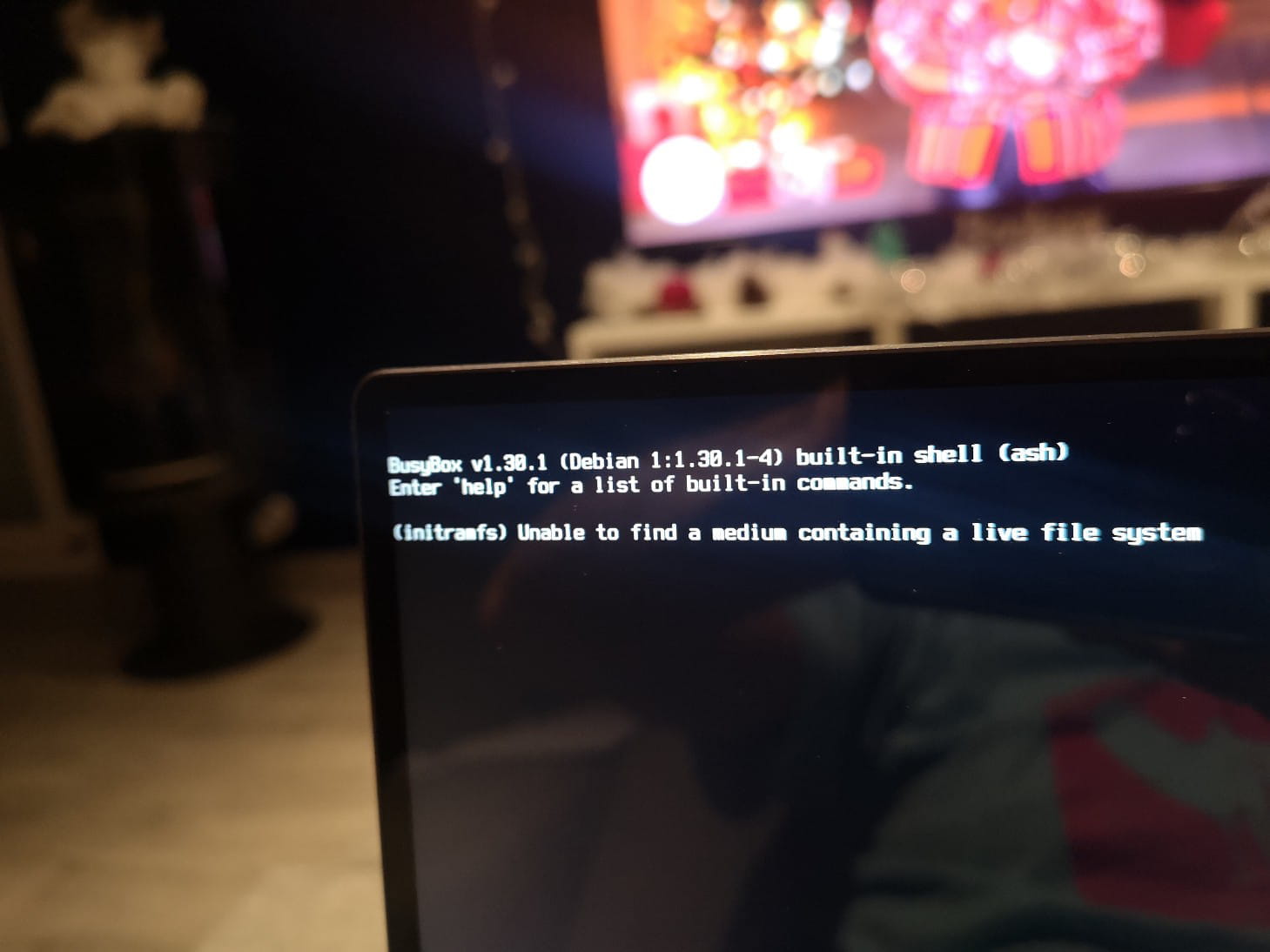
Démarrer à partir d'une clé USB BIOS Huawei Matebook X Pro
Solved
Hello.
I have a problem booting from my USB stick in NTFS where I have some .Iso files with easy to boot.
I would like to keep this file system to store large files.
This USB works on an old PC and on the recent HP laptop of another person but not on my Huawei MateBook X Pro which is also recent.
In the BIOS, I have disabled secure boot and set USB as the first boot option.
When I press F12 to choose the boot device, my USB stick doesn't appear.
For your information, I can boot on my Huawei with another USB stick where I put Batocera. Maybe this system is UEFI, but by disabling secure boot I should be able to boot from a non-UEFI USB stick. :-(
I don't know what to do anymore.

I have a problem booting from my USB stick in NTFS where I have some .Iso files with easy to boot.
I would like to keep this file system to store large files.
This USB works on an old PC and on the recent HP laptop of another person but not on my Huawei MateBook X Pro which is also recent.
In the BIOS, I have disabled secure boot and set USB as the first boot option.
When I press F12 to choose the boot device, my USB stick doesn't appear.
For your information, I can boot on my Huawei with another USB stick where I put Batocera. Maybe this system is UEFI, but by disabling secure boot I should be able to boot from a non-UEFI USB stick. :-(
I don't know what to do anymore.