
Disable call forwarding on Galaxy S5 new
Solved
Morticia69
Posted messages
2
Status
Member
-
Morticia69 Posted messages 2 Status Member -
Morticia69 Posted messages 2 Status Member -
Hello, how can I disable call forwarding on Galaxy S5 new?
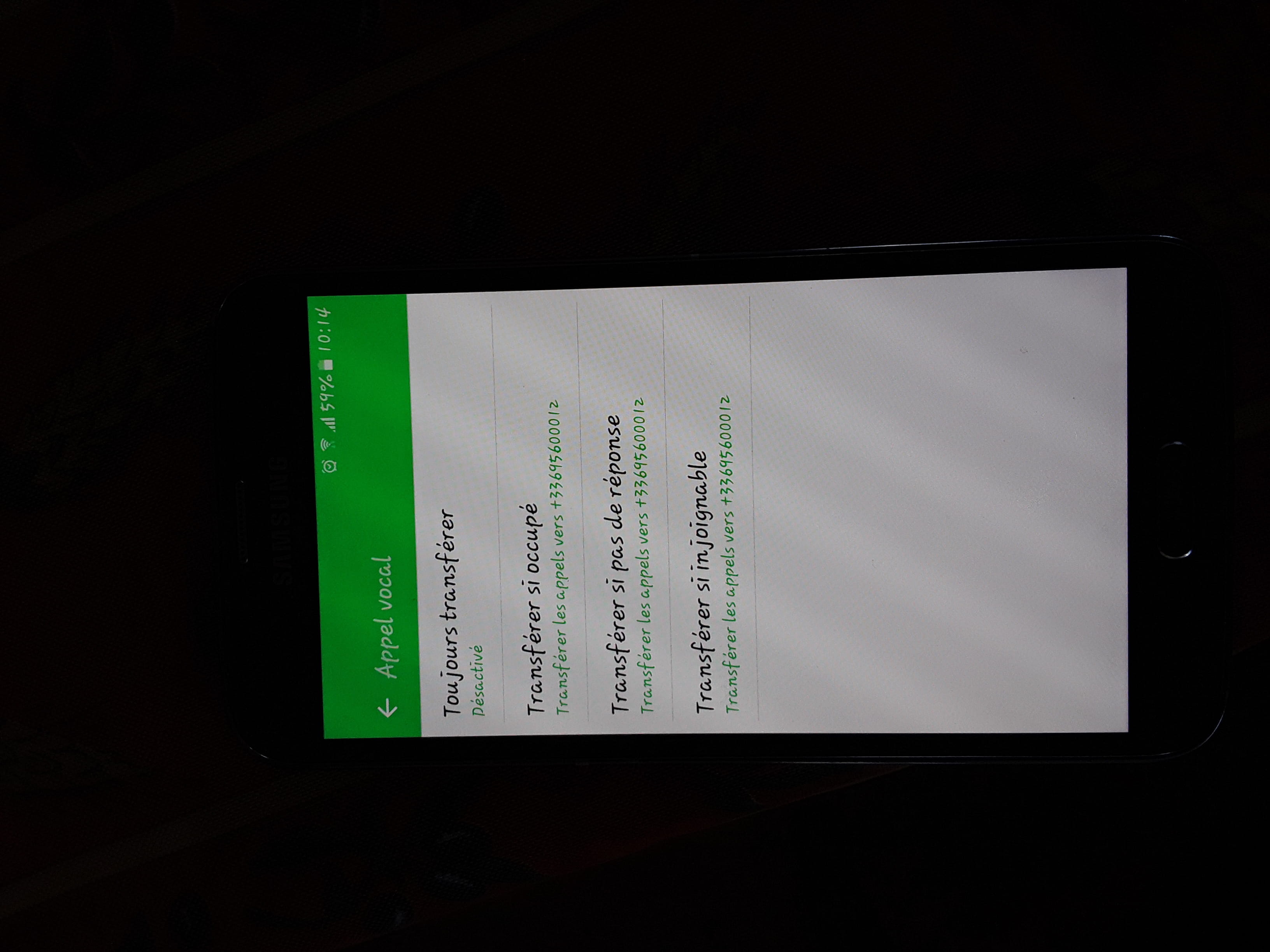
In the call forwarding settings, "always forward" is disabled.
Forward when busy, forward if no answer, and forward if unreachable have a mobile number displayed, but when I try to disable it, an impossible message pops up saying it cannot disable call forwarding when the phone is busy.
Thank you for your help please.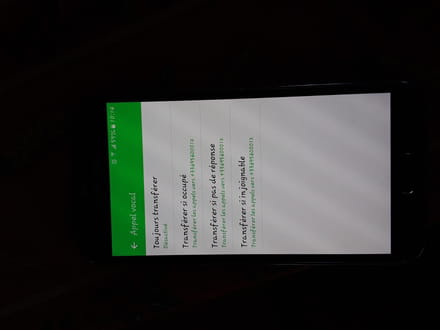
In the call forwarding settings, "always forward" is disabled.
Forward when busy, forward if no answer, and forward if unreachable have a mobile number displayed, but when I try to disable it, an impossible message pops up saying it cannot disable call forwarding when the phone is busy.
Thank you for your help please.
2 answers
-
Hello
The number displayed is likely that of your phone operator's voicemail.
Dial *#61# to confirm.
To disable "call forwarding when busy", simply check the box and select "Deactivate".
The same goes for the other forwards. -
Hello, this is what I did but the message that appears is "unable to disable call forwarding while the phone is busy. Not supported by the operator."

