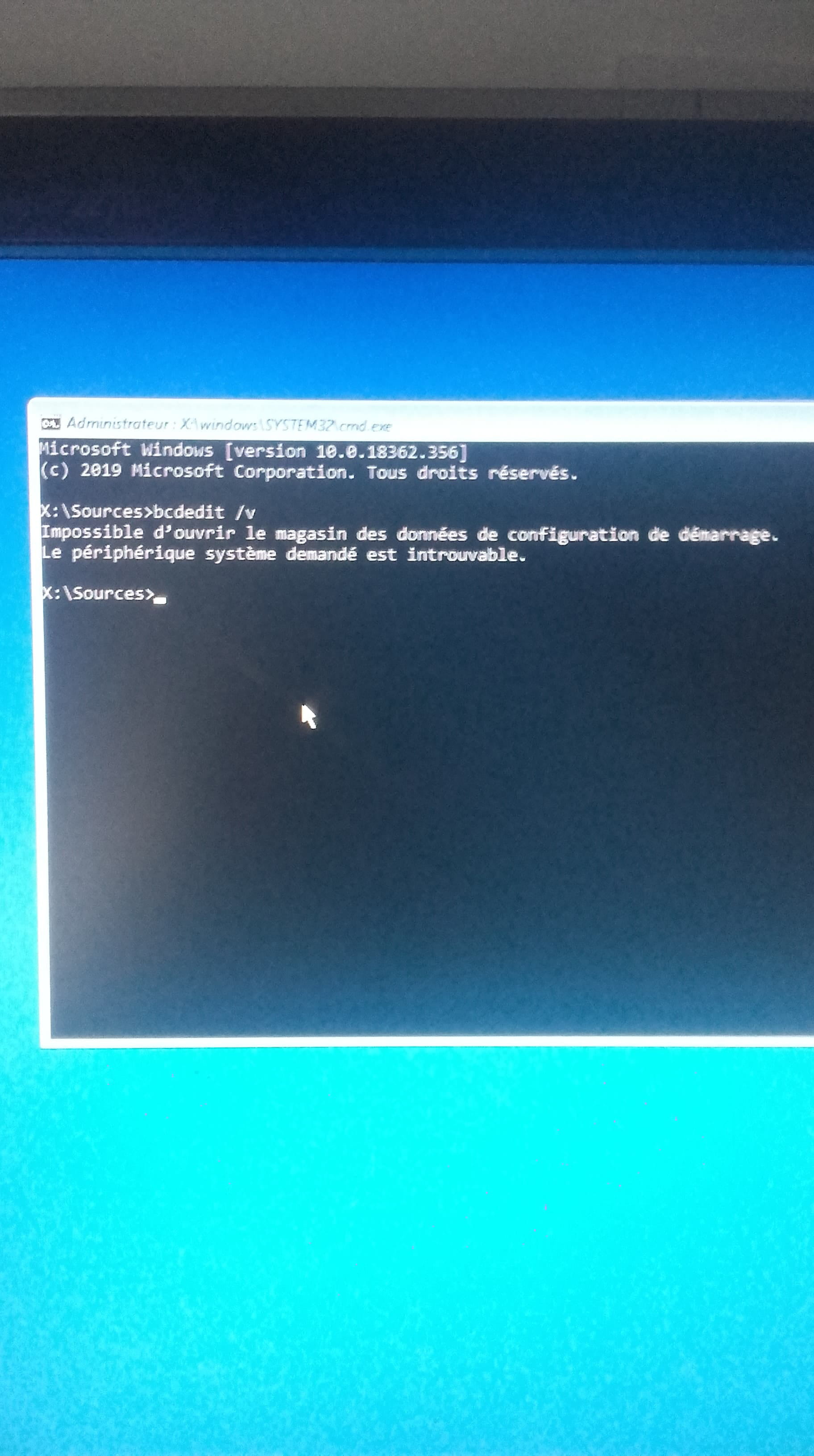
BIOS Issue: Reboot and select proper boot device
Hello,
So I was extracting a .rar file on my computer when it crashed. I couldn't do anything and it eventually displayed a blue screen with an error message. Upon rebooting, the message "Reboot and select proper boot device" appeared, so I went into the BIOS to check the "Order Priorities" but it only shows:
-[USB KEY]
-[USB Hard Disk]
-[Hard Disk]
and others, but none listing my HDD...etc
I tried putting the Hard Disk first in the priorities but I always return to the error message "Reboot and select proper boot device".
What should I do?
Thank you for your help.
So I was extracting a .rar file on my computer when it crashed. I couldn't do anything and it eventually displayed a blue screen with an error message. Upon rebooting, the message "Reboot and select proper boot device" appeared, so I went into the BIOS to check the "Order Priorities" but it only shows:
-[USB KEY]
-[USB Hard Disk]
-[Hard Disk]
and others, but none listing my HDD...etc
I tried putting the Hard Disk first in the priorities but I always return to the error message "Reboot and select proper boot device".
What should I do?
Thank you for your help.
3 answers
-
Hello,
desktop or laptop?
Do you have a boot menu? (usually Esc, F11, F12, or the Exit tab in the BIOS) there should be a boot option
on another computer you can try to put a WINPE on a USB stick > https://www.malekal.com/malekal-live-cd-reparer-depanner-pc-windows/-
-
Contributor@Tetram77in the bios: Hard Disk=HDD
-