Black screen after AMD graphics card update
Solved
Hello,
I'm briefly explaining my situation, as this problem is known on Google, but I can't find a case like mine to resolve it. Here is a link (forum) that discusses the same issue regarding the black screen after updating the AMD graphics driver from the manufacturer's site:
https://www.commentcamarche.net/forum/affich-35468790-ecran-noir-apres-mise-a-jour-carte-graphique
Detailed explanation of my case:
1 - I am running Windows 7 Ultimate, I wanted to upgrade my Windows 7 to Windows 10 = black screen (I’ve lost count of the number of attempts, I spent hours in front of the PC...).
2 - I restored the system = no issues.
3 - Disturbed by why I can't install Windows 10, I ultimately formatted my main disk C.
4 - I went ahead and installed Windows 10 having left only my formatted disk C connected, I disconnected the other disks = Upon booting Windows 10 "Hello," a black screen and therefore no graphical display.
5 - I searched online, I found the issue of a failing graphics card, no problem, I am in CrossfireX, I decided to remove my graphics card and replace it with my second graphics card, resulted in the same issue, still a black screen....
6 - I took the reins again and reinstalled Windows 7 Ultimate = OK complete update and service pack 1 = OK
7 - I installed the driver for my 2 AMD RADEON HD 6990 graphics cards that I found on the manufacturer's site and the automatic detection software = after reboot 2 seconds OK then blue screens (sometimes) and black screens.
8 - I searched on Google and I understand that it’s indeed the AMD driver versions that no longer work and that provide us with unstable drivers....
9 - I tested version 10.2 = black screen then version 10.11 if I'm not mistaken = black screen...
I specify:
With each reinstallation of the AMD drivers, I do an uninstallation, then I use drivers-weeper to clean up the remains, and finally CCleaner to clean my Windows 7 registry.
If someone kind has encountered this issue and knows which version should be installed on Windows 7 Ultimate, it would greatly help me because I am getting fed up....
Thank you for your responses and your time in advance!
MANUFACTURER DRIVER SITE:
UNSTABLE DRIVER VERSION:
EXPIRED DRIVER AUTOMATIC DETECTION TOOL: https://drivers.amd.com/drivers/auto/amddriverdownloader.exe
PC CONFIGURATION:
https://www.driverscloud.com/fr/configuration/54393954-1/resume
I'm briefly explaining my situation, as this problem is known on Google, but I can't find a case like mine to resolve it. Here is a link (forum) that discusses the same issue regarding the black screen after updating the AMD graphics driver from the manufacturer's site:
https://www.commentcamarche.net/forum/affich-35468790-ecran-noir-apres-mise-a-jour-carte-graphique
Detailed explanation of my case:
1 - I am running Windows 7 Ultimate, I wanted to upgrade my Windows 7 to Windows 10 = black screen (I’ve lost count of the number of attempts, I spent hours in front of the PC...).
2 - I restored the system = no issues.
3 - Disturbed by why I can't install Windows 10, I ultimately formatted my main disk C.
4 - I went ahead and installed Windows 10 having left only my formatted disk C connected, I disconnected the other disks = Upon booting Windows 10 "Hello," a black screen and therefore no graphical display.
5 - I searched online, I found the issue of a failing graphics card, no problem, I am in CrossfireX, I decided to remove my graphics card and replace it with my second graphics card, resulted in the same issue, still a black screen....
6 - I took the reins again and reinstalled Windows 7 Ultimate = OK complete update and service pack 1 = OK
7 - I installed the driver for my 2 AMD RADEON HD 6990 graphics cards that I found on the manufacturer's site and the automatic detection software = after reboot 2 seconds OK then blue screens (sometimes) and black screens.
8 - I searched on Google and I understand that it’s indeed the AMD driver versions that no longer work and that provide us with unstable drivers....
9 - I tested version 10.2 = black screen then version 10.11 if I'm not mistaken = black screen...
I specify:
With each reinstallation of the AMD drivers, I do an uninstallation, then I use drivers-weeper to clean up the remains, and finally CCleaner to clean my Windows 7 registry.
If someone kind has encountered this issue and knows which version should be installed on Windows 7 Ultimate, it would greatly help me because I am getting fed up....
Thank you for your responses and your time in advance!
MANUFACTURER DRIVER SITE:

UNSTABLE DRIVER VERSION:

EXPIRED DRIVER AUTOMATIC DETECTION TOOL: https://drivers.amd.com/drivers/auto/amddriverdownloader.exe
PC CONFIGURATION:
https://www.driverscloud.com/fr/configuration/54393954-1/resume
16 answers
-
ModeratorHello,
Go to Start
In the Search bar
Type --> devmgmt.msc and OK.
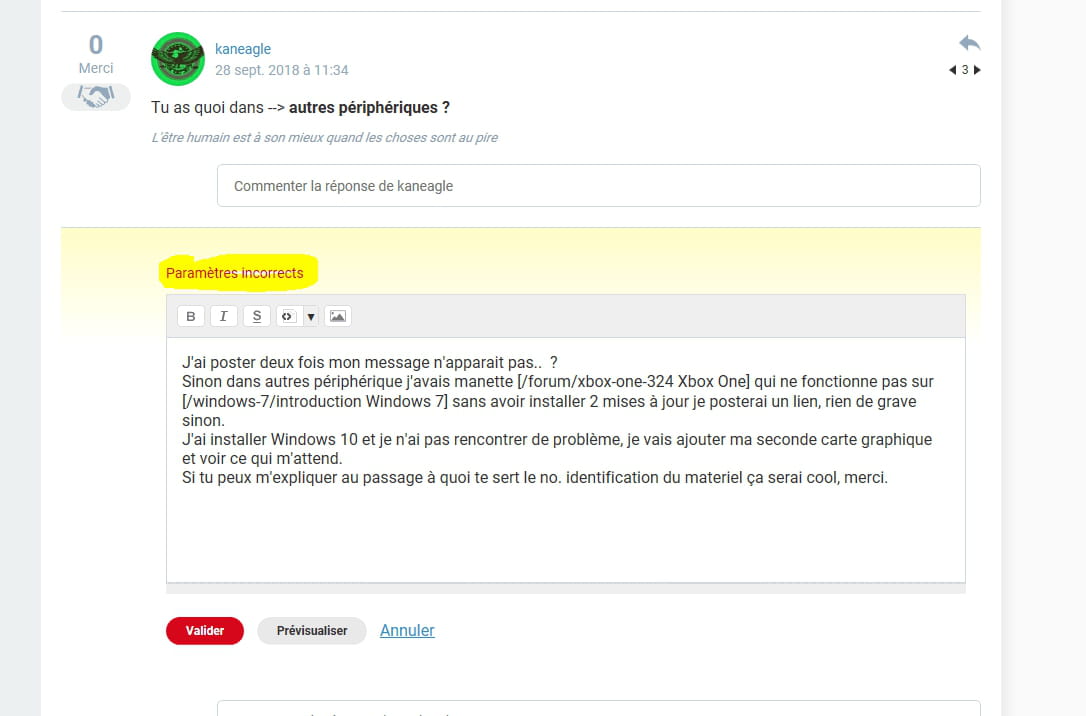
Give the device identification number of the problematic device (standard VGA card)
Look at this --> Find a device's identification number
Post the number in your next message.
-
Hello Kaneagie,
Thank you for your quick response, thank you internet, it's nice to have users present for others!
1 - Yesterday I thought it might come from the Windows updates, so I reformatted and again faced the same issue, black screen.
2 - Then I had to reformat a second time and this time I first installed the drivers for my motherboard, then a backup of the PC, and finally installed the drivers for my graphics card from the installation CD. I had forgotten I had my CDs, so I will share them with everyone; I’m preparing a compressed folder of the installation drivers from the original CD for ATI AMD RADEON HD 6990. After installation, the screen remains frozen at the startup of Windows 7.
3 - I restore the PC and I do the same operation with my other graphics card and it works! So I suppose my graphics card that cost 800 euros is ultimately defective...
I will then install Windows 10, make a backup, and finally reconnect my second graphics card in CrossfireX to see if it messes up again or not.
As requested, here is the list of my currently functioning graphics card:
PCI\VEN_1002&DEV_671D&SUBSYS_0B2A1002&REV_00
PCI\VEN_1002&DEV_671D&SUBSYS_0B2A1002
PCI\VEN_1002&DEV_671D&CC_030000
PCI\VEN_1002&DEV_671D&CC_0300

-