
Word and Office
Solved
fla10
Posted messages
46
Status
Member
-
fla10 Posted messages 46 Status Member -
fla10 Posted messages 46 Status Member -
Hello,
I recently bought a computer, the HP 17-y028nf, and I just downloaded a Word file from my email. The problem is that I can’t edit this Word file (I clicked on the "edit..." button, I can’t remember what). After clicking, another thing shows up: "Most of the Word features have been disabled because the product has not been activated." When I click on activate, it shows me this (see photo).
I’m lost! Do we have to buy Word?? And if so, how can we edit our files for free??
Please help me!!
Configuration: Configuration: Windows / Chrome 55.0.2883.87
I recently bought a computer, the HP 17-y028nf, and I just downloaded a Word file from my email. The problem is that I can’t edit this Word file (I clicked on the "edit..." button, I can’t remember what). After clicking, another thing shows up: "Most of the Word features have been disabled because the product has not been activated." When I click on activate, it shows me this (see photo).
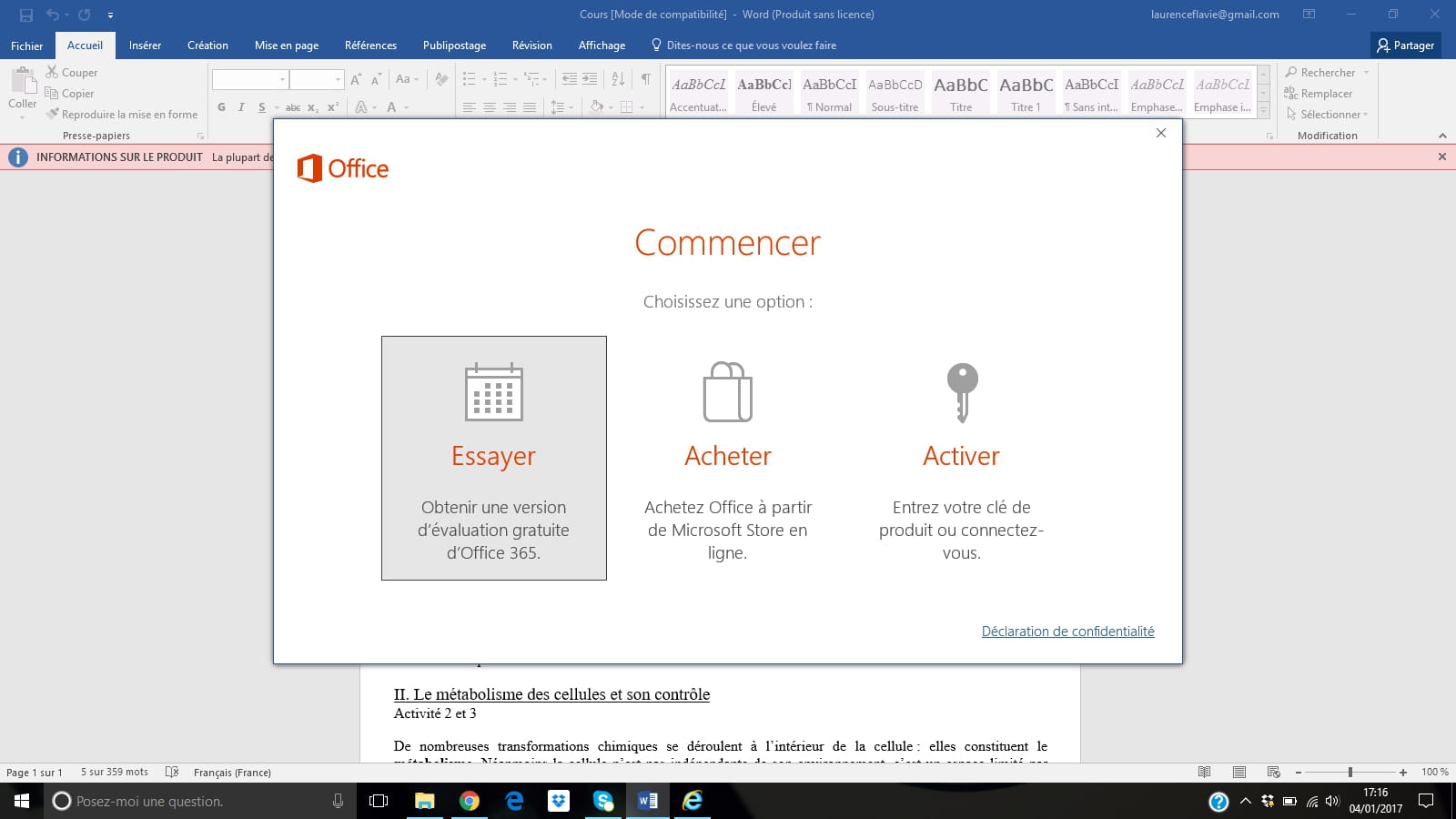
I’m lost! Do we have to buy Word?? And if so, how can we edit our files for free??
Please help me!!
Configuration: Configuration: Windows / Chrome 55.0.2883.87
3 answers
-
Hello,
To my knowledge, Microsoft doesn't give away its software; there are just sometimes trial versions installed.
You can use suites like OpenOffice or LibreOffice. They are compatible with Office formats and free (though a donation is recommended to encourage the developers).
--
People who fight may lose. People who don't fight have already lost.
(Bertolt BRECHT)

