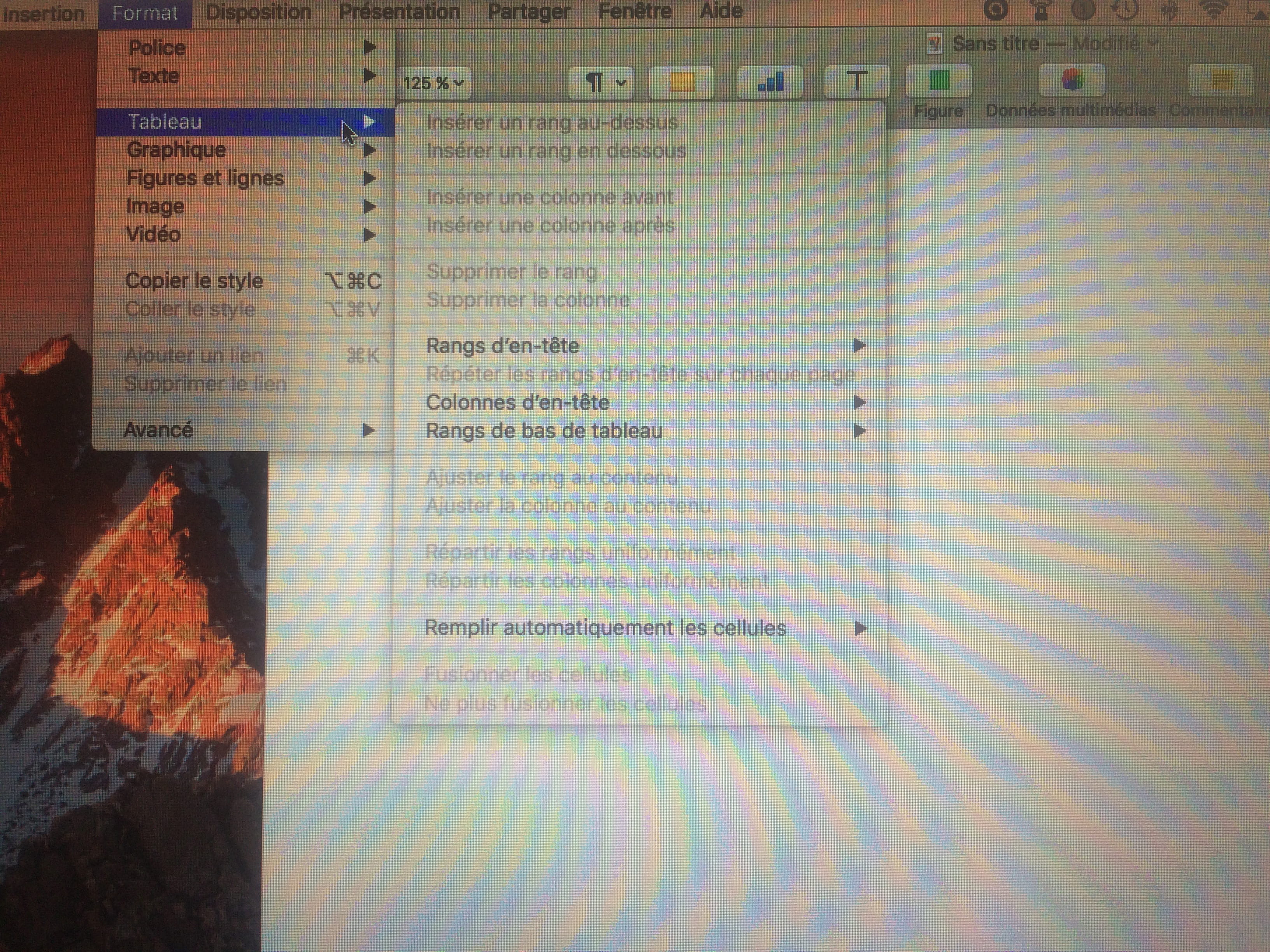
How to create a table in Pages on Mac without a template
Solved
steevou2003
Posted messages
294
Status
Member
-
dede74000 Posted messages 26996 Registration date Status Contributor Last intervention -
dede74000 Posted messages 26996 Registration date Status Contributor Last intervention -
Hello, I'm using Pages 5.6.2 on my MacBook Pro and I would like to create a table myself without using a template like in Word 2016, but I don't know how to do it. Can someone help me?
Here's the style of table I would like:

Configuration: MacBook Pro with 15-inch Retina display
Intel Core i7 quad-core processor at 2.8 GHz, Turbo Boost up to 4.0 GHz
16 GB of SDRAM DDR3L at 1600 MHz
1 TB of PCIe flash storage
Intel Iris Pro Graphics + AMD Radeon R9 M370X with 2 GB of GDDR5 memory
Force Touch trackpad
Backlit keyboard (French) & User guide (French)
Accessory kit
Sent from my MacBook Pro
Here's the style of table I would like:
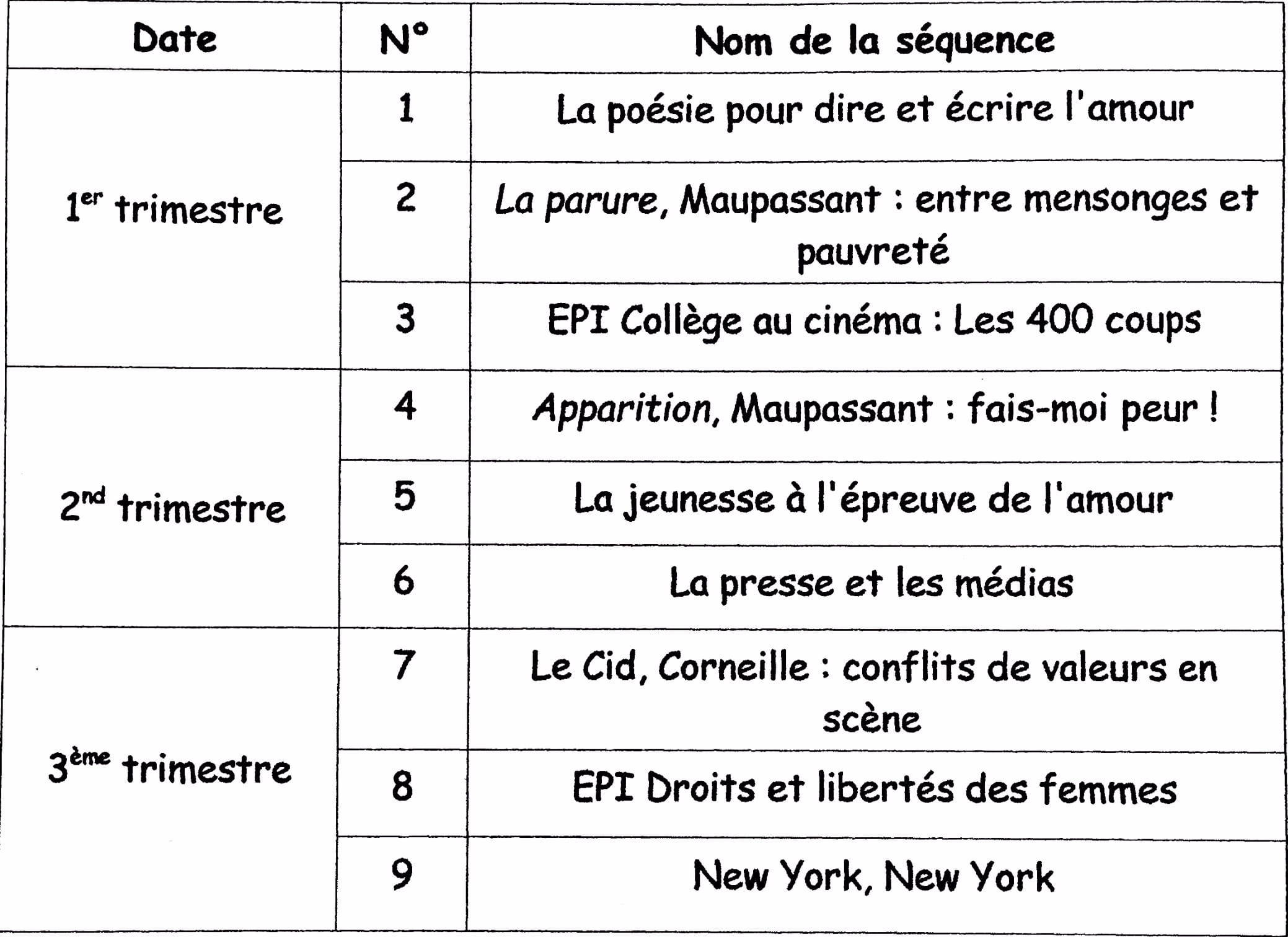
Configuration: MacBook Pro with 15-inch Retina display
Intel Core i7 quad-core processor at 2.8 GHz, Turbo Boost up to 4.0 GHz
16 GB of SDRAM DDR3L at 1600 MHz
1 TB of PCIe flash storage
Intel Iris Pro Graphics + AMD Radeon R9 M370X with 2 GB of GDDR5 memory
Force Touch trackpad
Backlit keyboard (French) & User guide (French)
Accessory kit
Sent from my MacBook Pro