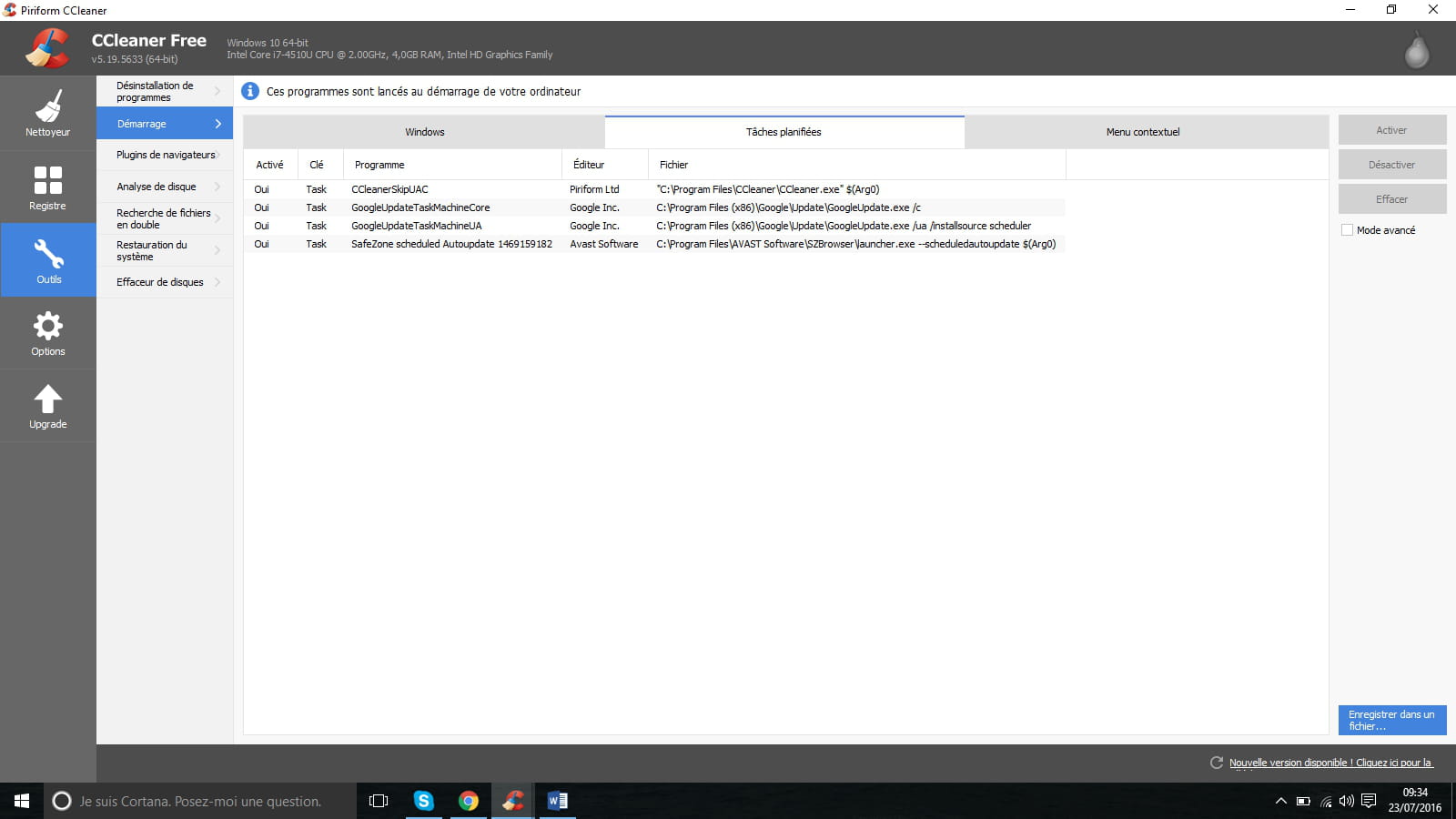
Unnecessary startup programs
Solved
Hello,
I would like to optimize my PC as much as possible at startup.
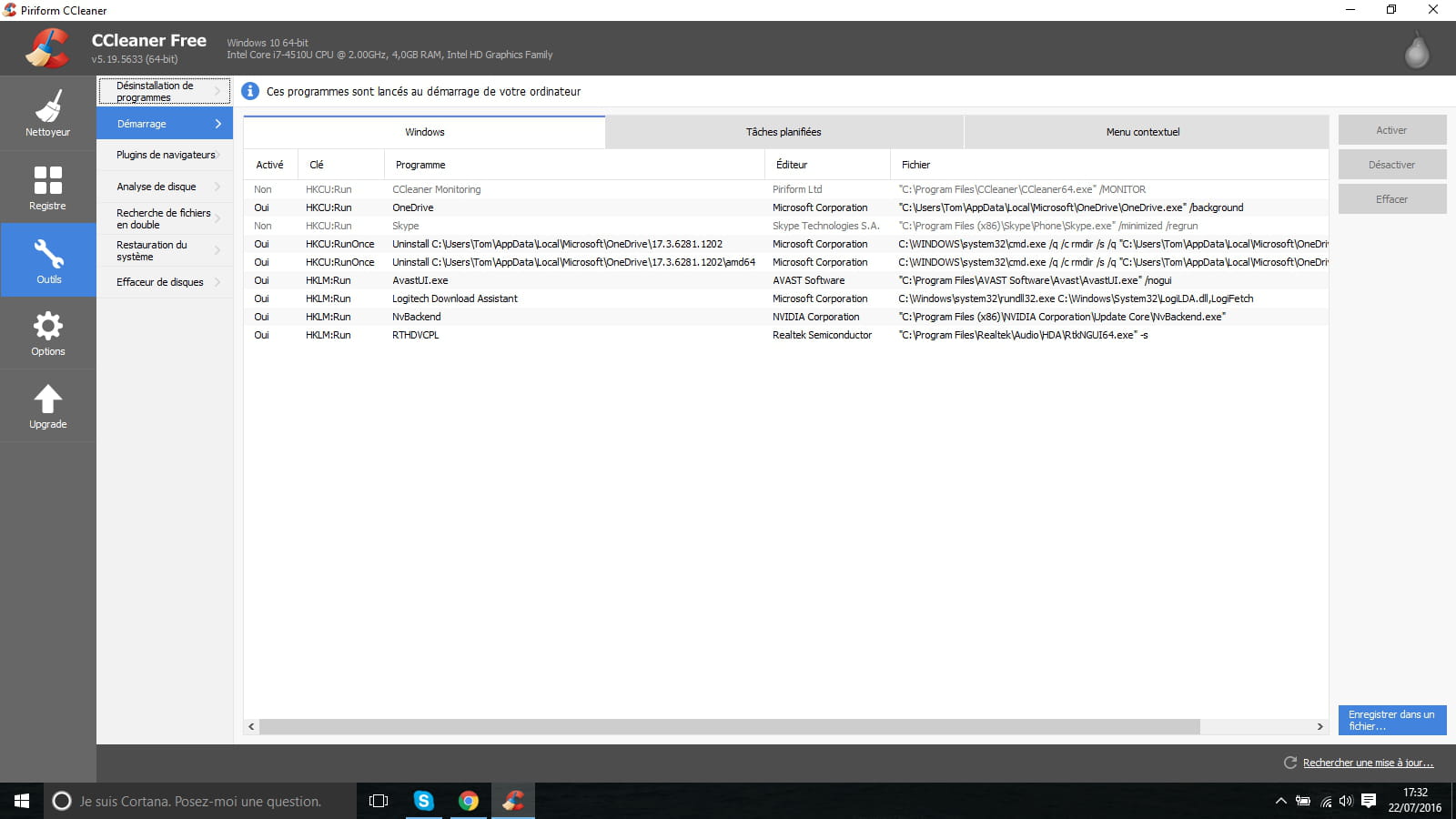
When I look at what's there, I see 3 OneDrive programs and I want to make sure I can disable them before doing anything silly.
After the last 4: Avast, Logitech (which corresponds to my mouse), the graphics card, and the speakers, I think those should be left on.

Thank you for your valuable advice :)
Tom
I would like to optimize my PC as much as possible at startup.
When I look at what's there, I see 3 OneDrive programs and I want to make sure I can disable them before doing anything silly.
After the last 4: Avast, Logitech (which corresponds to my mouse), the graphics card, and the speakers, I think those should be left on.
Thank you for your valuable advice :)
Tom
3 answers
-
Hi,
One Drive is useless to you, it's Microsoft's cloud.
The Logitech Download Assistant is also useless, it's a launcher that updates all Logitech software present on your PC.
Leave the rest, they're Windows programs, your antivirus, your graphics card, and your sound card.
To disable programs on startup, I suggest you do "Ctrl Alt Delete", select "Task Manager", go to "Startup", and disable the software that doesn't suit you.
If you have any other questions, feel free to ask.
--
How it works .net