
Non-breaking spaces
Solved
Hello,
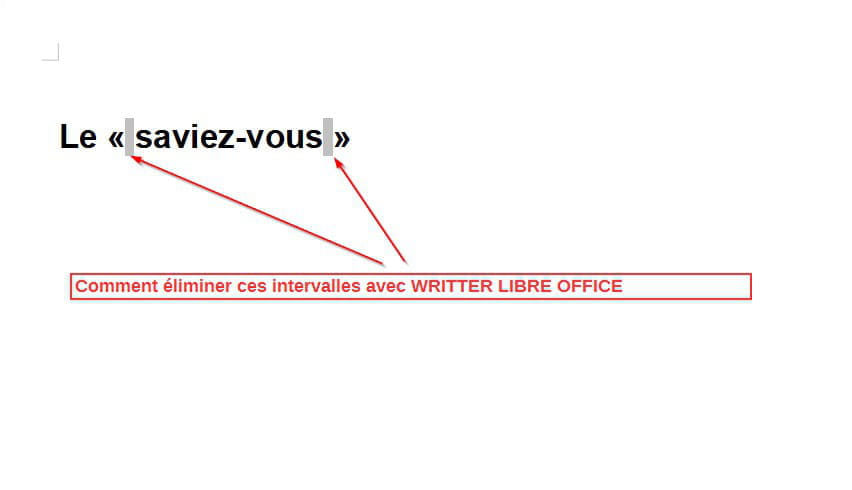
I believe the attached image speaks for itself, thank you if you can help me.

Configuration: Windows / Chrome 88.0.4324.104
I believe the attached image speaks for itself, thank you if you can help me.
Configuration: Windows / Chrome 88.0.4324.104
3 answers
-
Hello,
For OpenOffice see my 2016 response
For LibreOffice

Click on "Resolved" if that's the case
Best regards -
Hello,
I'm not sure I understand. You need to put a space inside the quotation marks, just like you would for any other double punctuation symbol. Why would you want to remove it and deliberately add a mistake in the text? -
Hello,
thanks to Pyraah for replying to me and also to PapyLuc51, my problem is now resolved.-
-
@Anonymous userExactly, thank you again for taking the time to respond to me.
-

