Cancel default opening program
Hello
I would like to cancel the default open program for WinRAR because unfortunately I clicked too quickly on "always open with Internet Explorer" yesterday
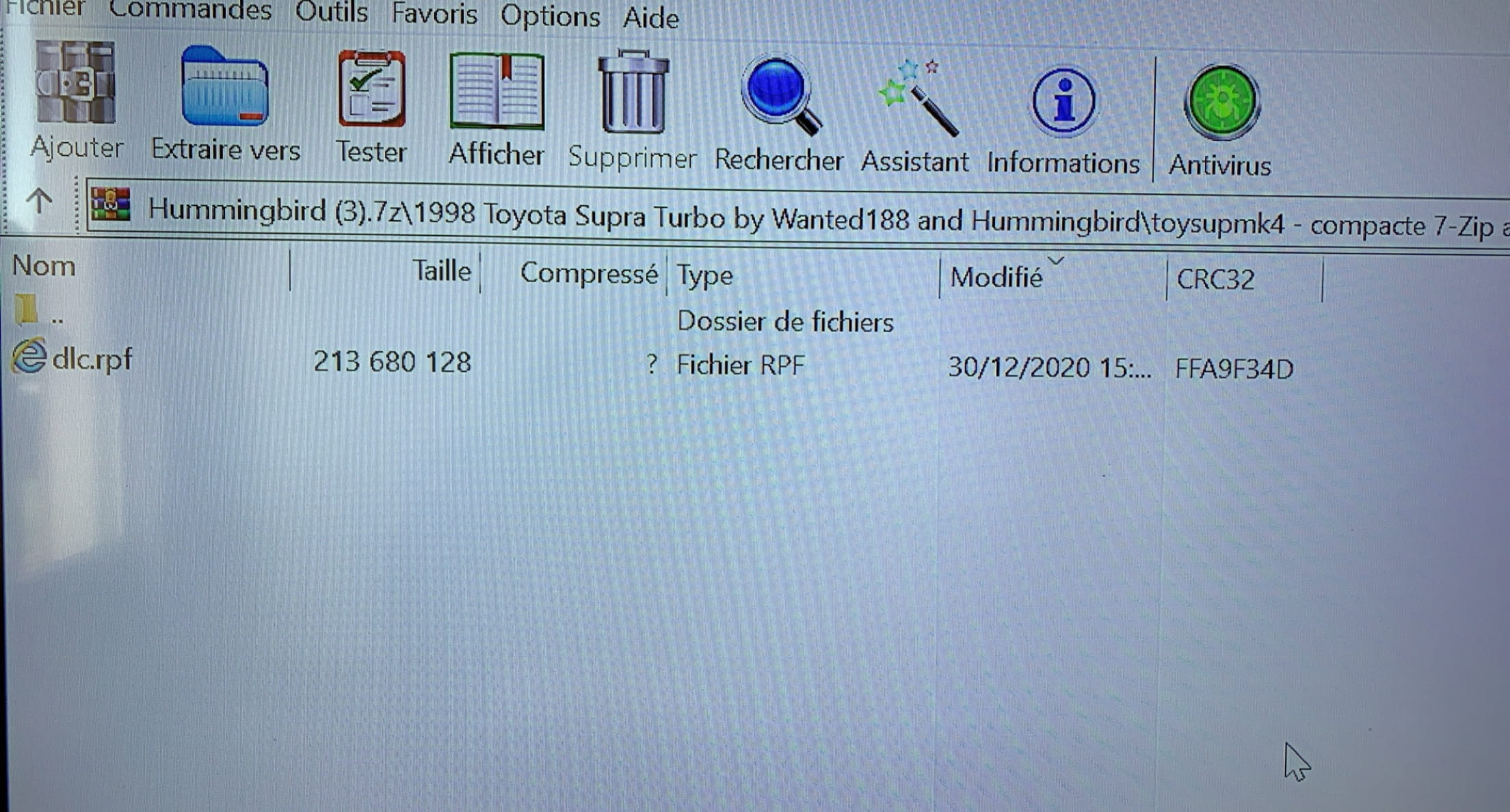
So now all my files have the "E" icon for Explorer and are unusable for what I want to do
I hope you can help me
Thank you
I would like to cancel the default open program for WinRAR because unfortunately I clicked too quickly on "always open with Internet Explorer" yesterday
So now all my files have the "E" icon for Explorer and are unusable for what I want to do
I hope you can help me
Thank you
6 answers
-
ModeratorSecond suggestion:
Download and install --> Revo Uninstaller
Run it as administrator
Uninstall Winrar
Follow the tutorial closely to uninstall everything properly, including leftover files and registry keys.
For the residual scan, check advanced mode.
Restart the PC.
Reinstall Winrar.
--
Human beings are at their best when things are at their worst. -
Hello, reset the default programs
https://formation-informatique-avec-cedric.fr/question/comment-faire-pour-reinitialiser-les-programmes-par-defaut/ -
-
ModeratorTry the second proposal.
--
Human beings are at their best when things are at their worst. -
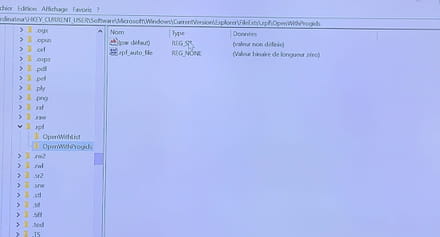
ModeratorHello,
Press Windows + R
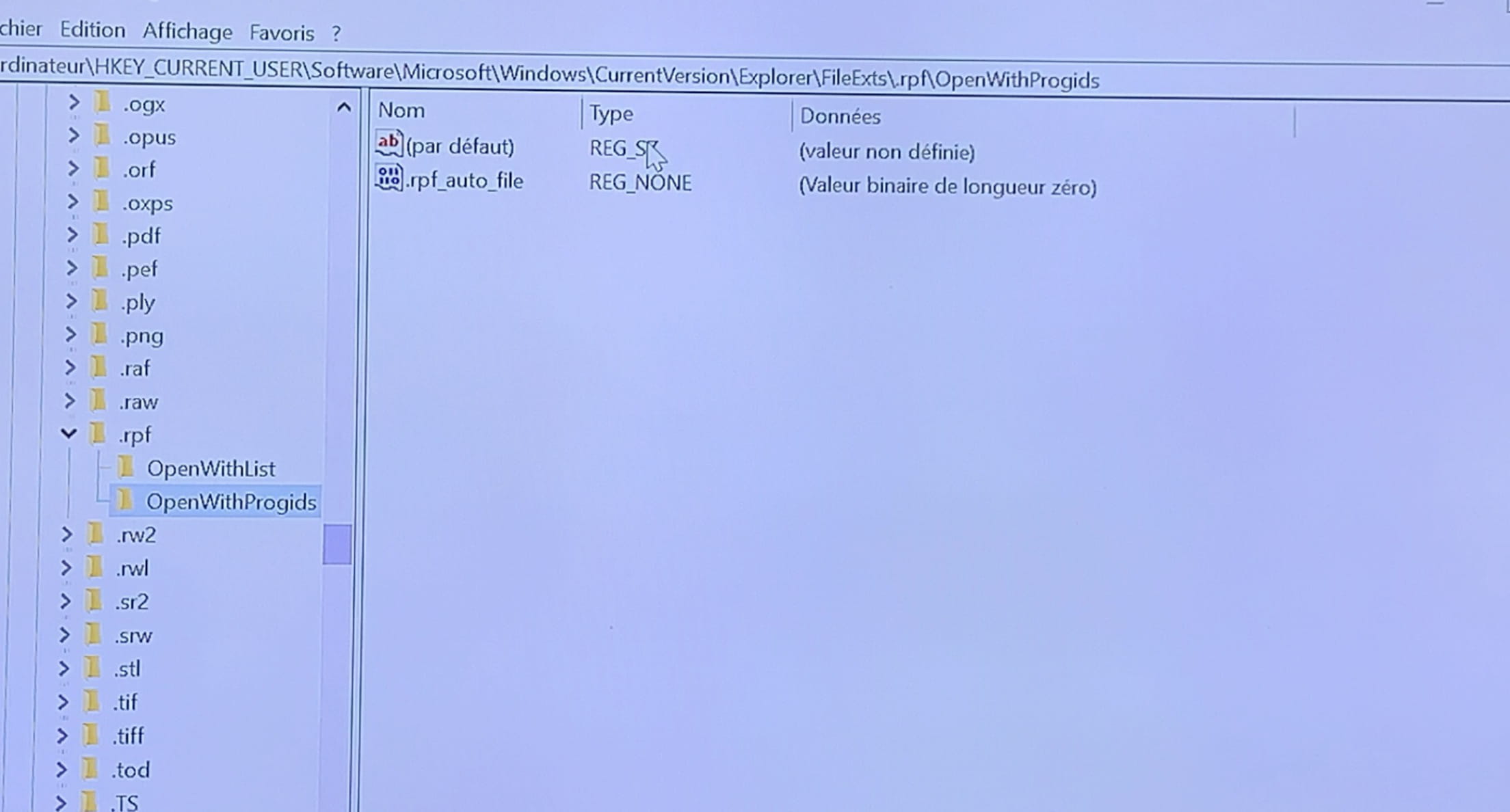
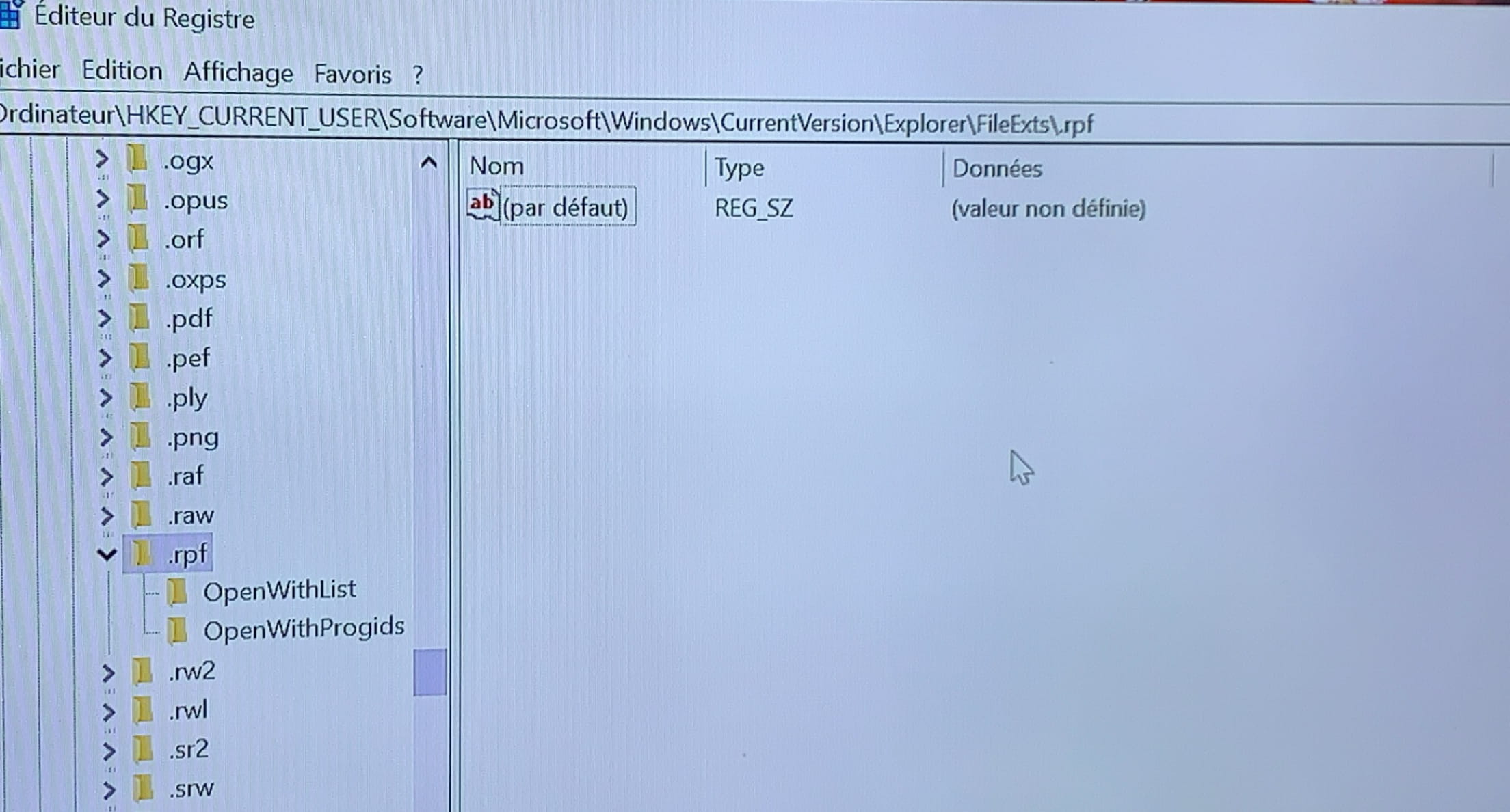
Type --> regedit.exe and OK.
Follow this path:
HKEY_CURRENT_USER\Software\Microsoft\Windows\CurrentVersion\
Explorer\FileExts
Locate the extension --> .rpf
In subfolders, delete --> UserChoice
Close the registry
Restart the PC.
If the problem persists, download and install --> Revo Uninstaller
Run it as administrator
Uninstall WinRAR
Follow the tutorial carefully to uninstall everything cleanly, including residual folders and keys.
For the residual scan, check advanced mode.
Restart the PC.
Reinstall WinRAR.
-
Hello,
To disable startup programs in Windows, do the following:
Right-click on the taskbar (at the bottom)
Task Manager.
In the window, click on Startup.
Next to the software or application in question, right-click on its status and then disable
foulq.
It's crazy how many people ask for help and don't know how to say thank you.
Windows 10, Brave.</signature>-
-
@Bastosse83300https://support.microsoft.com/en-us/windows/change-the-apps-that-run-automatically-at-startup-in-windows-10-9115d841-735e-488d-e749-9ba301d441e6#:~:text=Here%20are%20two%20ways%20to%20change%20the%20apps%20that%20run%20at%20startup%20are%20Enabled.
Click on the button at the bottom: "Open startup settings" -
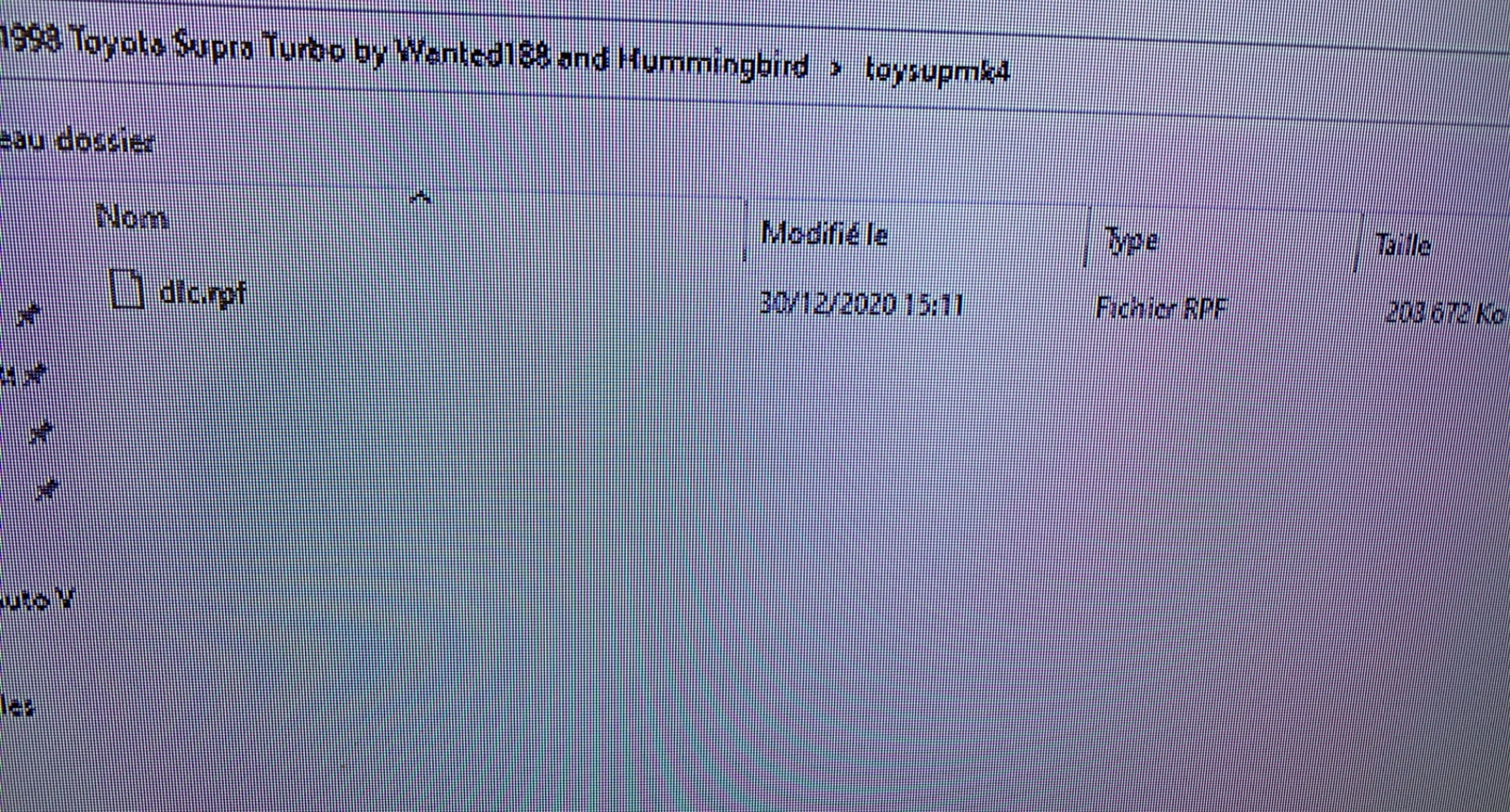
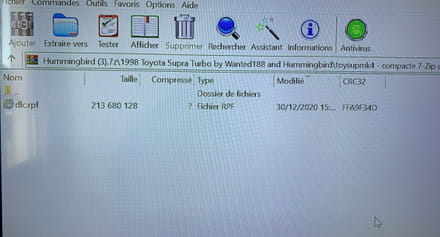
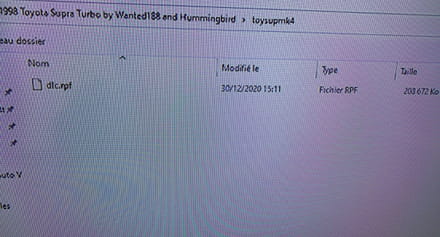
@foulqActually, I'm not sure if my question is good. I am adding the two photos to show what I would like to change. The first one is currently the problem I am experiencing because I clicked on "Open with Explorer," and the second photo is the original one that I would like to restore. You can clearly see that the two icons have changed.
-