
TV Panasonic: instantly access my favorite channel
brucine Posted messages 25319 Registration date Status Member Last intervention -
Hello,
I just purchased a Panasonic TV TB-32S45AEZC, Series S45 32 inch Full HD LED Smart TV, TiVo, Google & Alexa Voice Control; before landing on my favorite channel, I have to wait to see the two logos: Panasonic and TiVo, choose the "source" mode in a dropdown menu and then choose the source; do you know if and how I could immediately access my favorite channel or the last viewed channel?
Regards
5 answers
-
jeannets Posted messages 28459 Registration date Status Contributor Last intervention Ambassador 6 618
Hello,
You should find a volunteer who has the same TV and watches the same programs...
To get the magic answer... You probably need to be very patient..
-- If you phrase your question well, the AI might answer you..??
-- Otherwise the manual of this TV... and the person who sold it to you... is the "user guide"
Here is a lead to follow.
-
Thank you; I asked about the user manual, because pressing the TiVo button does not take me to the channel I want to watch, but to a dropdown menu where I have to choose "sources" and then choose the source; furthermore I don't have the option "add to favorites"; I asked the AI, but it doesn't know this device or the remote or the manual because it gives inaccurate, unusable information.
-
Hello,
Televisions are in principle "smart" but not to the point of connecting to the last source used and within that source to the last channel used, but by default starting on that source which, when chosen, displays that last channel.
Mine (Samsung) knows how to automatically launch the Samsung TV Plus source on startup (as if...) but not the others; there is in principle a priority for the connected HDMI device (if there are not two at the same time): a connected TV not to the antenna but to a box decoder will normally start the TV by Box at startup and in this TV the last watched channel.
-
-
Hello,
In the menu under the section ModeVeille/Marche you have the option to choose between the options Ecran d'acceuil and Dernière source
See the French notice on page 26 (105 of the pdf) (the French part has a problem) also see page 24 English (25 of the pdf)
The notice https://fc.darty.com/notices/c/6/f/2/c6f2db61b16eed2fd06d78fa93f9751fdb016f00.pdf
Very difficult to catch a black cat in a dark room, especially when it isn’t there... -
Hello,
Just by the way.
(the French part containing a problem)
Visibly, you are using the Google Chrome browser.
See with Reader Mode in Chrome.
To obtain Reader Mode with Firefox, simply press the F9 key on the keyboard when this feature is available.
For Microsoft Edge see here:
Sur Firefox, cela donne ceci ci-dessous (je n'utilise pas le navigateur Google Chrome…) en mode lecture.
@+-
Thank you, but I’m using Firefox and the “Reading Mode” feature apparently isn’t available (on my end) when viewing this PDF, and consequently F9 has no action.
You're welcome.
Weird, I'm on Firefox!
https://support.mozilla.org/fr/kb/retirer-tout-le-superflu-des-pages-web-grace-au-mode-lecture
-
-
Before!

Reduce to 50 or 75% to view!
Also see in real size by dragging the cursor on the right side of the screen.
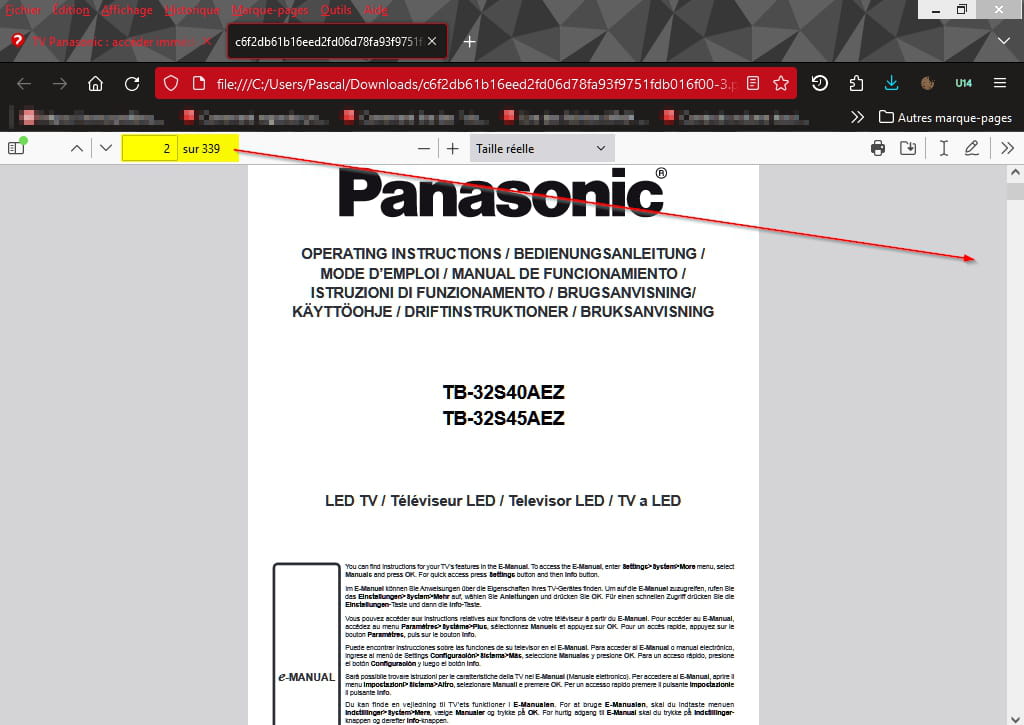
After…

-
It is certainly related to a Firefox setting that makes the reading mode not appear when viewing a PDF in Firefox, whereas it is available elsewhere...
No problem, I’ll look into that another time
Thanks.
OK.

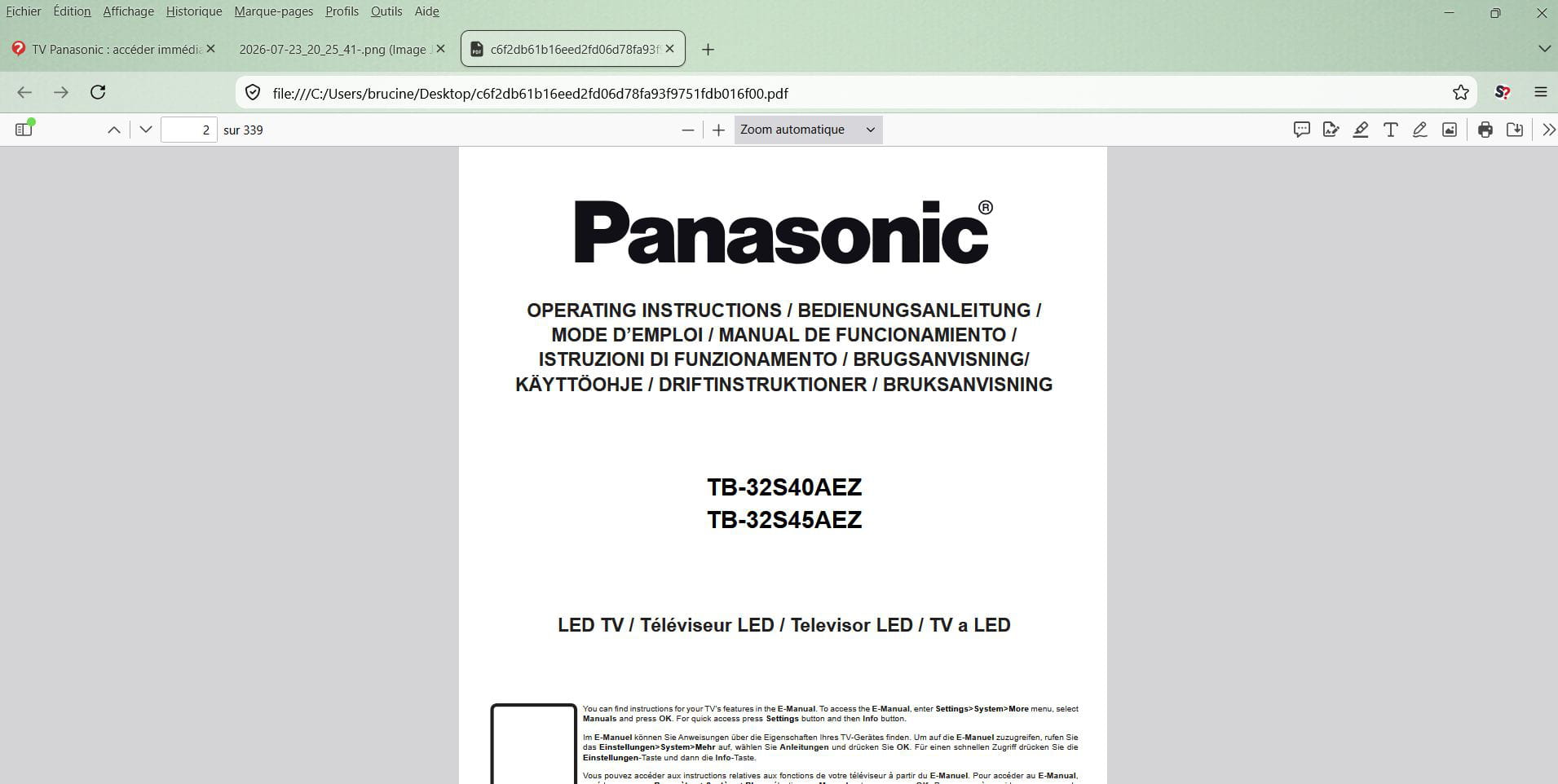
The theory would have the reading mode be available or not for a given site, you show us that you obtain it in the address bar.
I don’t have the same layout as you, not the personal bar of course because it’s a choice, perhaps because for some obscure reason my address bar is much wider than yours, leaving no space to its right for the famous icon or others.
-


